Your products, channel by channel
Counter, kiosk, online ordering: each product is enabled where you want.
Snack bar
UNITICE is the multi-OS cloud checkout platform. The counter checks out fast, the set menu is built as a path, and the VAT rate follows the eat-in or take-away choice.

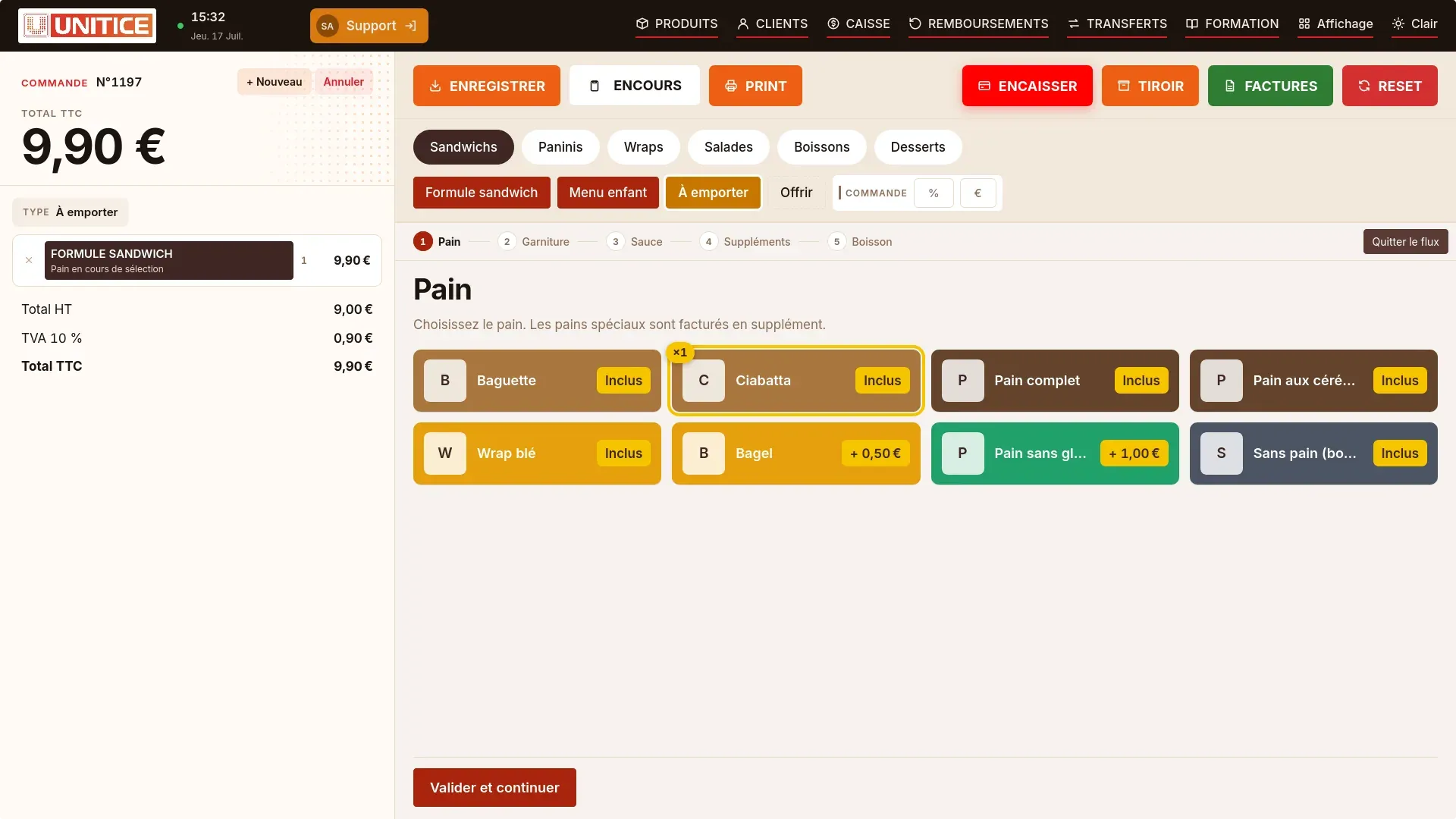
A "Sandwich meal" button starts the flow: the bread, the filling, the sauce, the extras, then the drink. It can also offer to remove an ingredient, and the receipt follows each choice.
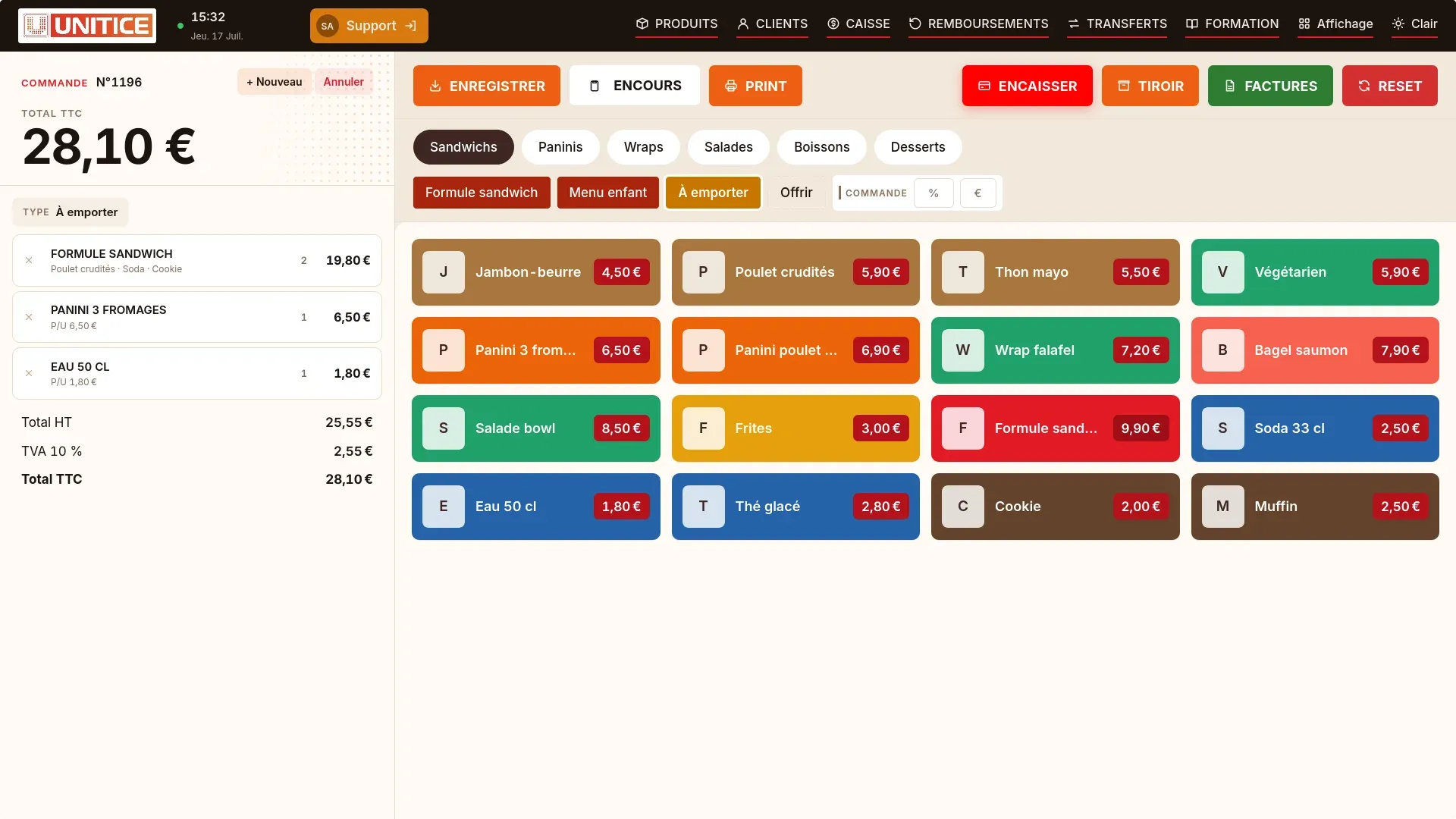
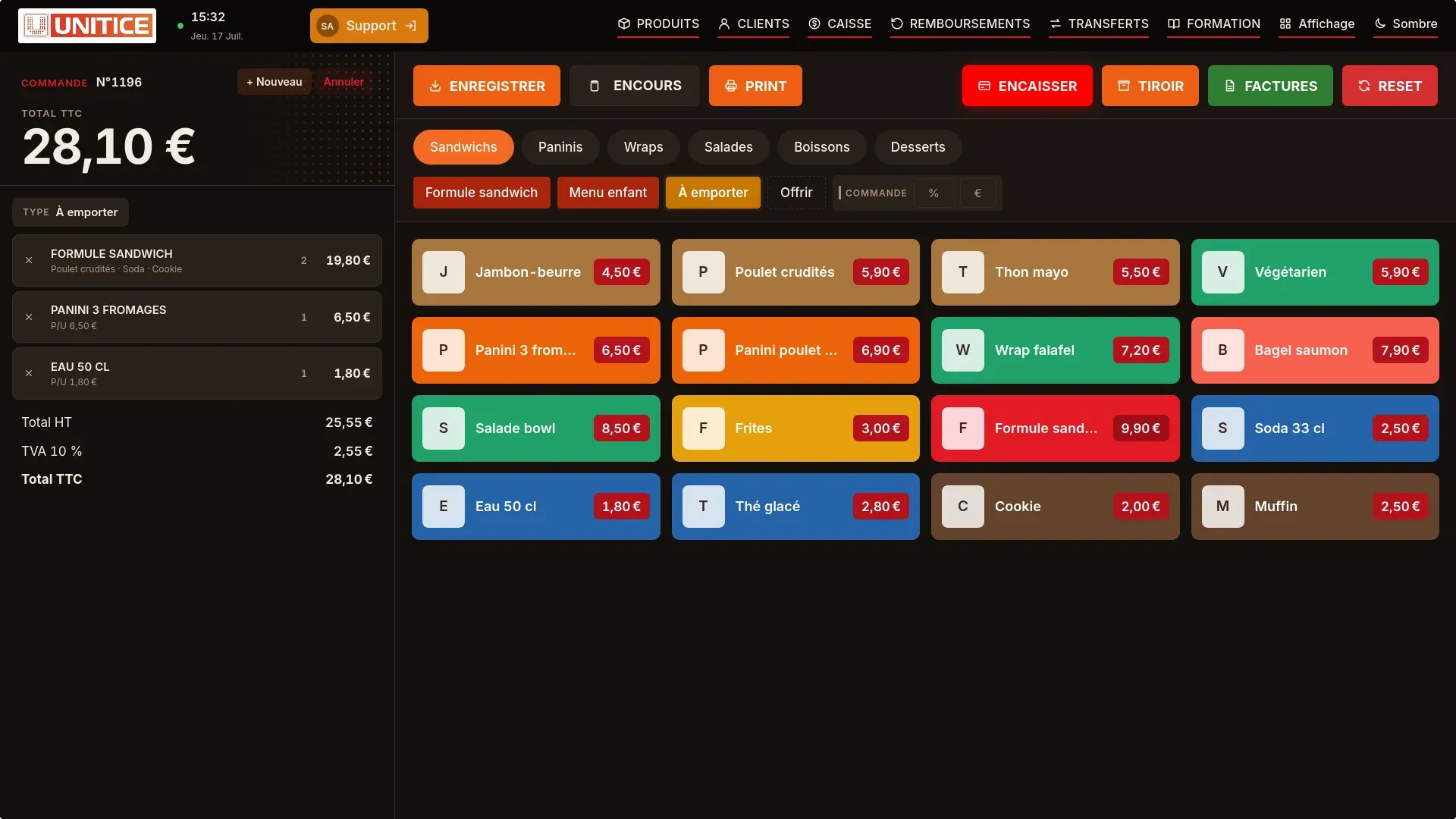
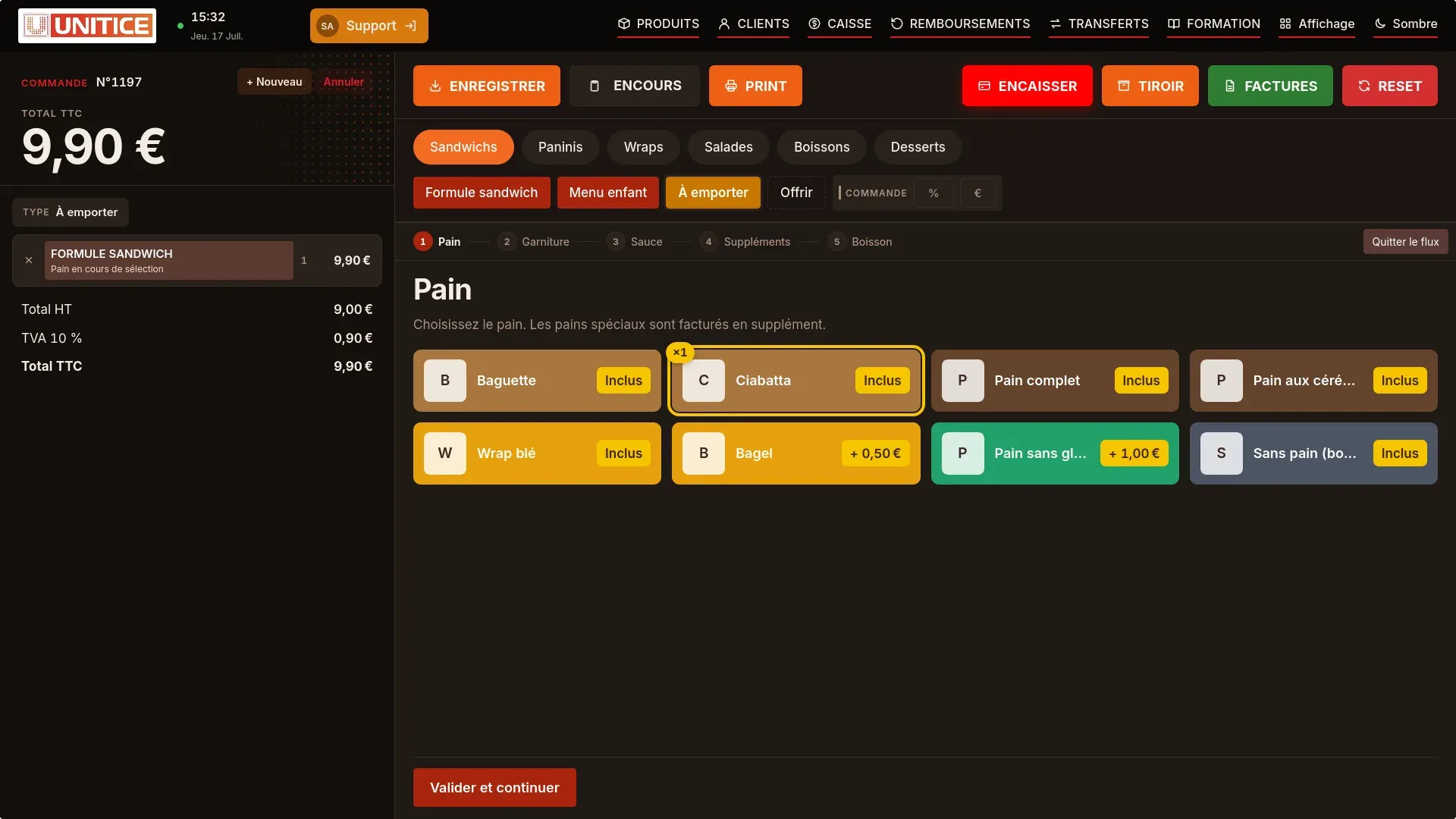
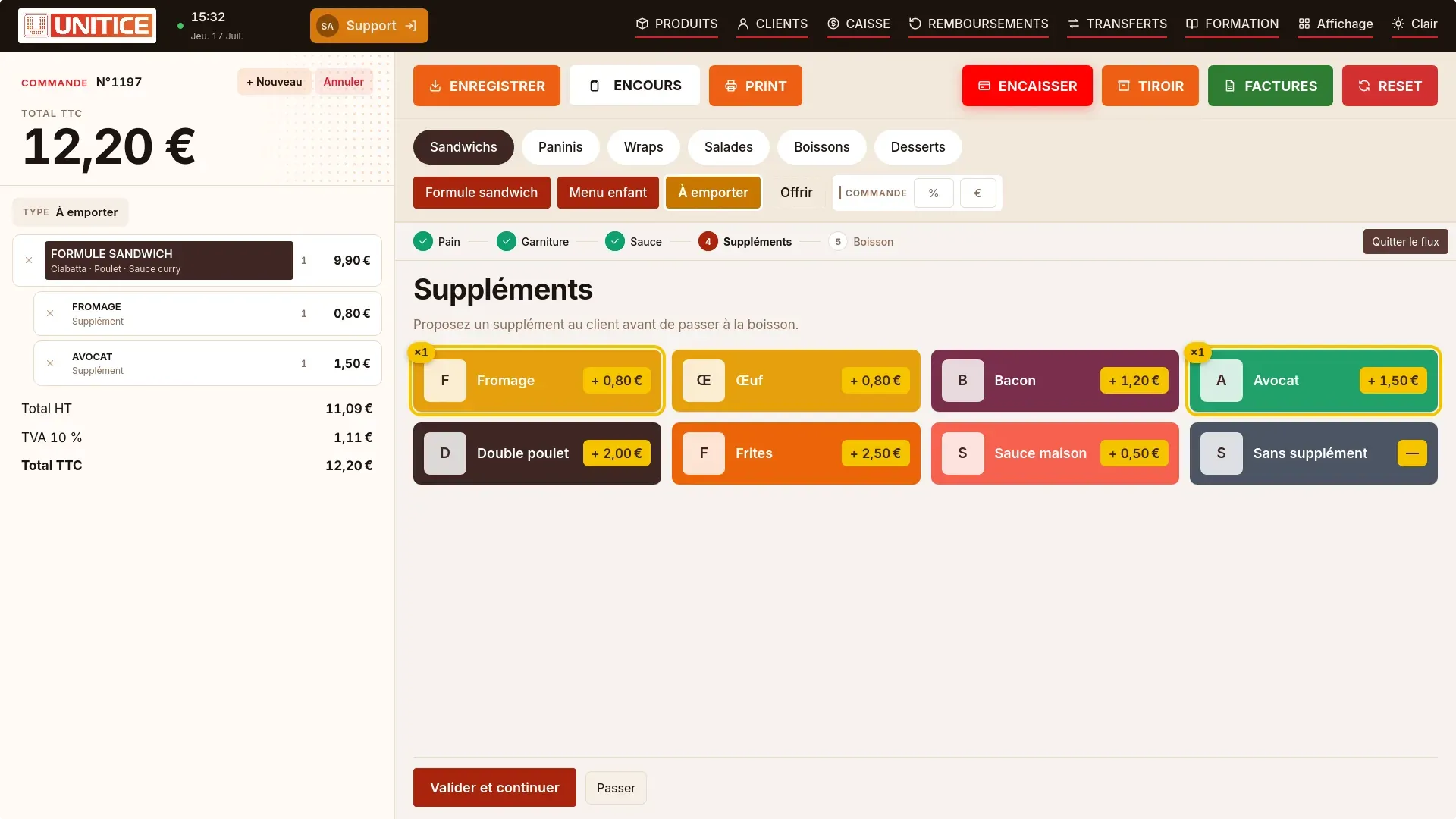
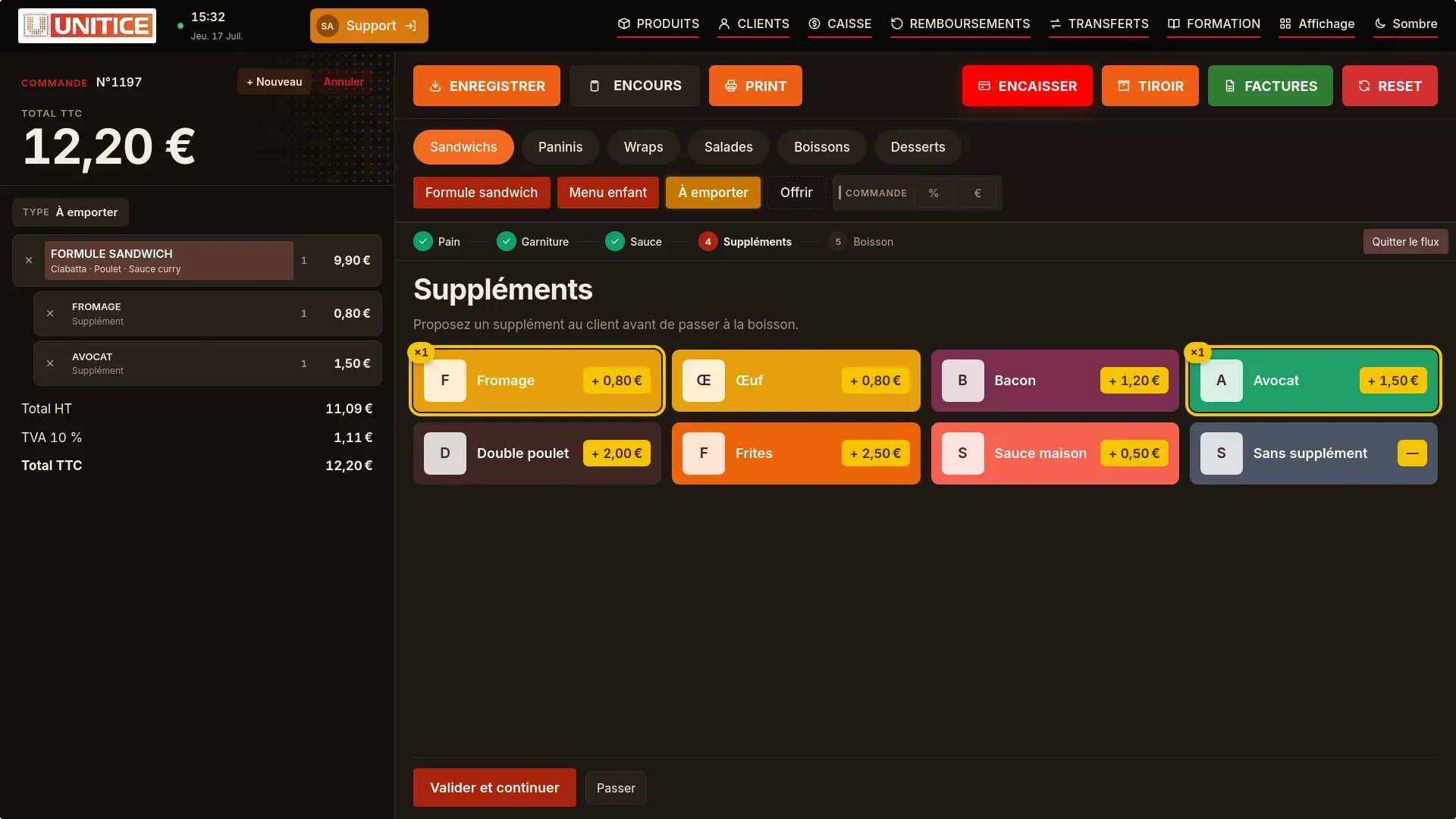
In your back office, on a computer, tablet or phone: you change a price, a product or a setting, the till follows at once.
Counter, kiosk, online ordering: each product is enabled where you want.
Sandwich, drink, dessert: the set menu is built step by step, configured for you.
The price and the VAT follow the chosen mode, product by product.
Counter, kiosk, online ordering: what each one brings in.
Statistics
Each cell is a day of sales. Seasons, busy weekends and quiet days show at a glance.
Catalogue
Till, kiosk, web: you choose where each product is sold, with its price and preparation time for each mode.
| Mode | Prices | Preparation |
|---|---|---|
| Eat in | 12,90 € | 8 min |
| Takeaway | 12,90 € | 6 min |
| Delivery | 13,90 € | 10 min |
Till
Categories, order and button colours: you arrange the sales screen the way you arrange the counter.
Kiosk and web
Products, details, table, confirmation: a guided path, the same on the kiosk and on the web.
Leading products in one action, reorderable by time of day.
The customer or the salesperson builds the set menu, and the price follows.
The mode adjusts the VAT, with no re-entry of the receipt.
The same catalogue as the till, for the rush.
Yes. The mode adjusts VAT, line by line, with no retyping of the receipt.
Yes. A price changed at the till shows up on the kiosk.