Products shown on the order kiosk
A switch per product and per category.

Solution — order kiosk
The UNITICE touch order kiosk takes self-service orders at peak times and automatically suggests add-ons — a drink, a dessert, a set menu. Connected in real time to the till and the kitchen, it also takes contactless card payment.

The welcome screen starts the order, with the language choice and the accessible mode, which lowers the screen. The catalogue follows the light or dark theme. With no activity, the order kiosk offers to resume before cancelling.
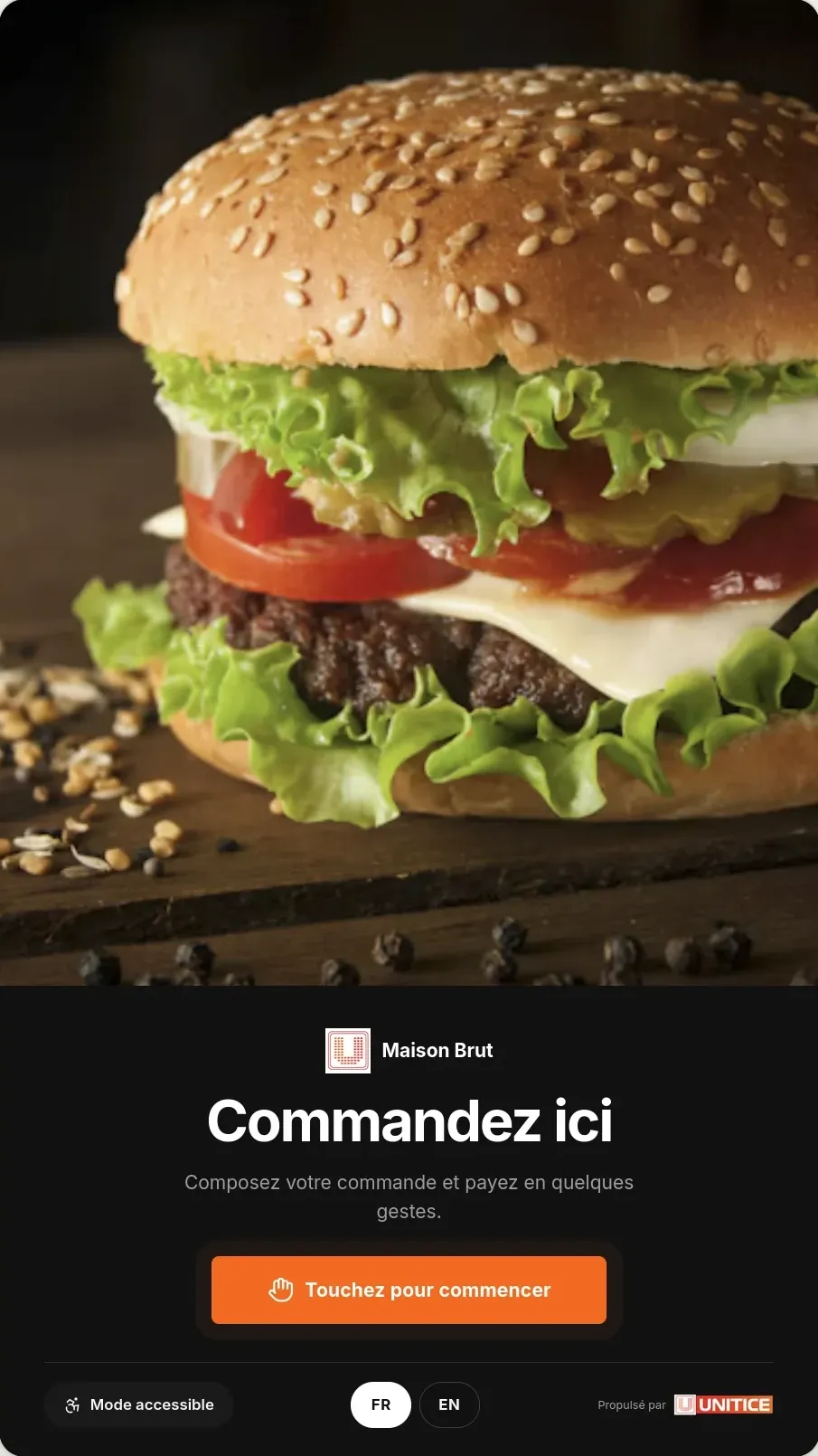
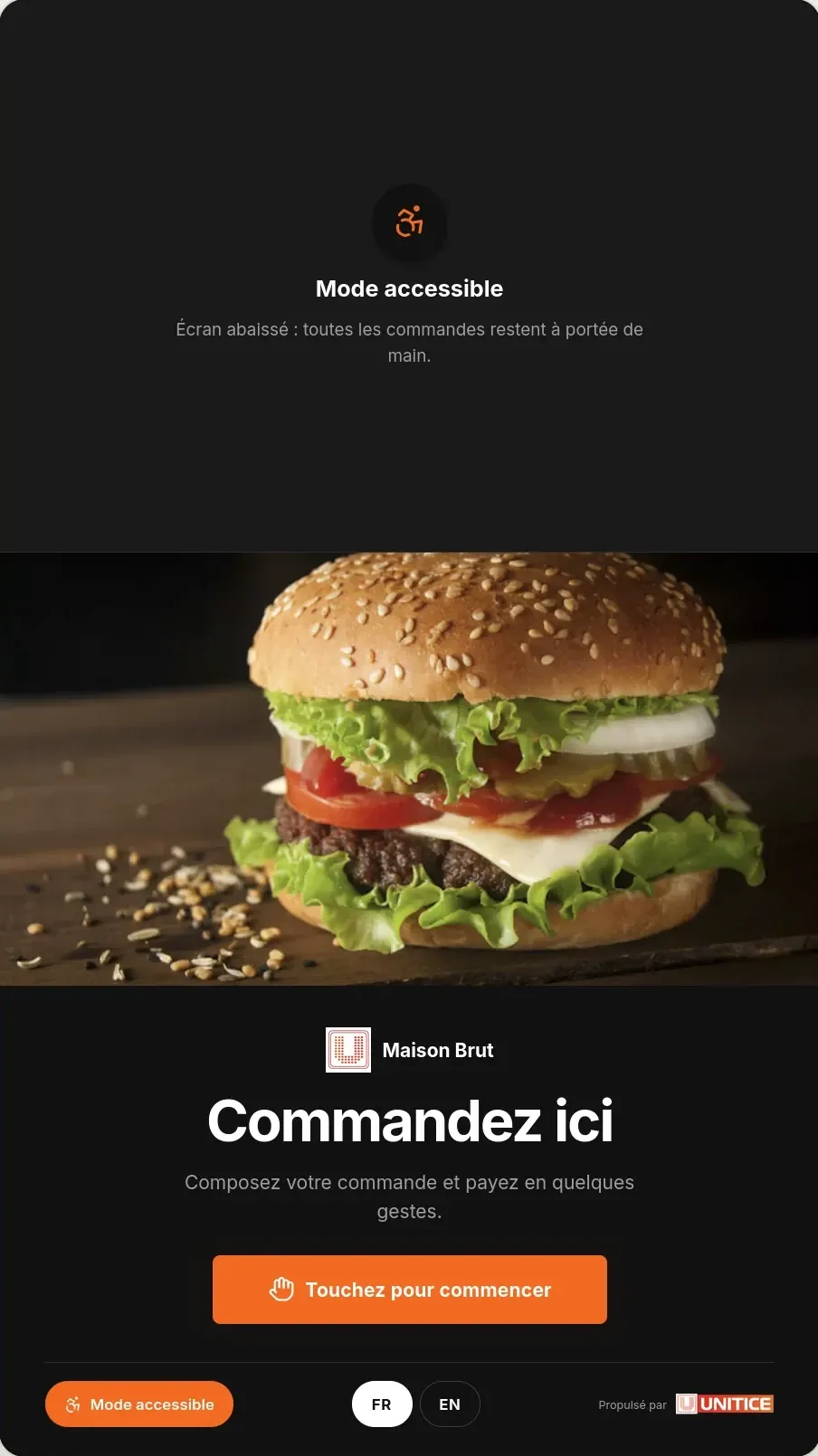
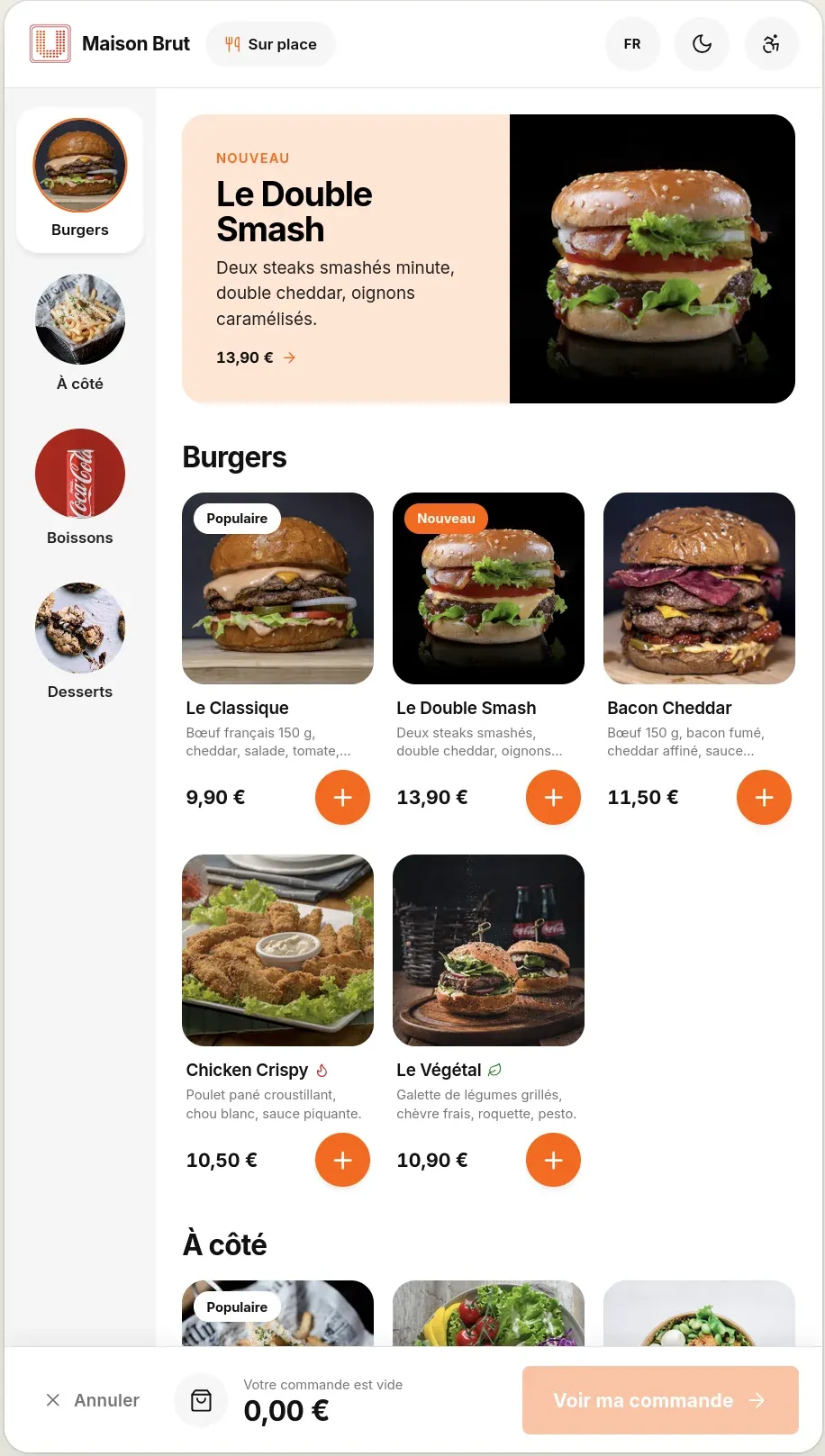
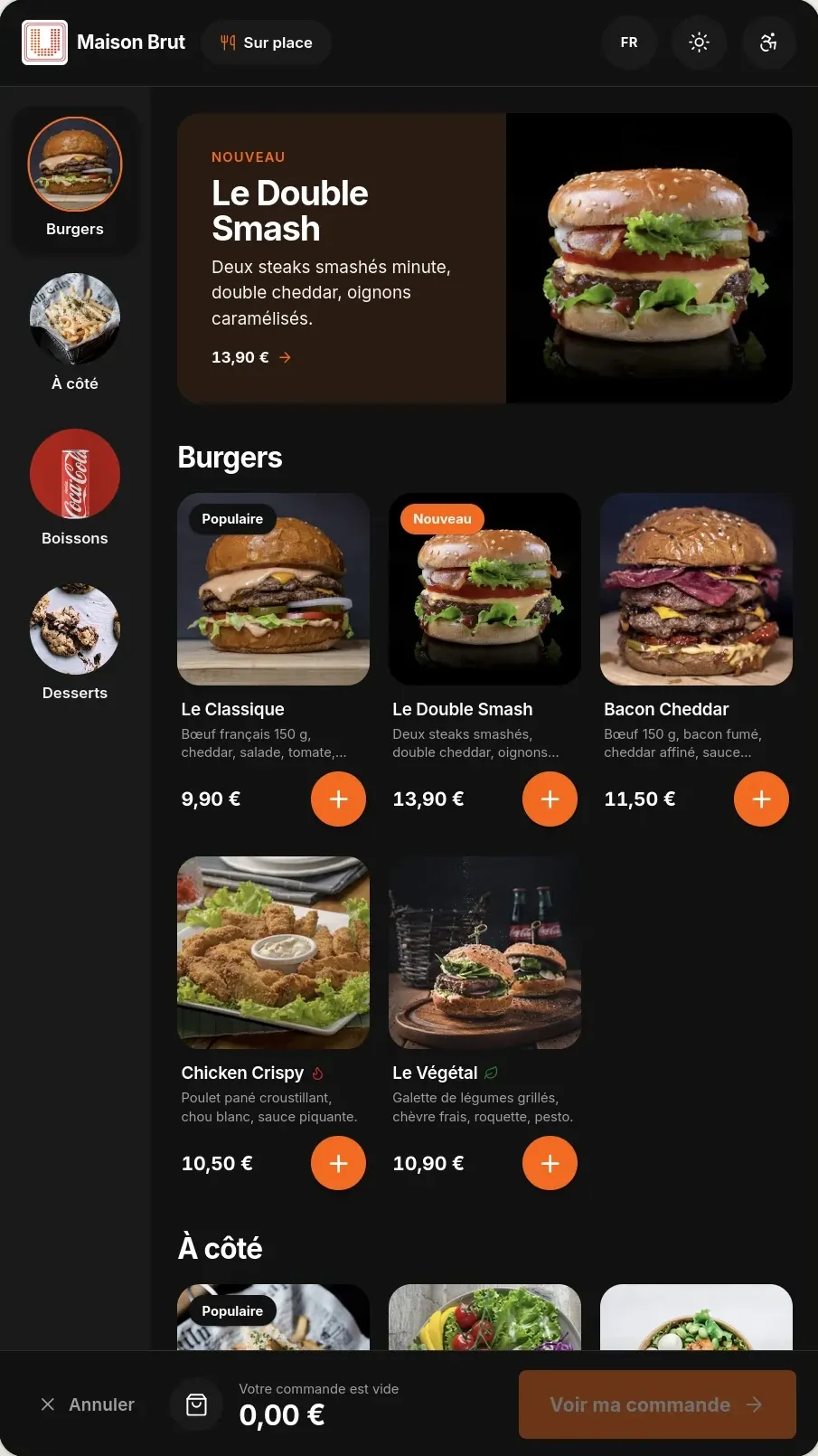
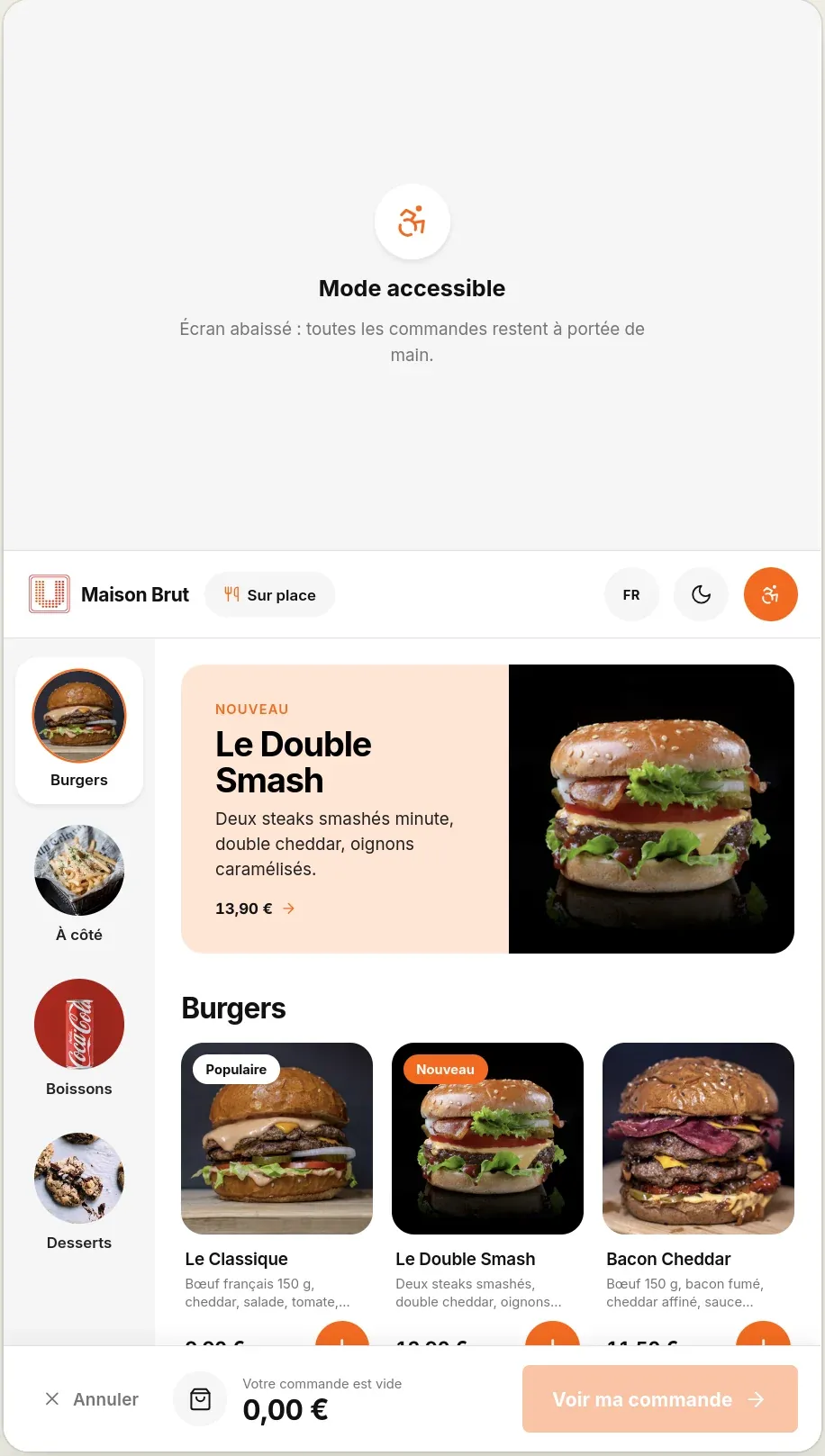
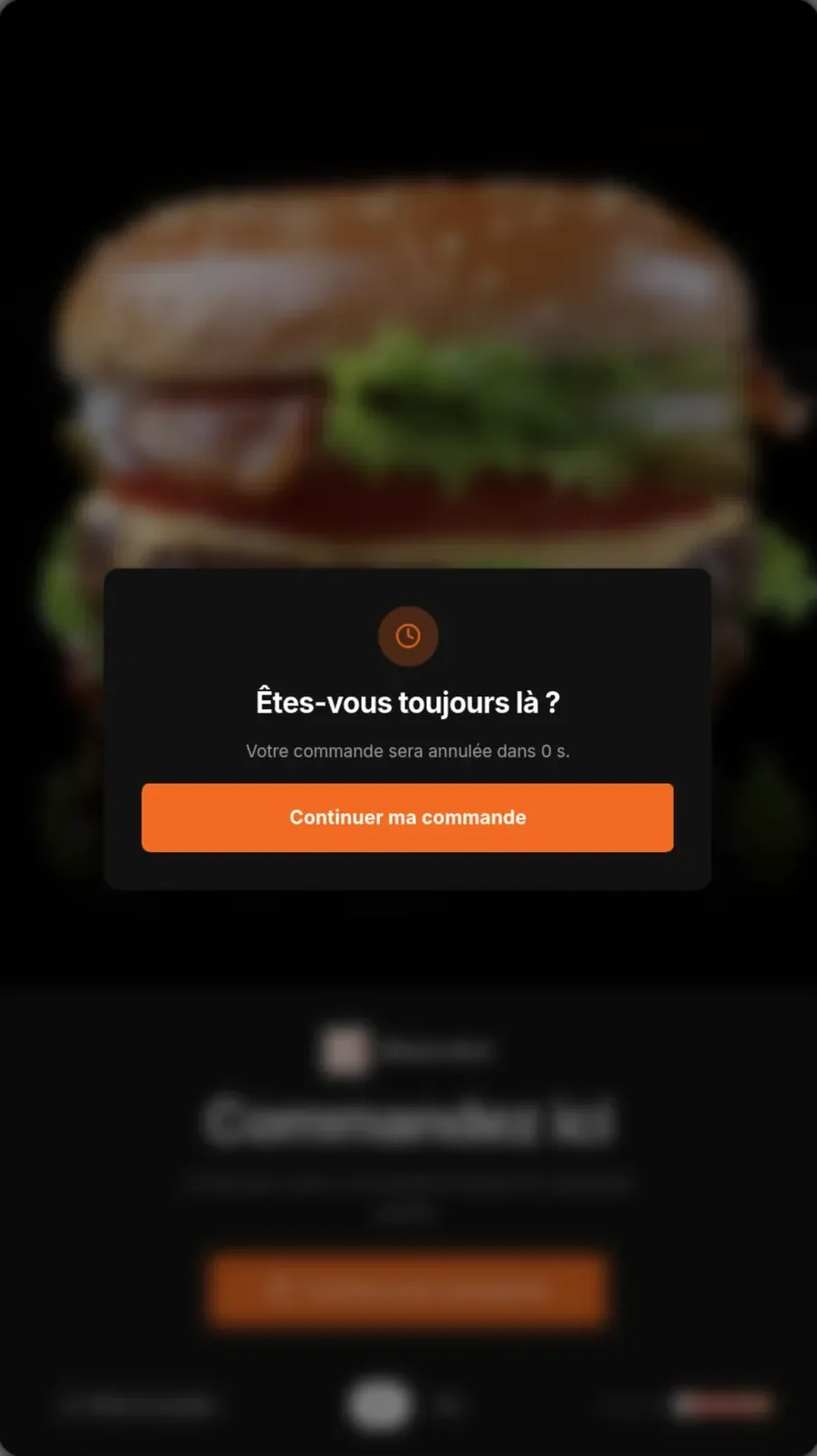
The order kiosk can take the order in three ways. You choose the right one for each order kiosk and each channel; the catalogue stays the same.
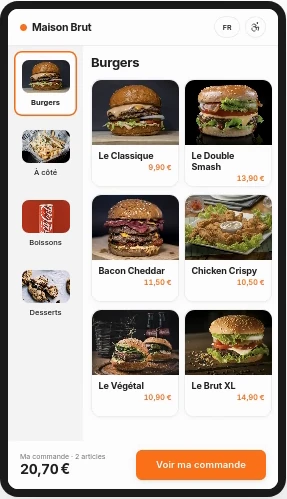 Classic
Like a restaurant menu: the customer sees everything and chooses freely.
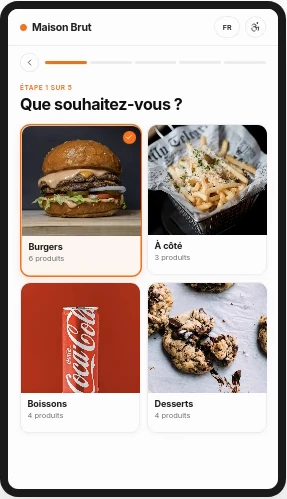 Guided
Like a waiter: one question at a time, no way to get lost.
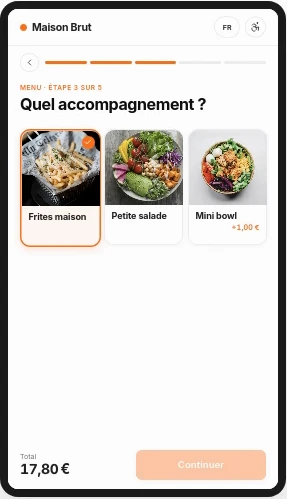 Mixed
The menu is open, then the kiosk helps them complete their meal.
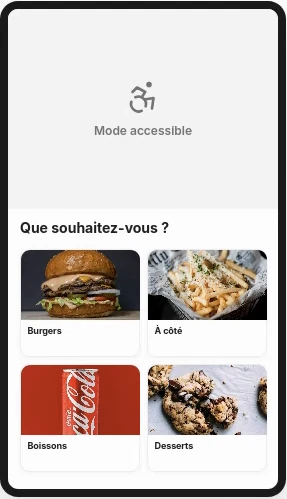 + Accessible
With each of them: the screen lowers to wheelchair height.
You mix themFor example: the entrance kiosk in guided, the counter one in classic, online ordering in mixed.
The same kiosk principle serves an optician path.
In your back office, on a computer, tablet or phone: you change a price, a product or a setting, the kiosk follows at once.
A switch per product and per category.
Steps, required choices, suggested extras: configured for you.
Each product has its name in both languages.
Revenue, share and average price of the order kiosk channel.
Kiosk and web
Products, details, table, confirmation: a guided path, the same on the kiosk and on the web.
Catalogue
Till, kiosk, web: you choose where each product is sold, with its price and preparation time for each mode.
| Mode | Prices | Preparation |
|---|---|---|
| Eat in | 12,90 € | 8 min |
| Takeaway | 12,90 € | 6 min |
| Delivery | 13,90 € | 10 min |
Statistics
Counter, kiosk, web: turnover, share and average price of each channel, for the period you choose.
The same engine as the UNITICE till, in an interface designed for your customers.
Classic, guided or mixed, chosen for each order kiosk: set menus, extras, doneness, the customer composes it alone.
A drink with the burger, a dessert at the end of the journey. Upsell rules are set from the back office.
Contactless bank cards, dematerialised meal vouchers. The receipt is printed or sent by email.
French, English, Spanish: the customer chooses their language from the welcome screen.
The choice of mode automatically adjusts the VAT — 10 % or 5,5 % — with no intervention.
Product sold out at the till? On the kiosk, it disappears or greys out, with or without the "Victim of its own success" badge, within a second.
The order kiosk shares the till's catalogue: change a price, remove an out-of-stock product — the order kiosk, online ordering and the menu board update instantly.
The shared back office: catalogue, prices, VAT.
Self-service customer orders, linked to the same menu.
Click & collect on the same catalogue.
All orders, all channels, on a single screen.
The UNITICE order kiosk software installs on the order kiosk you already have or on an order kiosk chosen with you: an Android, Windows or Linux touch screen, or simply a browser. In 22, 24, 27 or 32 inches, set on the counter for the 22-inch, on a stand or on the wall for the others, the order kiosk keeps the same path. Is your order kiosk wearing out? Have it taken back or put back into service.
| Counter only | UNITICE, counter and order kiosk | |
|---|---|---|
| Peak hours | A single queue, at the till's pace | Customers order on their own while the till takes payment |
| Suggested extras | Depends on the seller | Suggested with every order |
| Customer language | The seller's | Chosen on the welcome screen |
| Payment | At the counter | At the order kiosk, contactless card and meal vouchers |
| Catalogue and prices | The till's | The same ones, shared in real time |
Yes. Payment is built in: contactless card and dematerialised meal vouchers. The receipt prints or is sent by email.
These are three names for the same device. The UNITICE order kiosk takes the order, takes payment and sends it to the kitchen: it is all three at once.
Yes, if it works: UNITICE installs on your hardware, on a browser, Android, Windows or Linux. Otherwise, our partner laboratory puts it back into service.
Yes. Accessible mode, chosen from the welcome screen, lowers the screen.
Yes. The customer chooses their language from the welcome screen, and each product has its name in French and in English.
The quote starts from your catalogue, your offers and your extras.