Your menu on the till
Button categories, order and colours, changed in a few clicks.

Restaurant
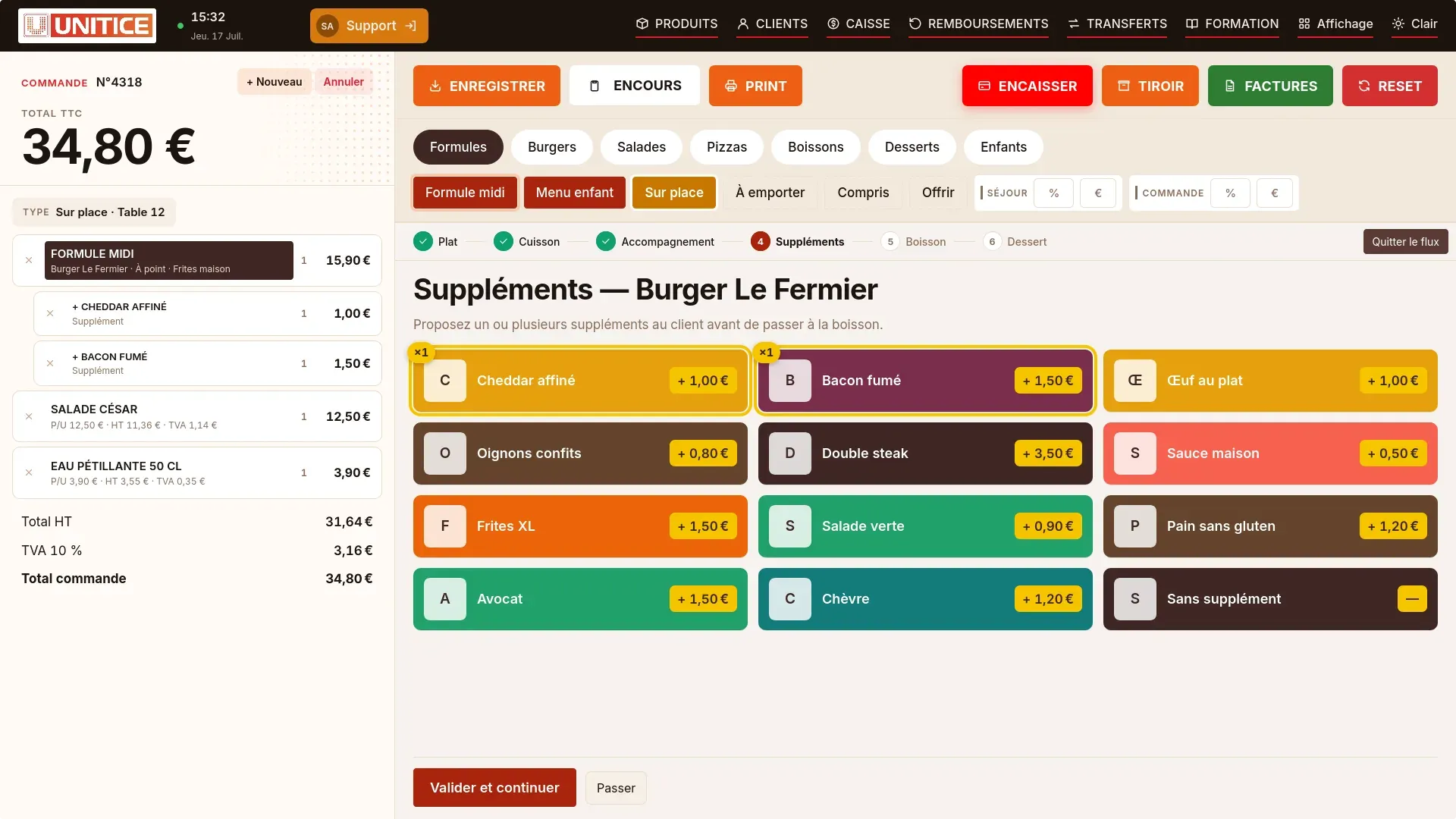
UNITICE is the multi-OS cloud checkout platform. The till records the bill, the kitchen display receives the orders, and the catalogue stays the same if online ordering is added.
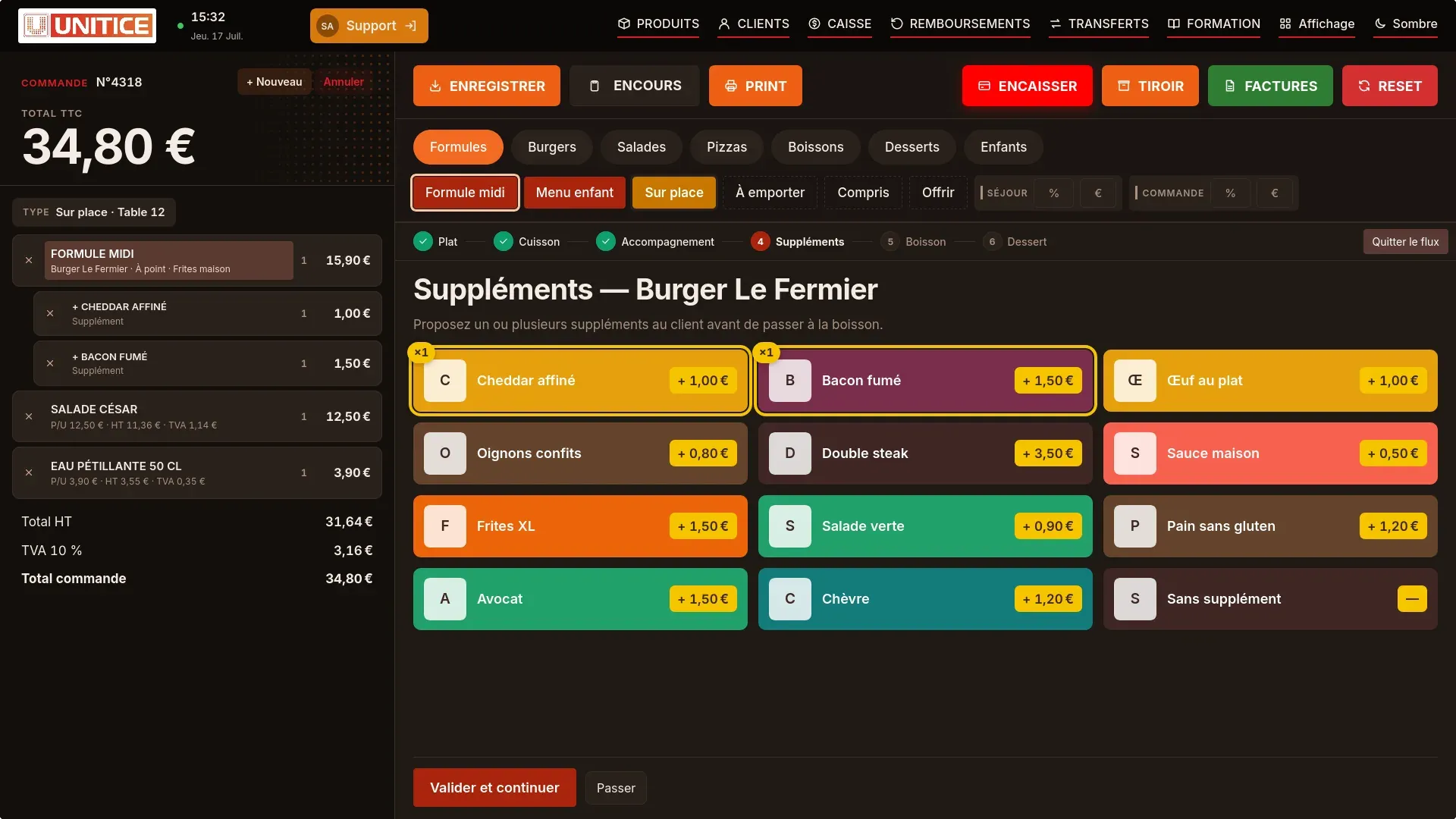
The dining room takes payment at the table. The flow then guides the cooking, the sauce, then the extras.
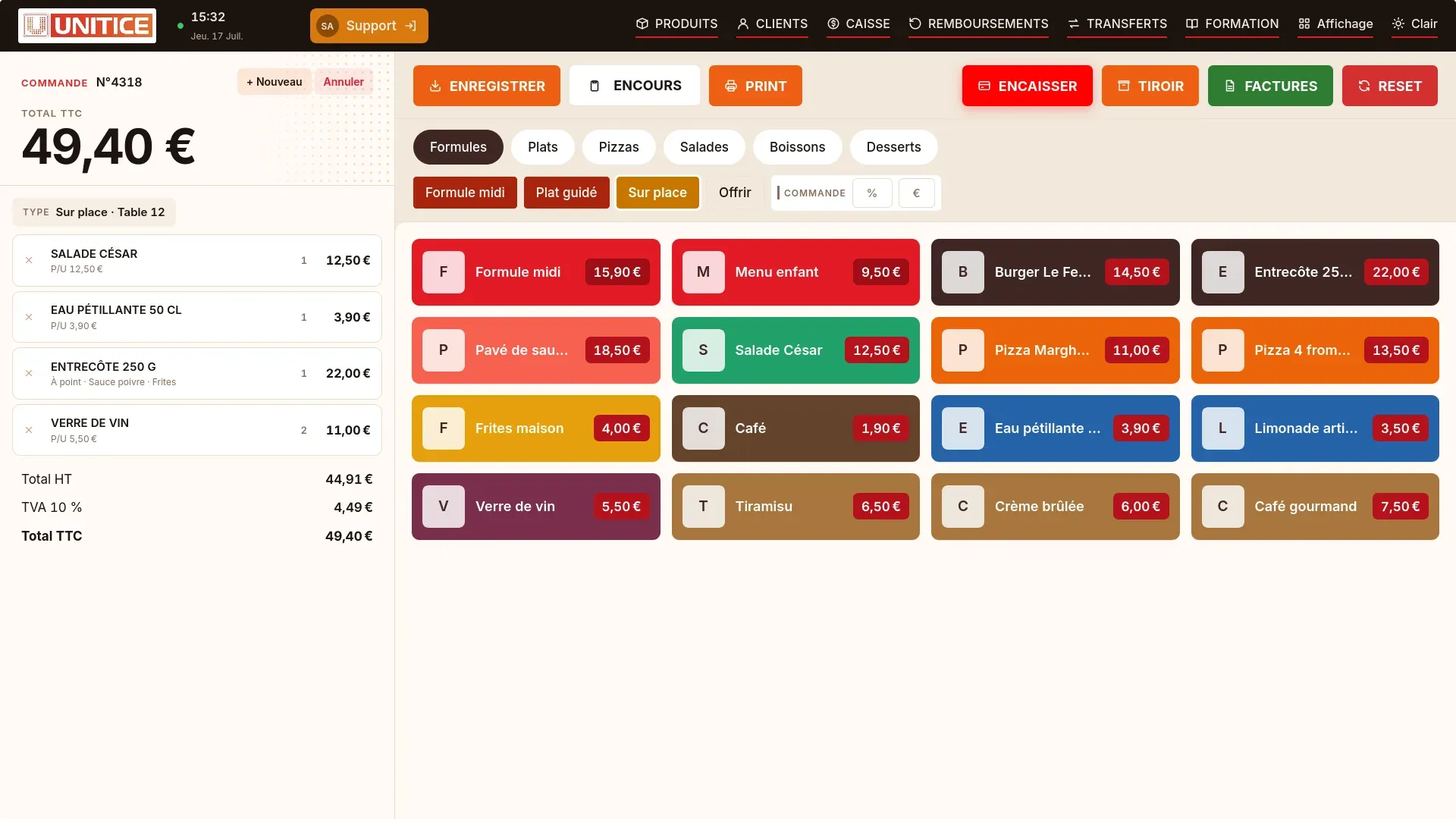
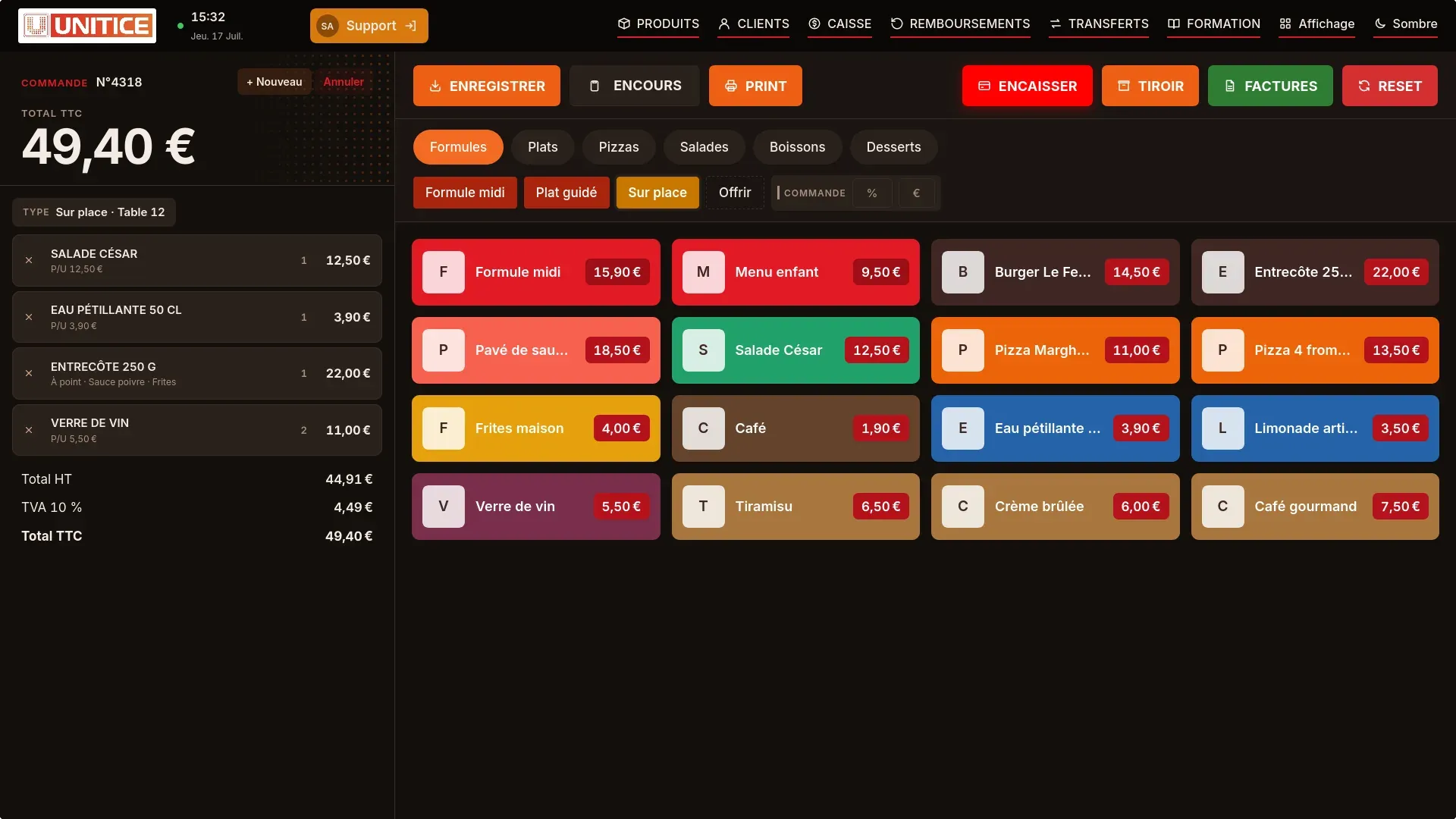
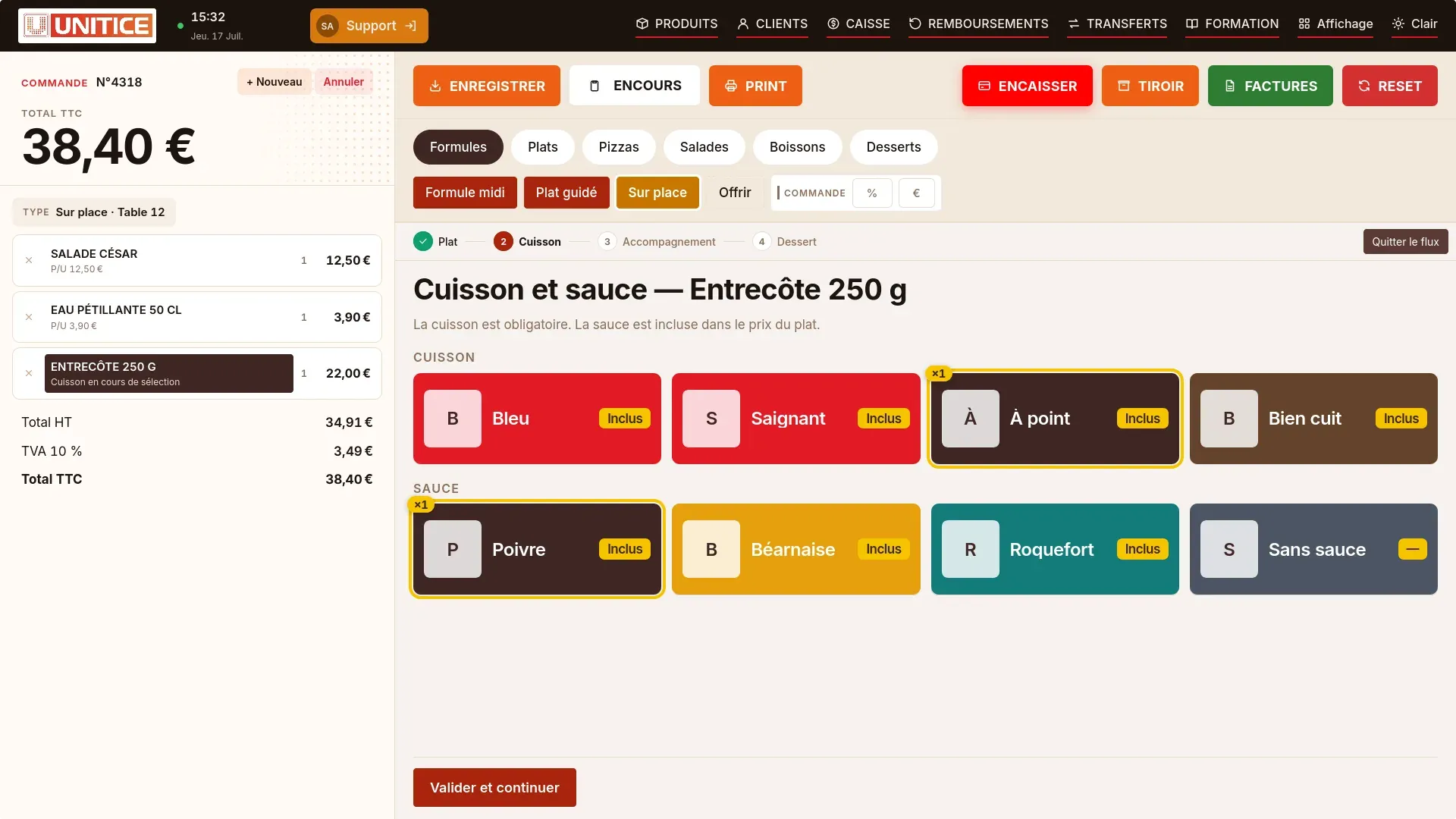
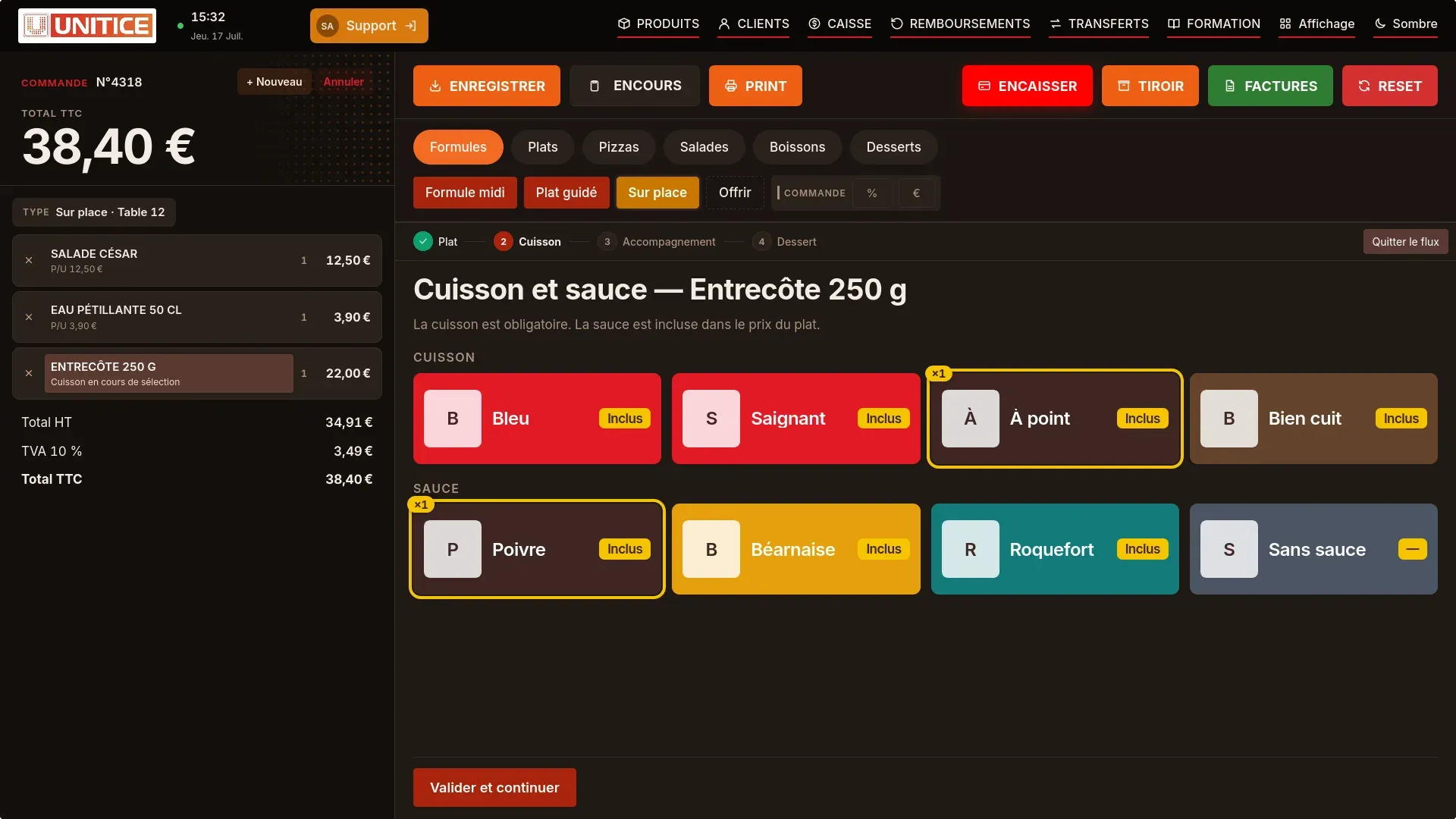
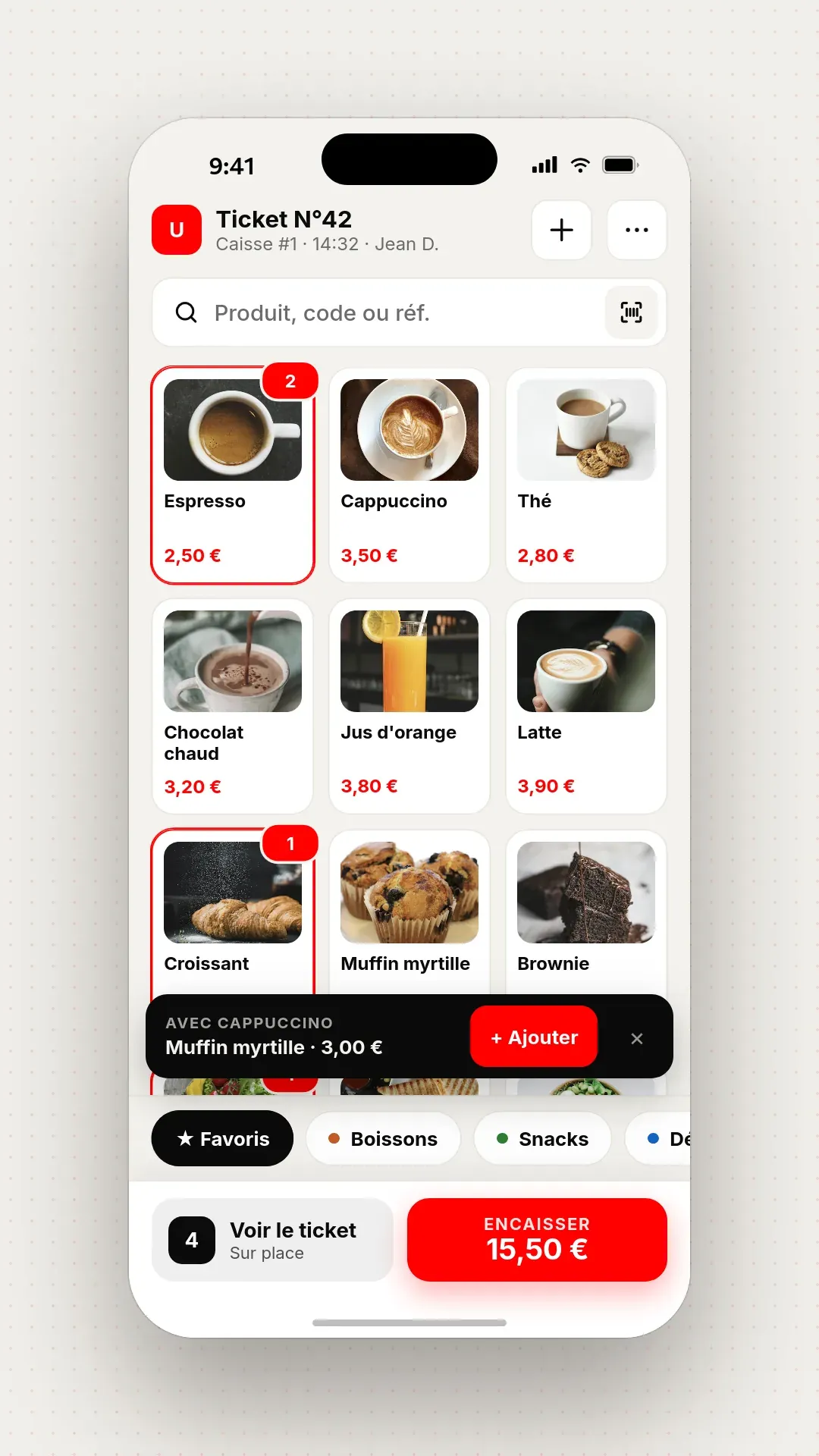
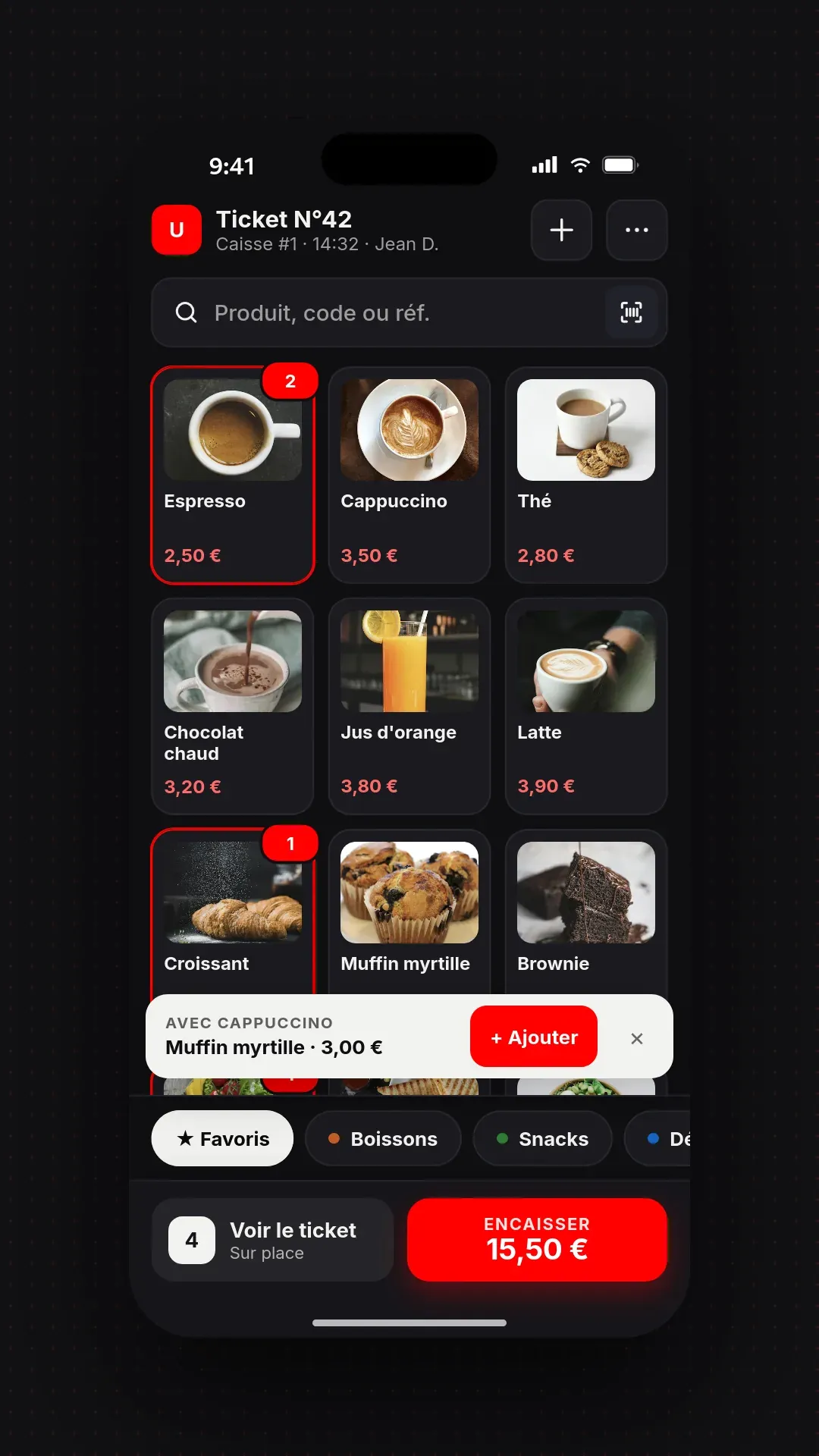
On a simple smartphone or a pro pad, the server takes the order at the table: it goes to the kitchen, and he completes checkout on the spot, on the same catalogue as the till.
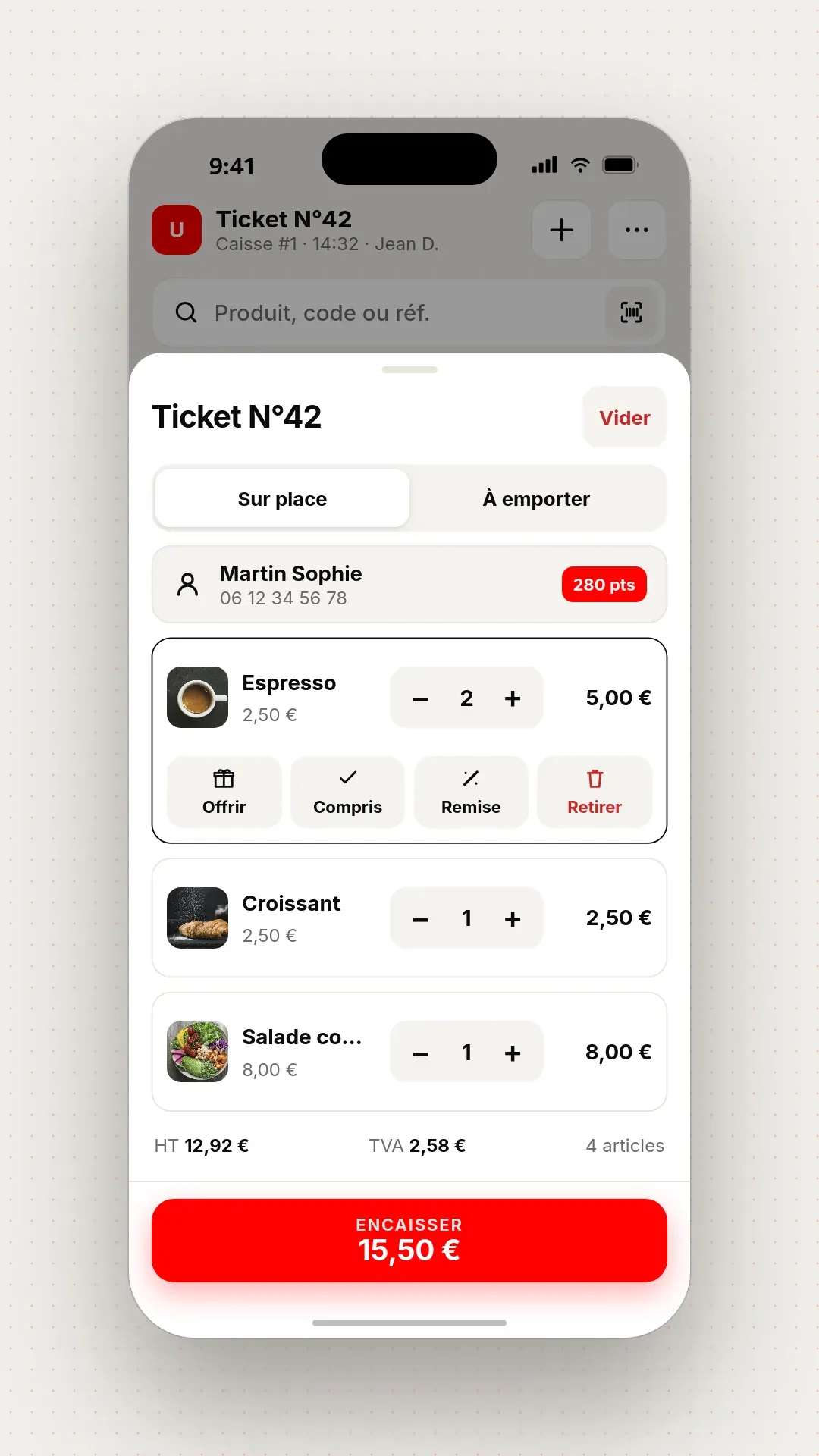
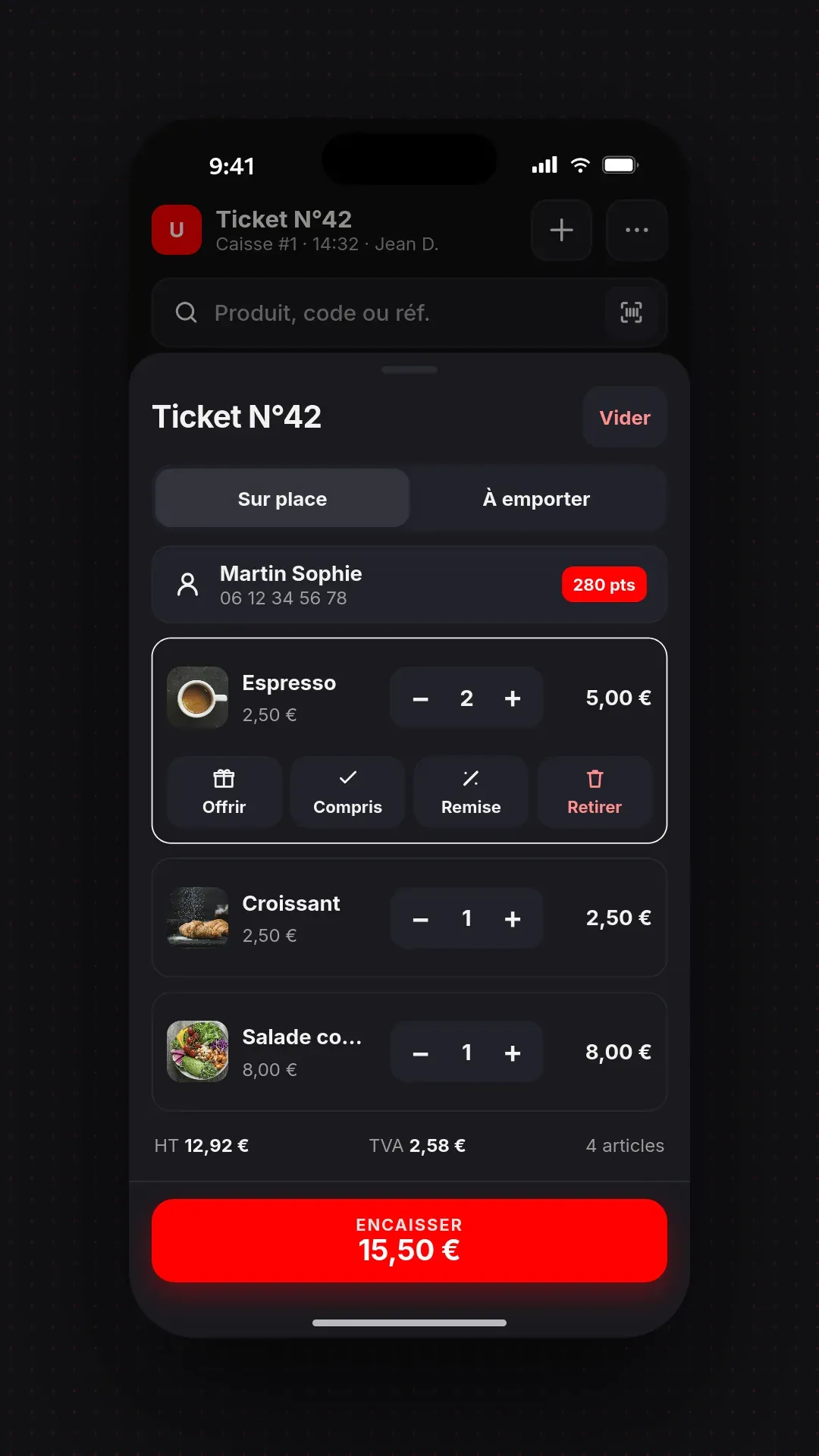
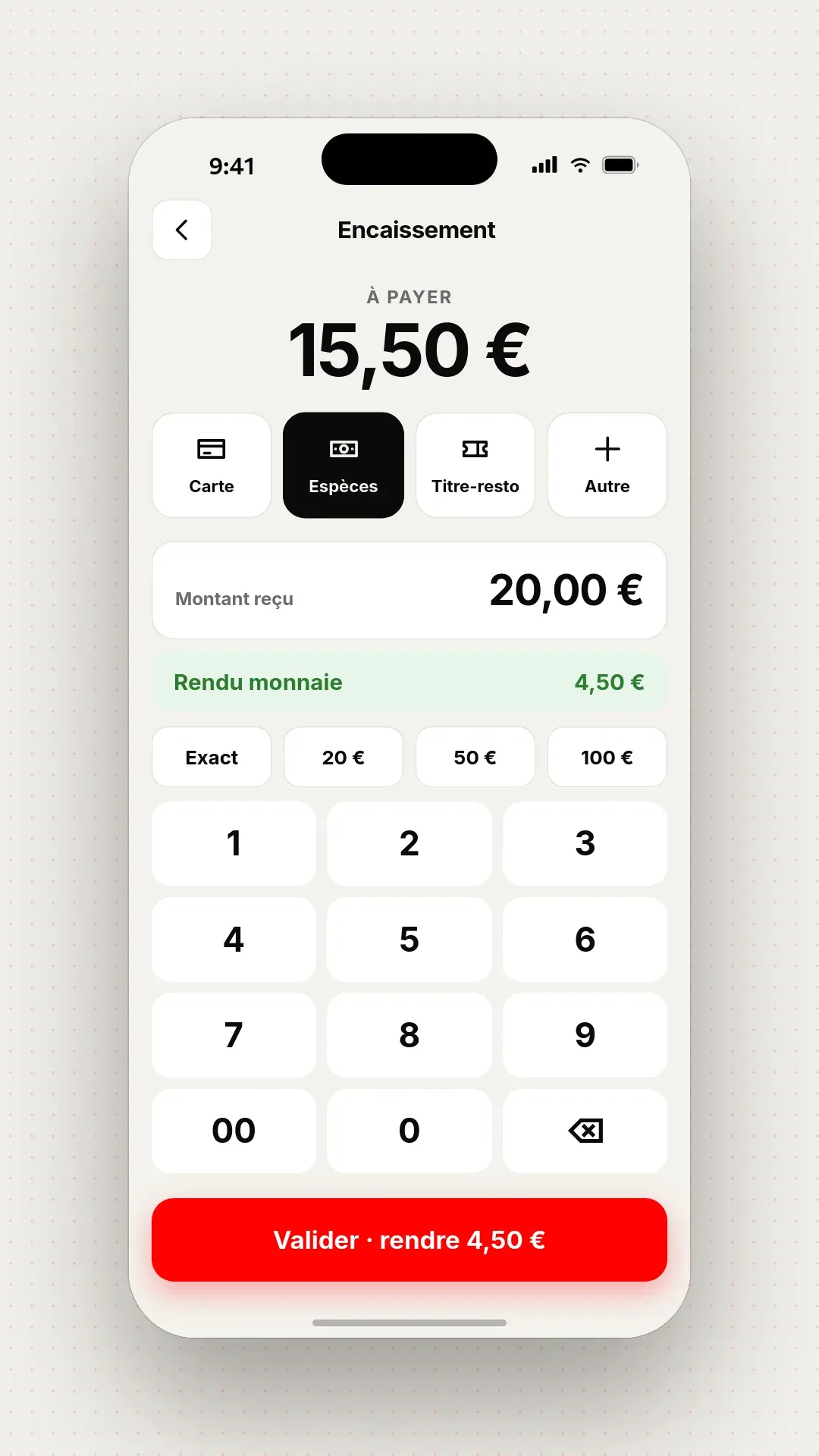
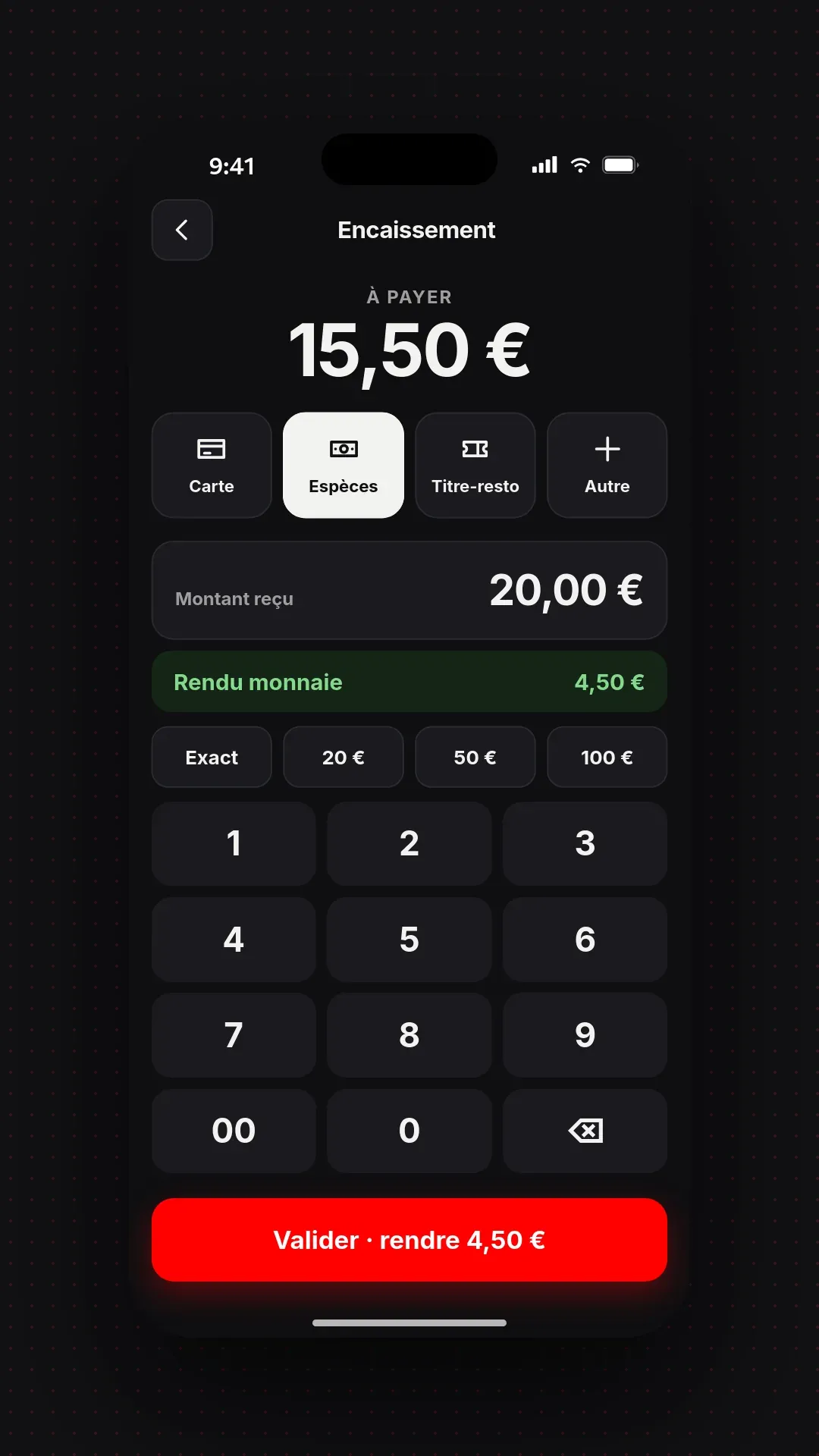
In your back office, on a computer, tablet or phone: you change a price, a product or a setting, the till follows at once.
Button categories, order and colours, changed in a few clicks.
Dining room, terrace, bar: each table has its zone, and the order is linked to it.
Eat in, take away, delivery: a price and a time for each.
Revenue, top products and channels, over the period you choose.
Statistics
Each cell is a day of sales. Seasons, busy weekends and quiet days show at a glance.
Organisation
Each table has its zone. At the till, one click attaches the order to the right table.
Catalogue
Till, kiosk, web: you choose where each product is sold, with its price and preparation time for each mode.
| Mode | Prices | Preparation |
|---|---|---|
| Eat in | 12,90 € | 8 min |
| Takeaway | 12,90 € | 6 min |
| Delivery | 13,90 € | 10 min |
Till
Categories, order and button colours: you arrange the sales screen the way you arrange the counter.
Bill checkout, discounts and cancellations logged.
Orders from the dining room arrive in the kitchen, time-stamped.
A code per waiter, without closing the current receipt.
The order is taken at the table, on a simple smartphone or on a pad pro, and goes straight to the kitchen.
Yes. Orders entered at the till arrive on the kitchen display.
Yes. UNITICE runs on a browser, Android, Windows and Linux.
Compliance with the 4 legal conditions — inalterability, security, conservation, archiving — is included, attested by the software publisher. Third-party fiscal processing is available as an option.