Stays in progress
Arrivals, departures, people and animals present, payment for each stay.

Solution — reservations
Campsite pitch, room, parking space, marina berth: UNITICE manages the resource from booking to checkout. Online booking with a deposit, check-in on arrival, extras added to the bill, balance on departure.
At the till, the stay starts from the room, then the dates, then the options.
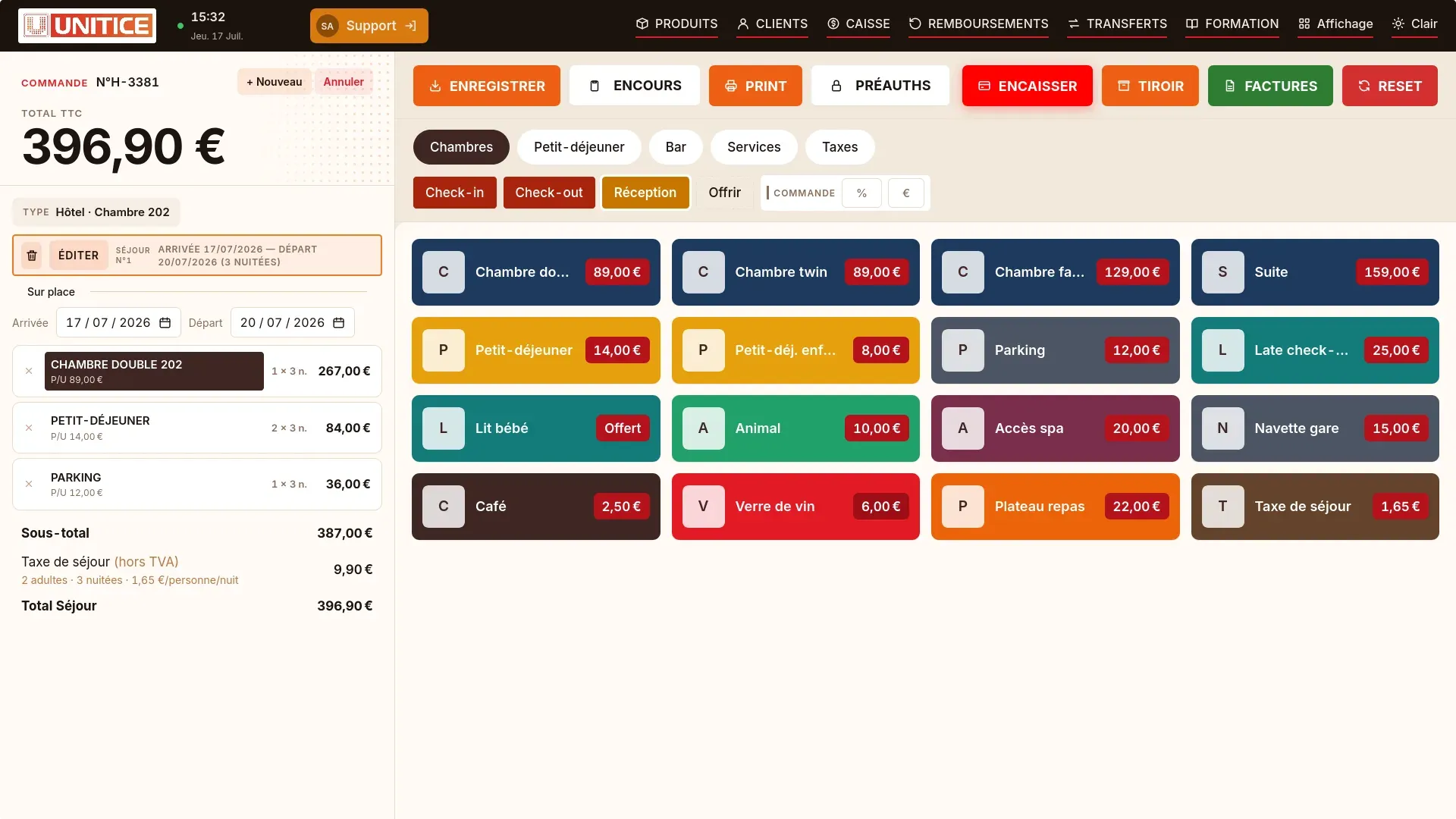
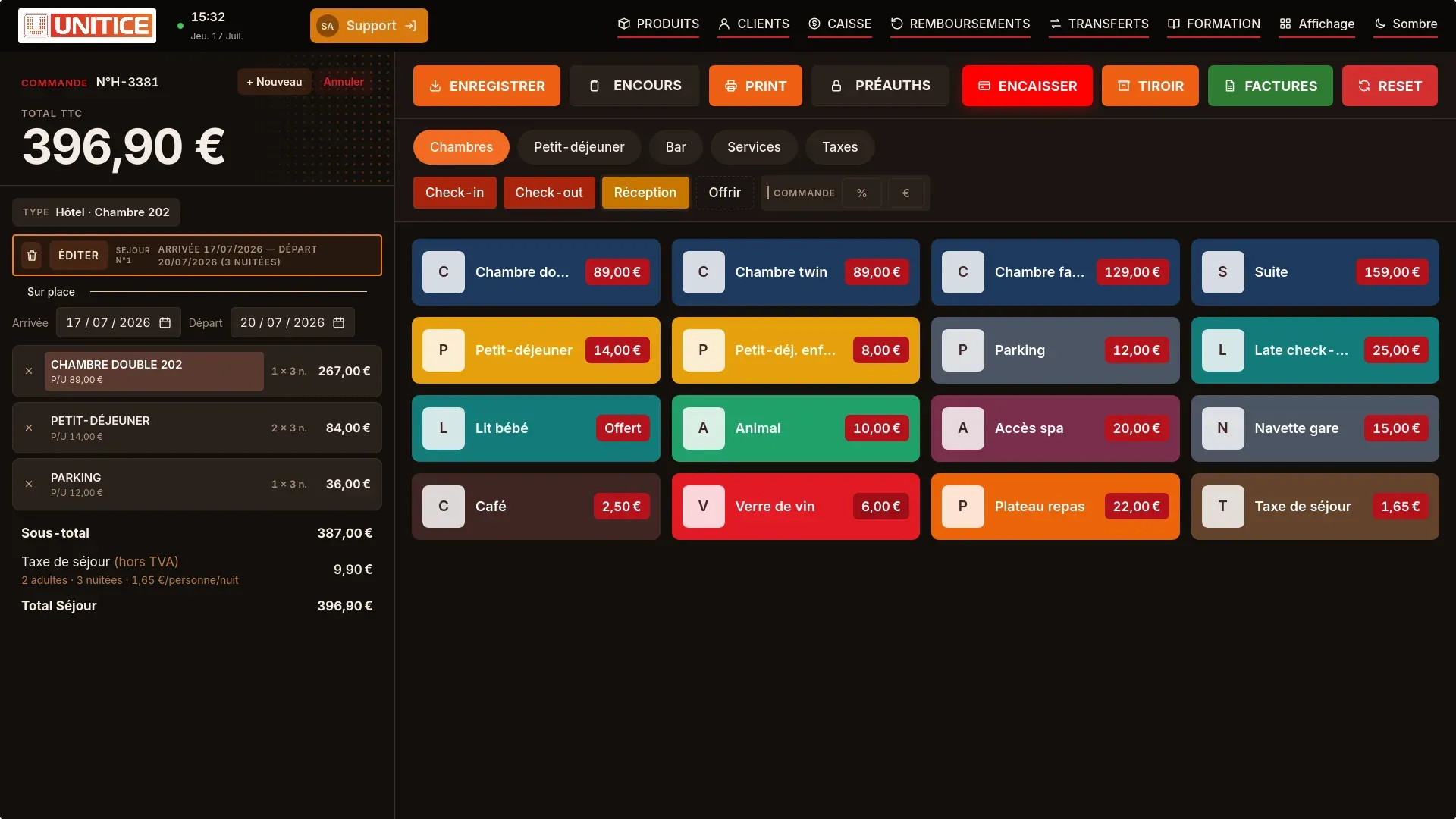
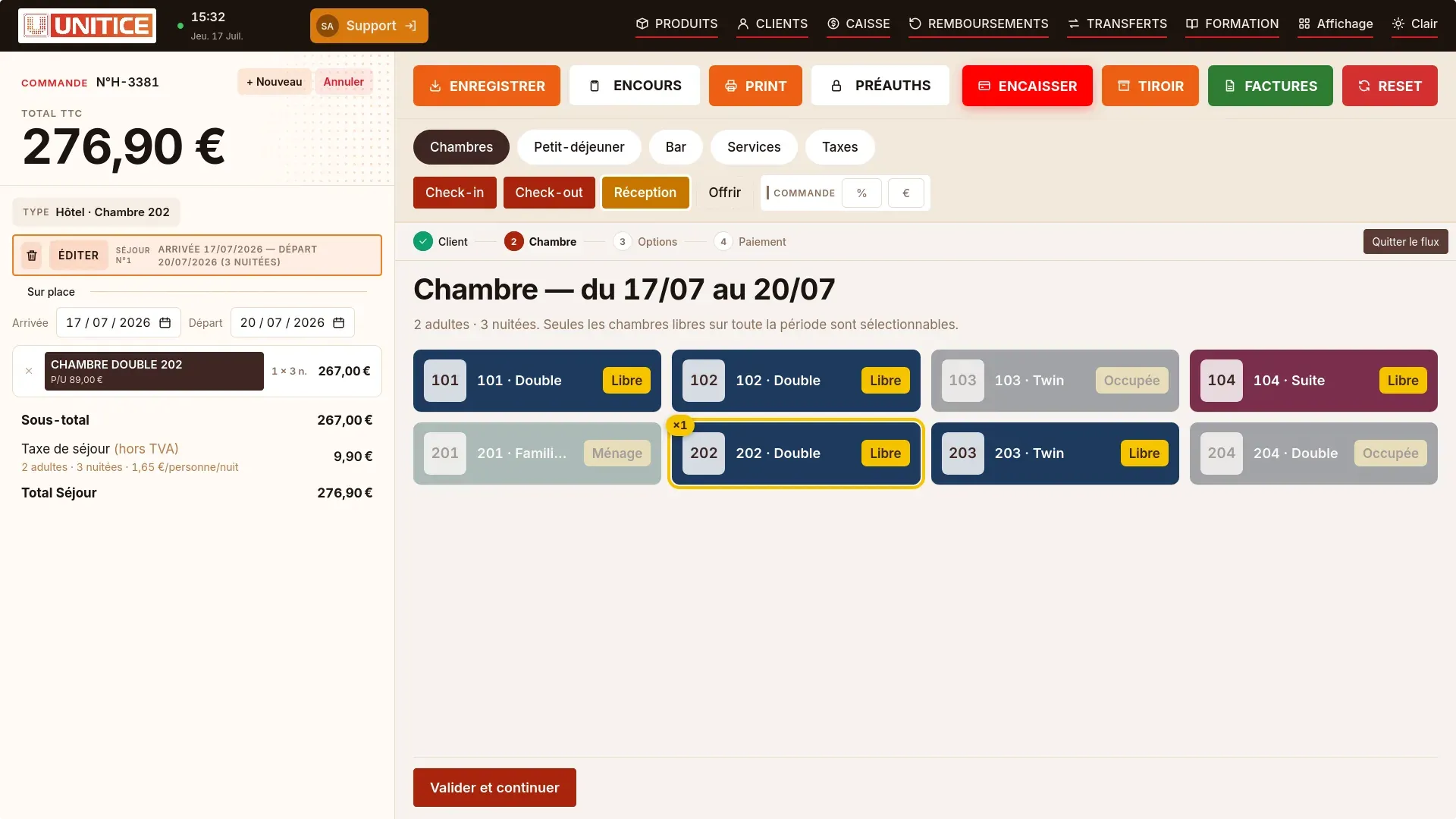
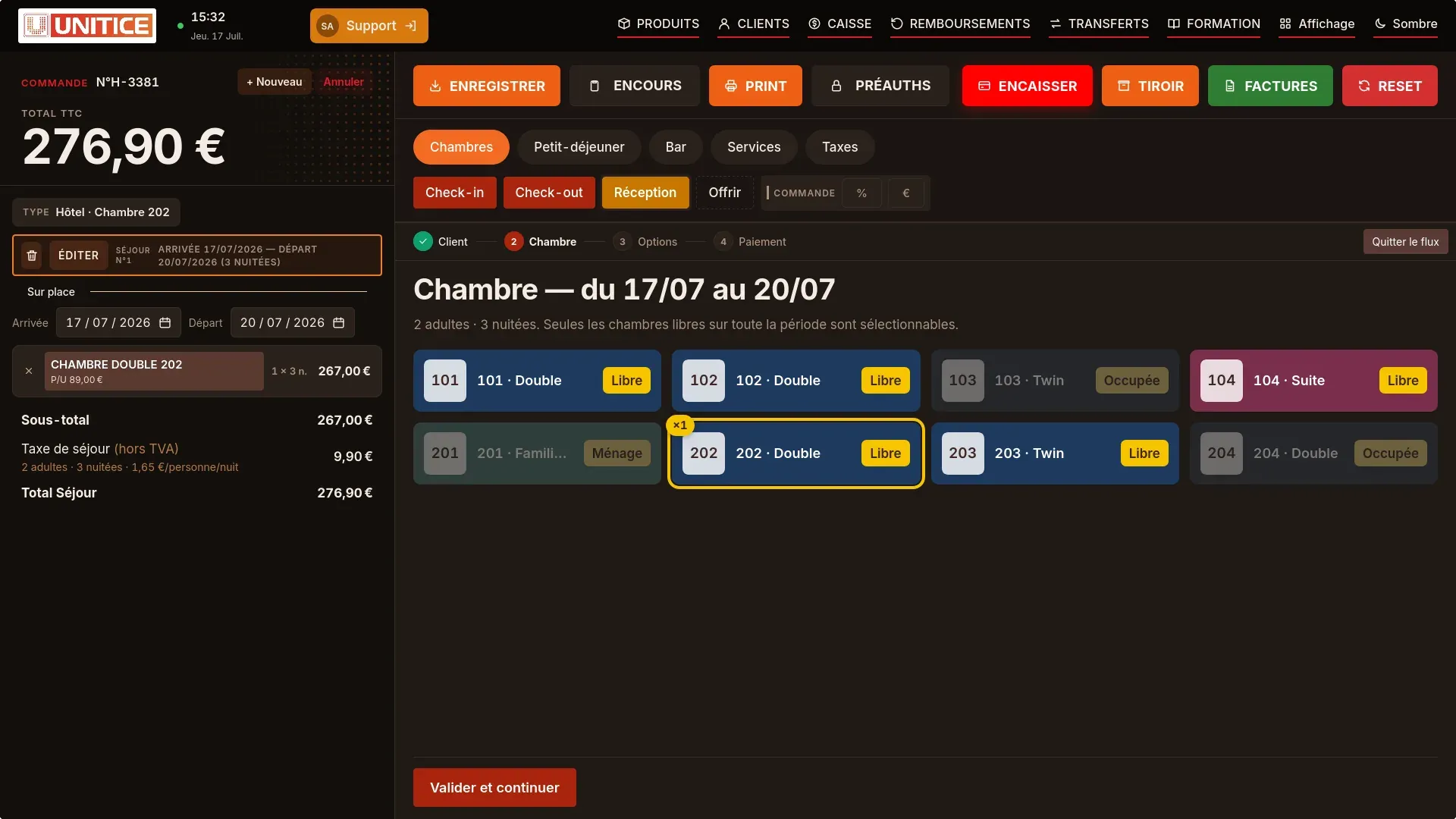
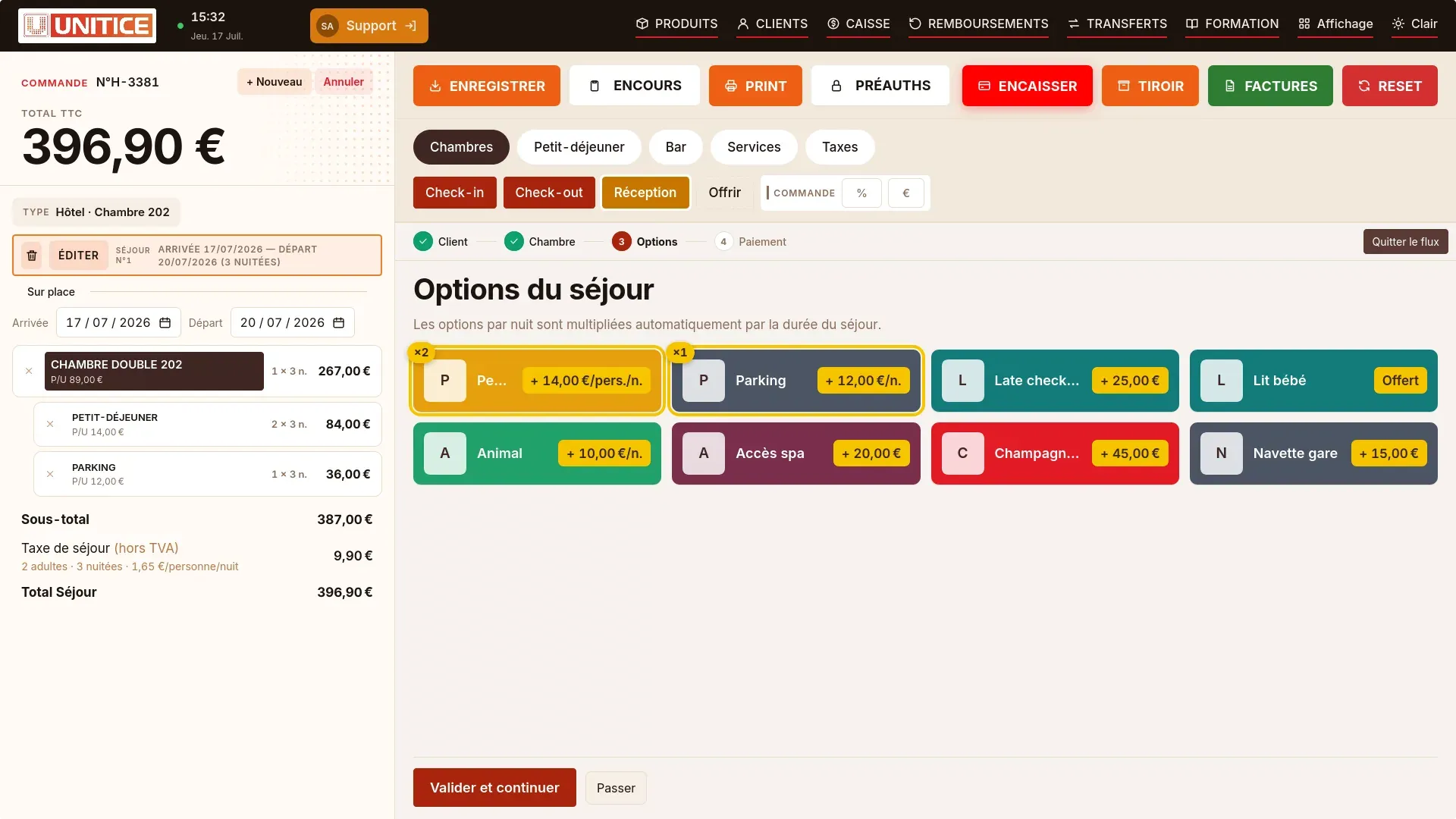
In your back office, on a computer, tablet or phone: you change a rate, a period or a discount, it applies at once to new stays.
Arrivals, departures, people and animals present, payment for each stay.
Low, high and late season, product by product.
Free nights by tier or a discount from a set number of nights.
Card pre-authorisation on arrival, released or retained on departure.
Stays
Today's arrivals and departures, people and animals on site, payment of each stay: reception sees it all on one screen.
| Stay | Dates | Station | Paid |
|---|---|---|---|
| Famille LaurentCampsite · 4 people | 17/07 → 20/07 | A-112 | Paid |
| M. GirardCampsite · 2 people | 17/07 → 24/07 | B-07 | Deposit |
| Mme BenaliBungalow · 3 people | 16/07 → 23/07 | Meadow 6 | Paid |
Catalogue
All your prices on one page, period by period. You correct, you save, the till follows.
| Product | Low | High |
|---|---|---|
| Tent pitchAccommodation | 14,00 € | 22,00 € |
| PersonStay | 6,50 € | 8,00 € |
| ElectricityServices | 4,00 € | 5,00 € |
| PetStay | 2,00 € | 3,00 € |
Prices saved, applied at the till on the planned dates
Payment
A card hold on arrival, released on departure or kept in part. Everything is tracked, nothing gets lost.
Stay
Free nights or a discount from a number of nights: the rule applies on its own, period by period.
| Product | Paid | Free | Discount |
|---|---|---|---|
| Pitch | 4 | 1 | — |
| Mobile home | 6 | 1 | — |
| Electricity | — | — | 5% from 7 nights |
5-night stay, pitch4 nights paid, 1 night free: −24,00 € taken off the bill
Online or at the counter. Real-time availability, deposit taken, confirmation sent by email.
The day's arrival is displayed, and the resource switches to occupied. Security deposits and tourist taxes recorded.
Extras added to the bill: restaurant, grocery, electricity, laundry — from any till on the site.
Balance calculated automatically — nights, extras, taxes, advance payment deducted. Invoice issued, deposit returned.
Today's arrivals and departures, people and animals present, payment for each stay.
High, mid and low season, defined by dates and applied automatically.
A percentage or a fixed amount at booking. Deposits recorded and returned with a trace.
Calculated per night and per person at the rate in force in your municipality, broken down in the closings.
Electricity, pet, extra vehicle, cleaning: charged at booking or on departure.
Cancellation terms by rate, deposit kept or refunded according to the defined rule.
Pitches, mobile homes, tourist taxes, on-site grocery.
Rooms, breakfasts, bar charged to the bill.
Hourly spaces, daily spaces or monthly subscriptions.
Berths and moorings, for a stopover, by the month or by the year.
| Booking | Stay | Departure | |
|---|---|---|---|
| Channel | Online or at the counter | Extras from any till on the site | |
| Deposit and balance | Deposit taken, confirmation sent by email | Balance calculated automatically: nights, extras, taxes, advance payment deducted | |
| Resource | Real-time availability | The resource switches to occupied | |
| Security deposit and invoice | Security deposits and tourist taxes recorded | Invoice issued, deposit returned |
Campsites and outdoor hospitality, hotel, car parks and marinas: any activity that rents out a resource.
It is taken at booking, as a percentage or a fixed amount, then deducted from the balance on departure.
Yes, per night and per person at the rate in force in your municipality, and broken down in the closings.
Cancellation terms are set by rate: the deposit is kept or refunded according to the rule you define.
Yes. Restaurant, grocery store, electricity, launderette: they are added to the bill from any till on the site.
Online ordering and order kiosk: possible subject to review.
The quote starts from your resources: pitches, rooms, spaces or berths.