Payment methods
Bank cards, cash, cheques, Chèques-Vacances, ANCV Connect, gift voucher, bank transfer.

Solution — payment
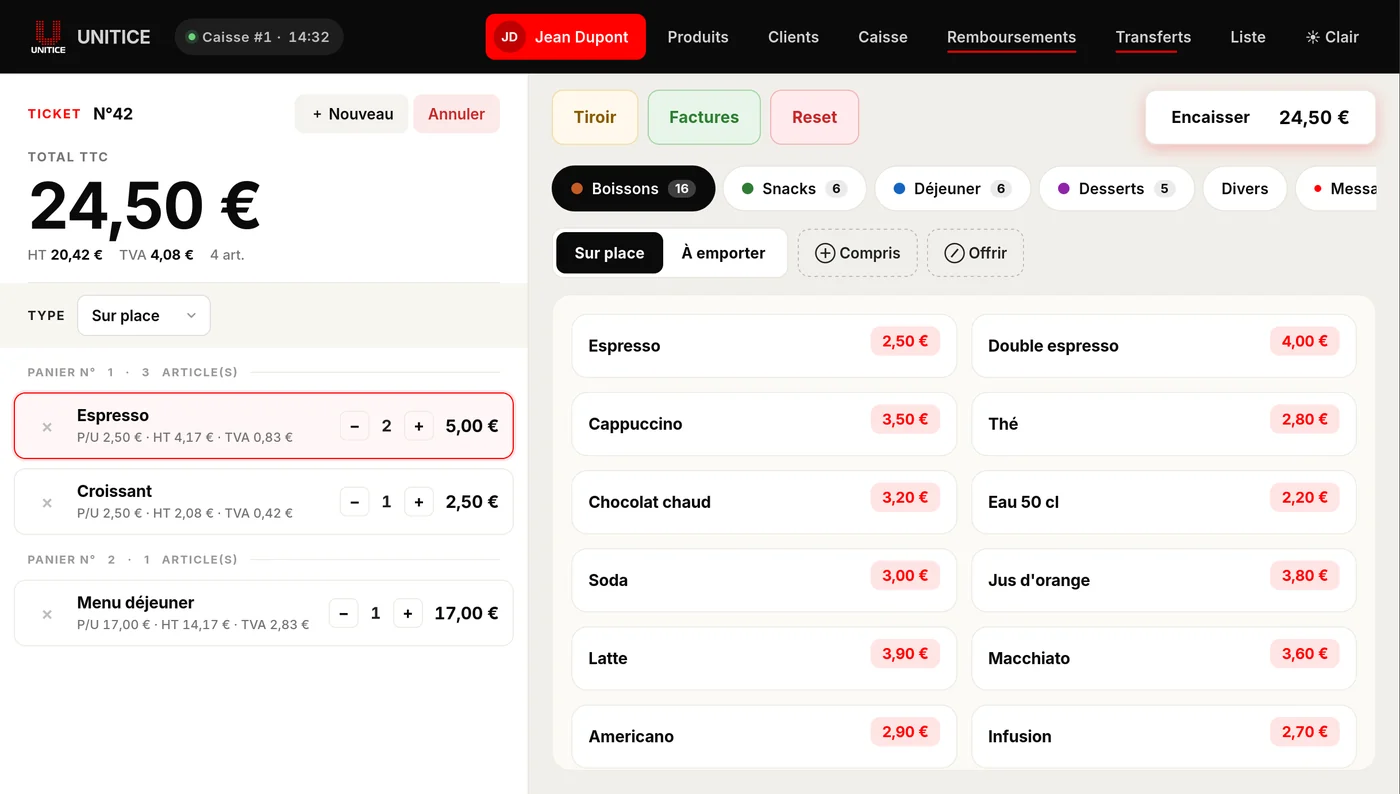
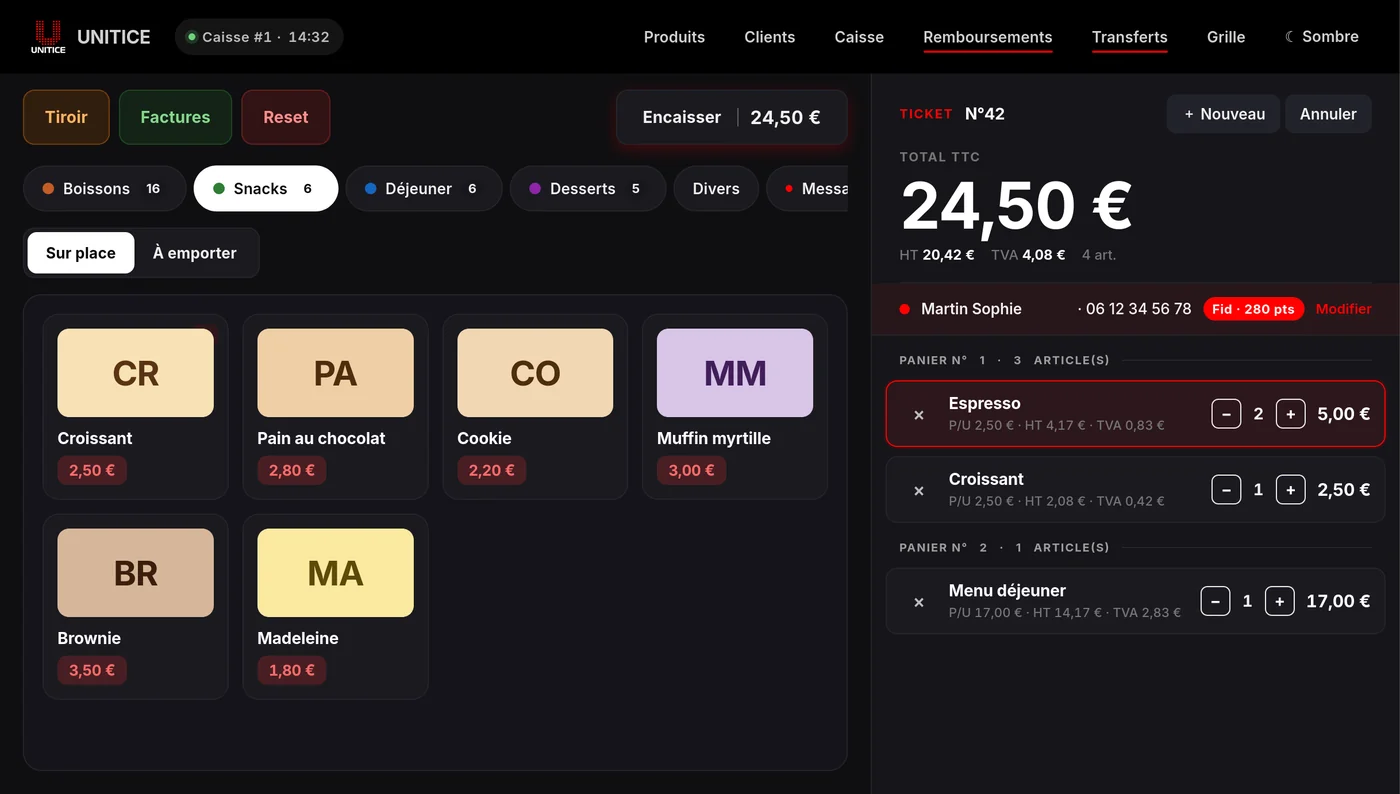
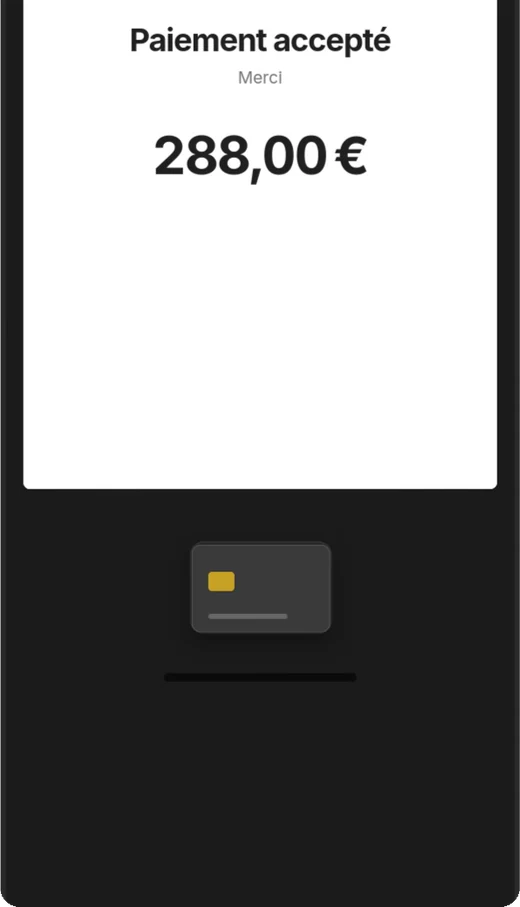
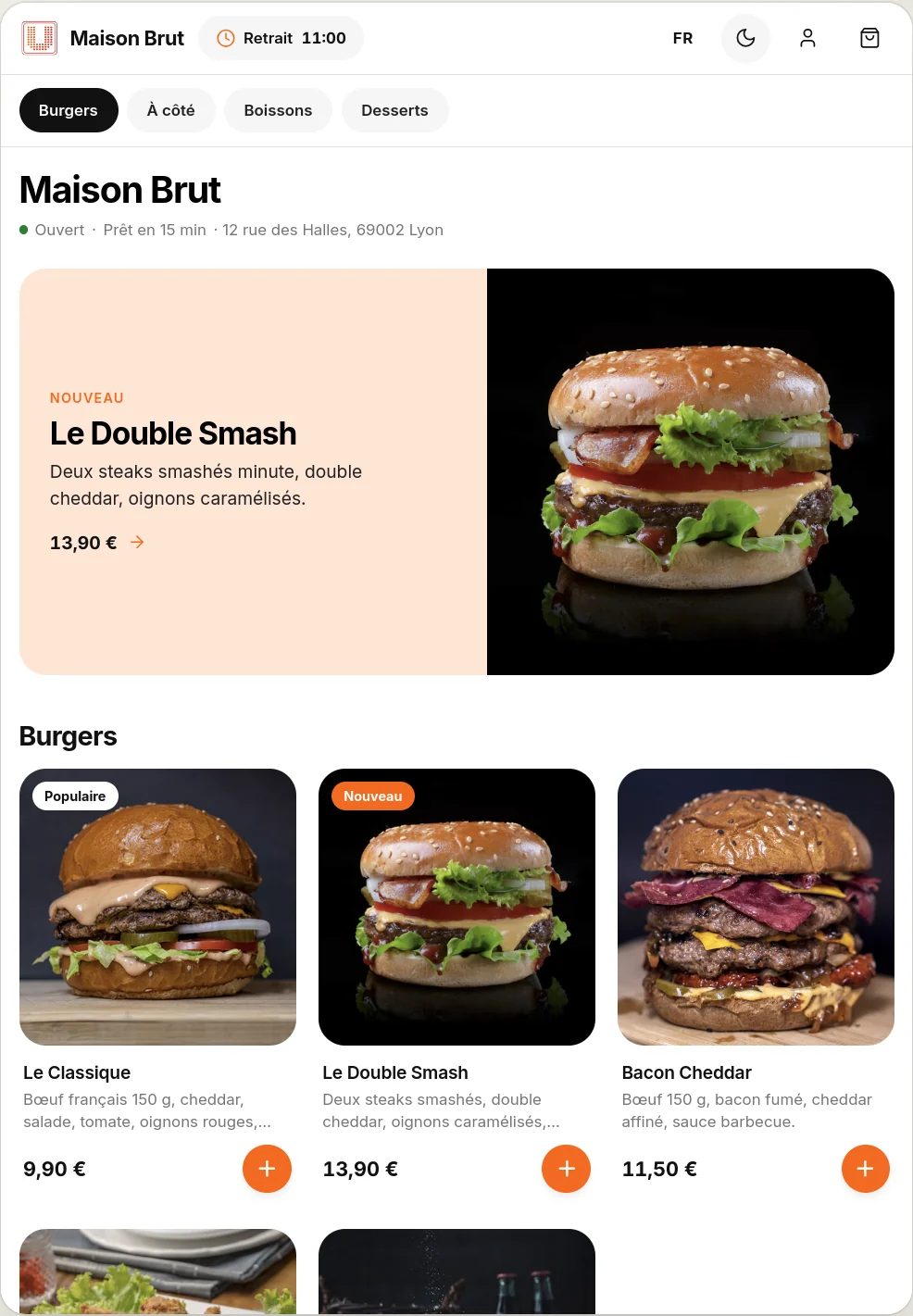
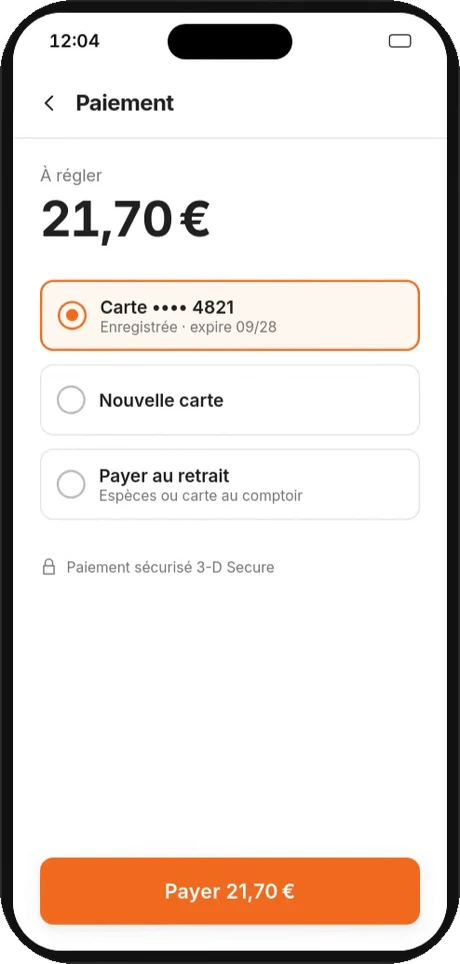
UNITICE is the multi-OS cloud checkout platform. The amount entered at the till, on the kiosk or in online ordering is sent to the payment terminal or online, with no retyping. One contract, one contact — from the software to the hardware to the payment.
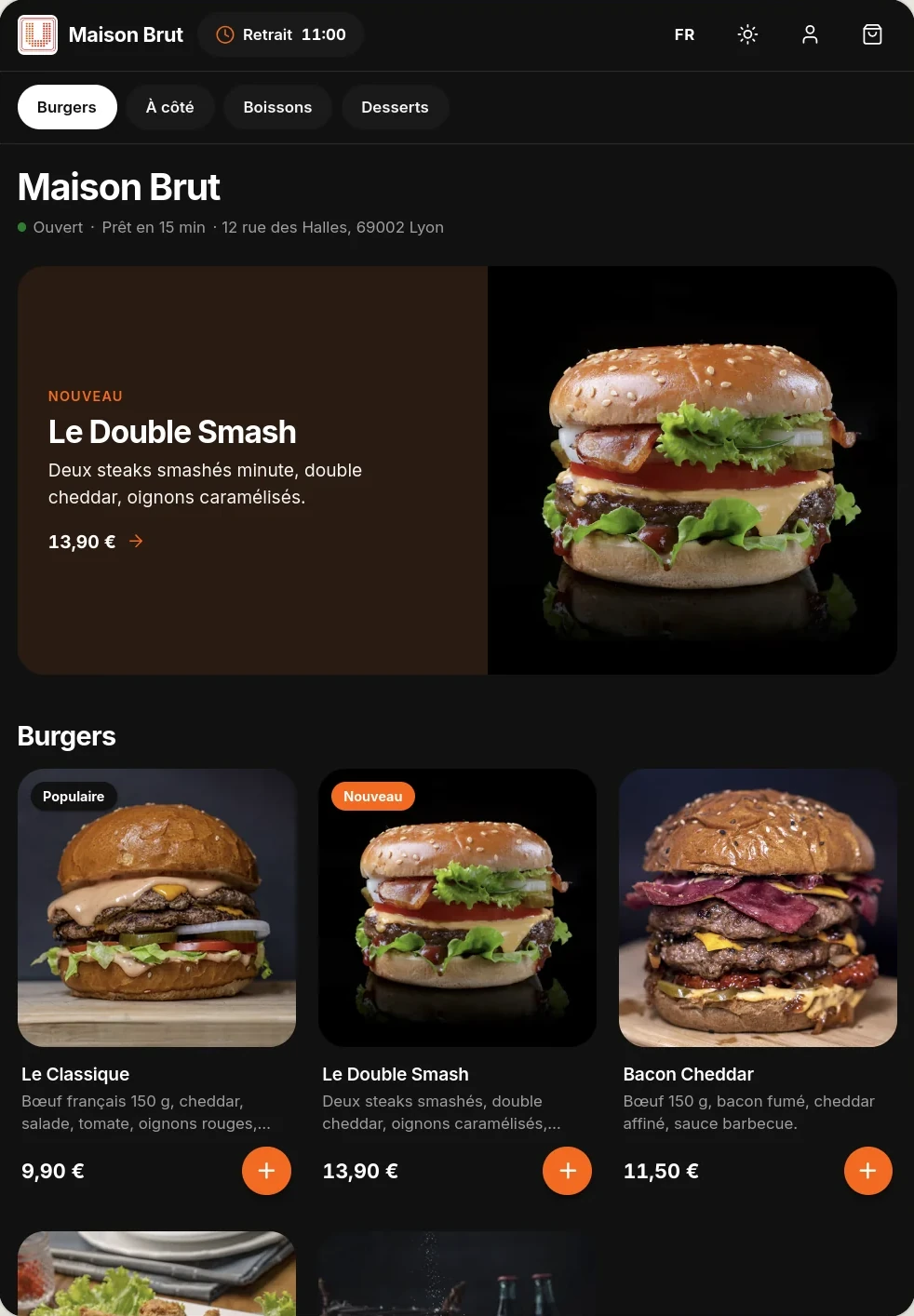
Till, order kiosk, tablet or smartphone: payment goes through the terminal or online, and UNITICE centralises everything.
 UNITICE brings it together
In your back office, on a computer, tablet or phone: payment methods, security deposits, invoices and transfers are tracked in the same place.
Bank cards, cash, cheques, Chèques-Vacances, ANCV Connect, gift voucher, bank transfer.
Pre-authorisations placed, held or released, with their history.
Found by customer, by date or by payment method, in PDF.
A payment-method entry error is corrected by a transfer: the error stays on record.
Payment
A card hold on arrival, released on departure or kept in part. Everything is tracked, nothing gets lost.
Payment
Each payment method has its place, and each invoice is found by customer, by date or by payment method.
| No. | Customer | Type | Issued |
|---|---|---|---|
| 2 418 | Famille Martin | Stay | 24/10 PDF |
| 2 411 | M. Dubois | Stay | 23/10 PDF |
| 2 397 | Mme Leroy | Rental | 21/10 PDF |
Credit notes and payment transfers tracked separately, attached to their invoice
Card terminal connected to the till — amount sent automatically, with no retyping.
Bank cards, cash, meal vouchers, cheques, split payment on one receipt.
The customer pays within the order kiosk path, before it is sent to the kitchen.
The customer pays during online ordering, before collection or delivery.
| Separate | Connected | |
|---|---|---|
| Amount | Entered by hand on the card terminal | Sent by the till |
| Order kiosk | Counter checkout | Payment in the flow |
| Online ordering | Separate payment page | Payment in the order |
| Card terminal brand | Chosen separately | Integrated |
No. The amount entered at the till, on the kiosk or in online ordering is sent to the terminal or online, with no retyping.
Bank cards, cash, cheques, meal vouchers, Chèques-Vacances, ANCV Connect, gift voucher and bank transfer, including several on the same receipt.
Yes, by a payment transfer: the error stays on record.
By pre-authorisation: placed, held or released, with its history.