Till menu
Button categories, order, colours and size.

Solution — POS software
UNITICE is cloud POS software: it installs on your existing hardware — Android tablet, Windows or Linux PC, or simply a browser — and synchronises in real time with your order kiosks, your online ordering and your kitchen. No hardware imposed, no brand locked in.

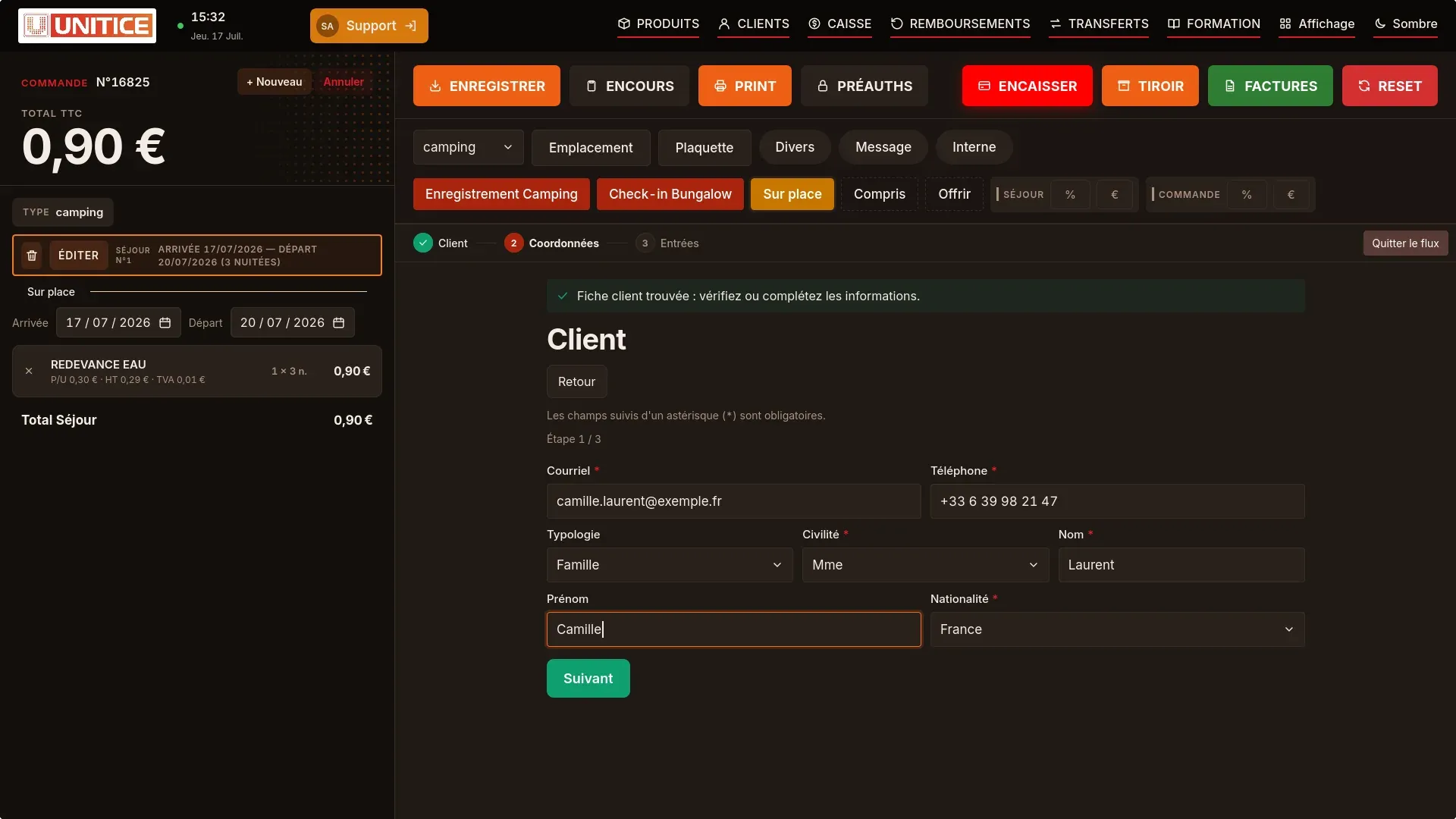
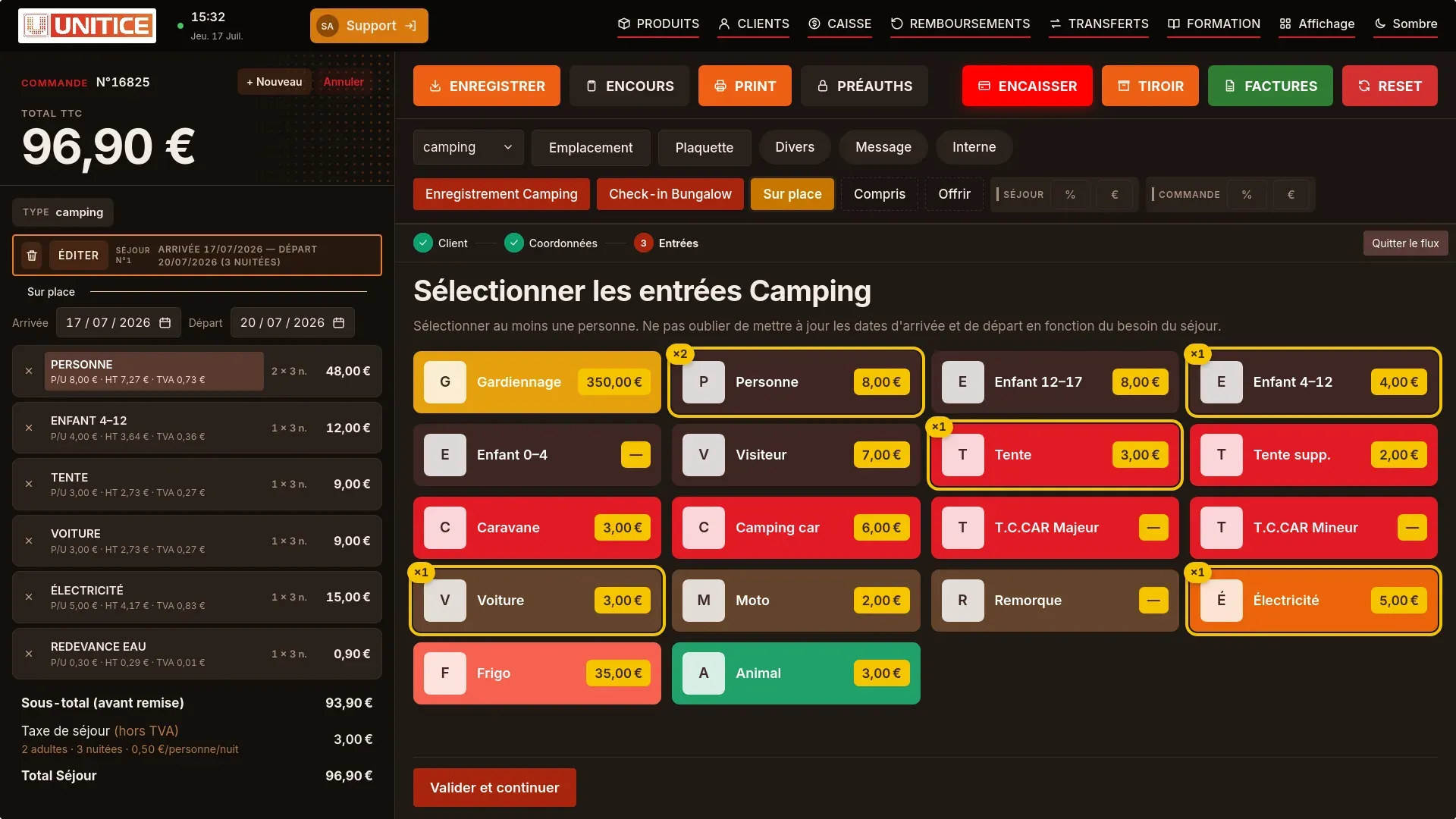
The colours can be customised. The basket is placed on the left or on the right. Product buttons change shape, with or without a photo. The functions displayed are switched on according to the trade.
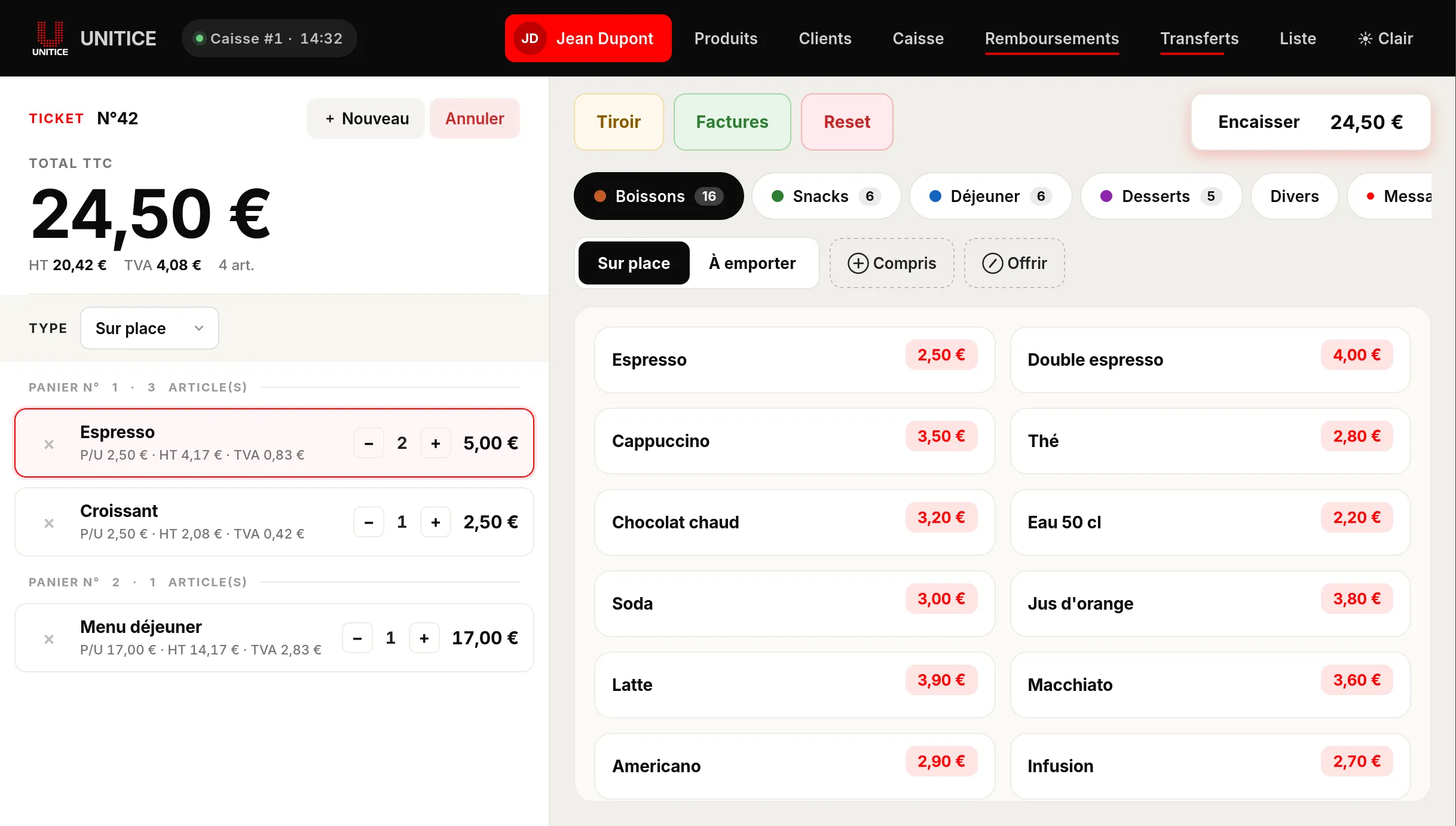
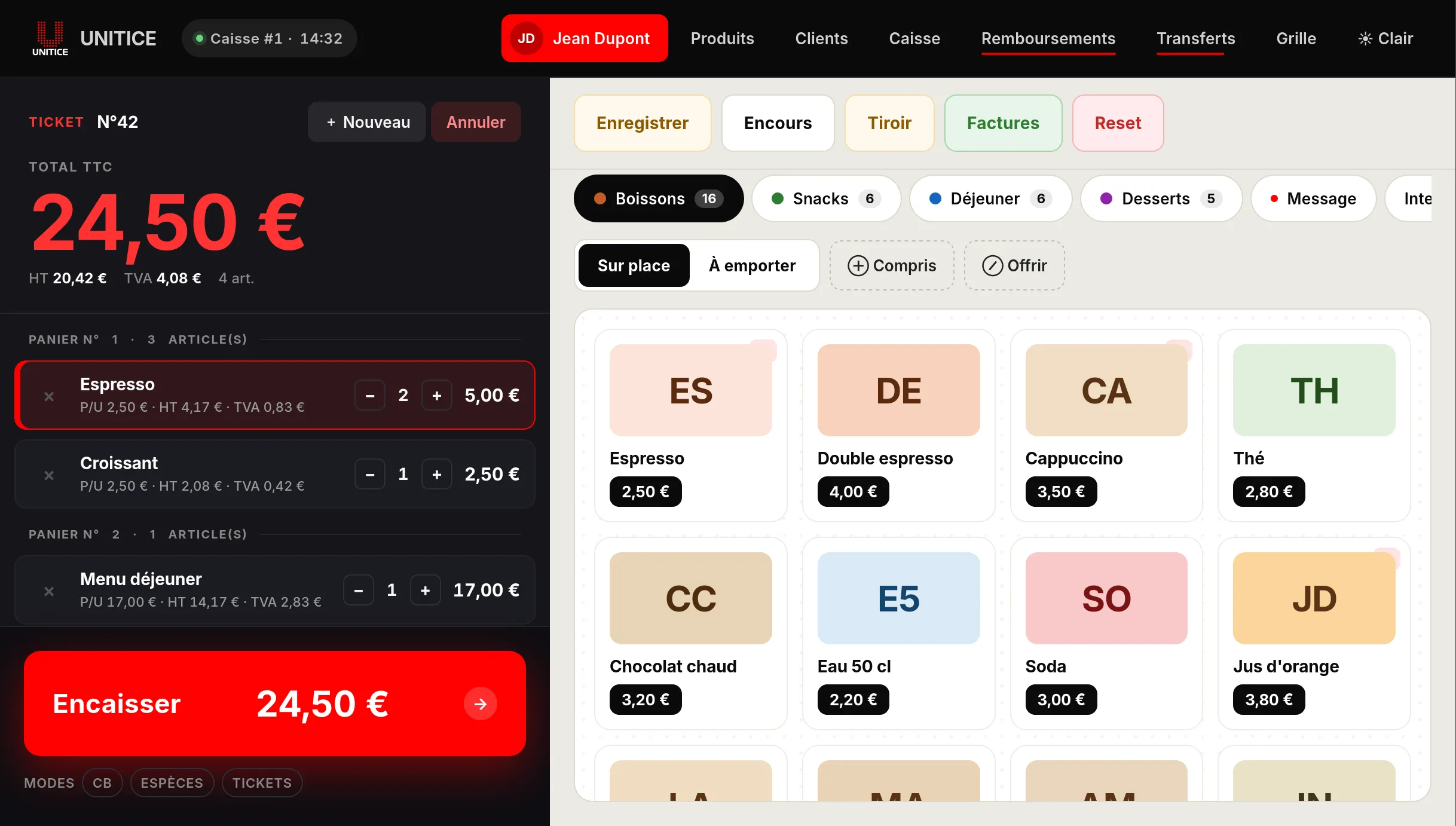
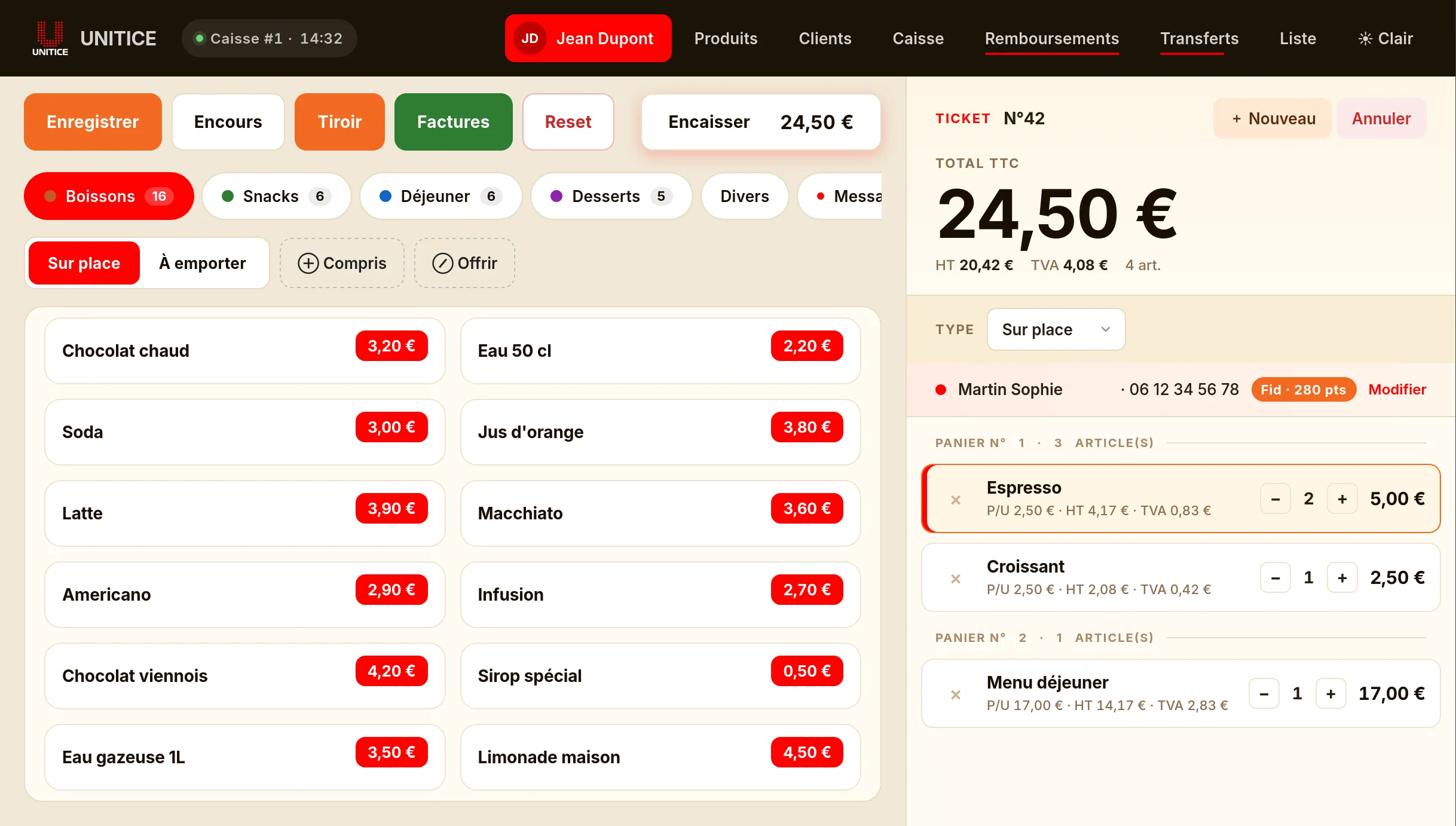
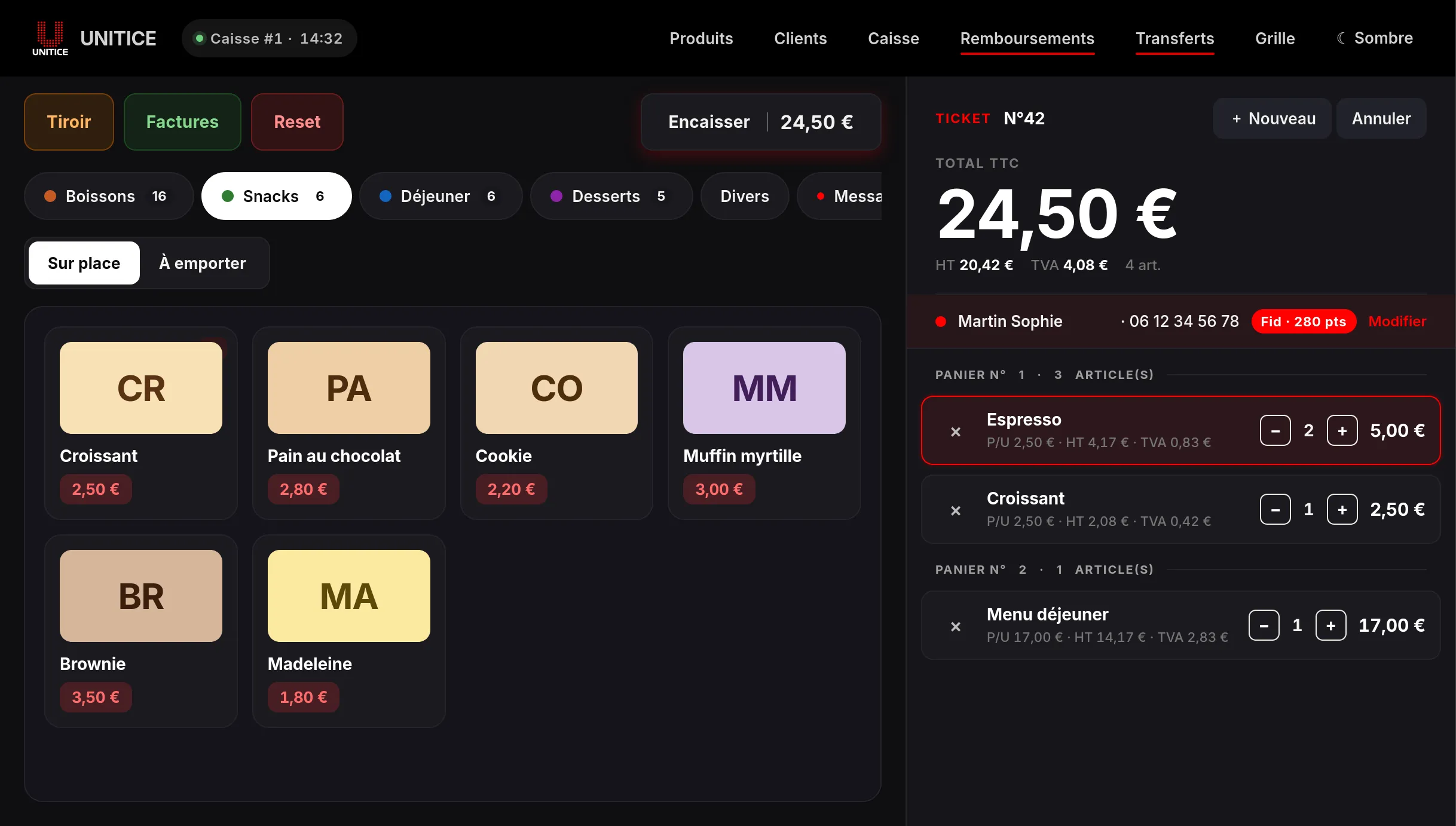
The flow breaks data entry into steps. The example follows a stay: the customer, their contact details, then the entries.
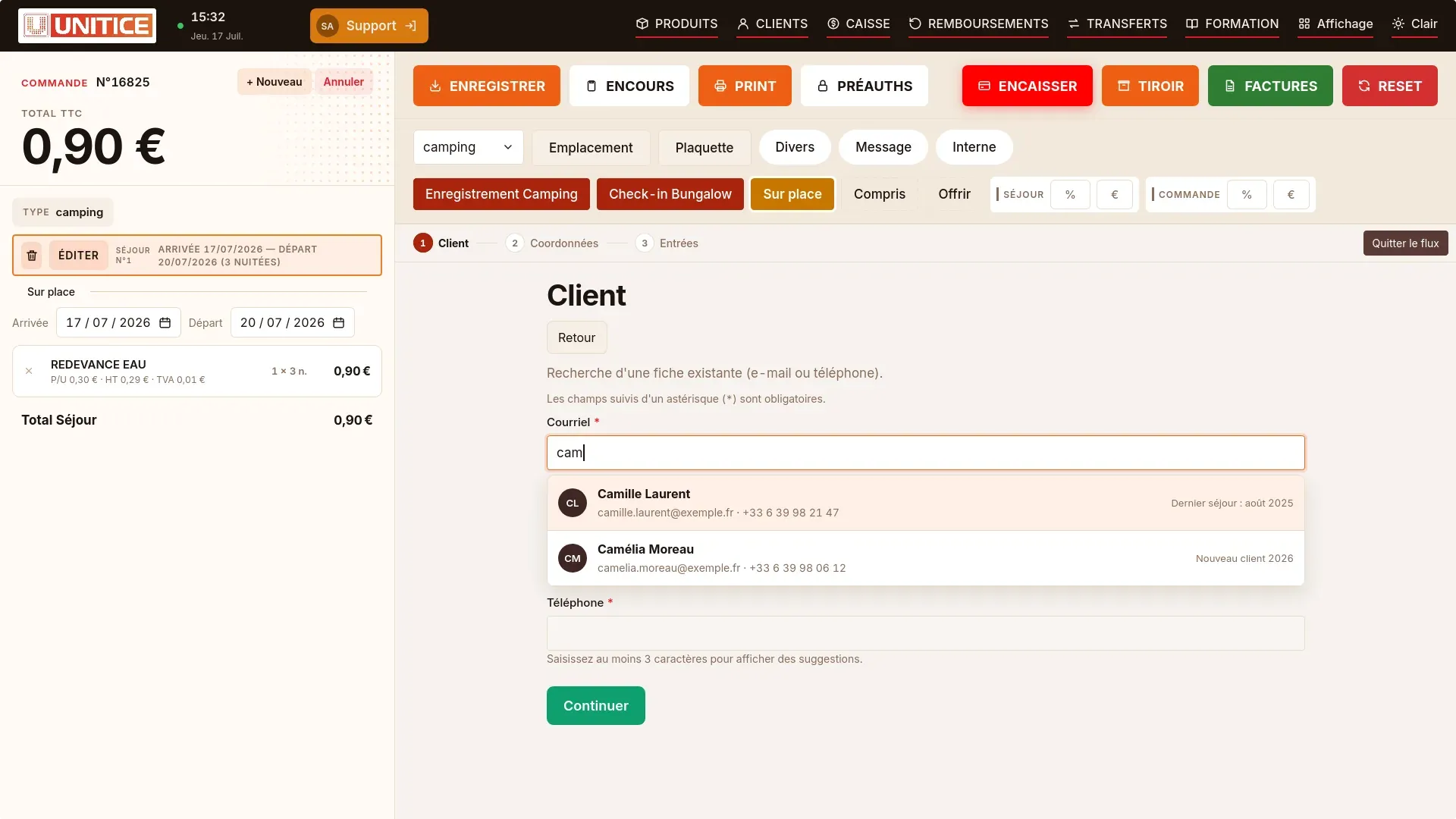
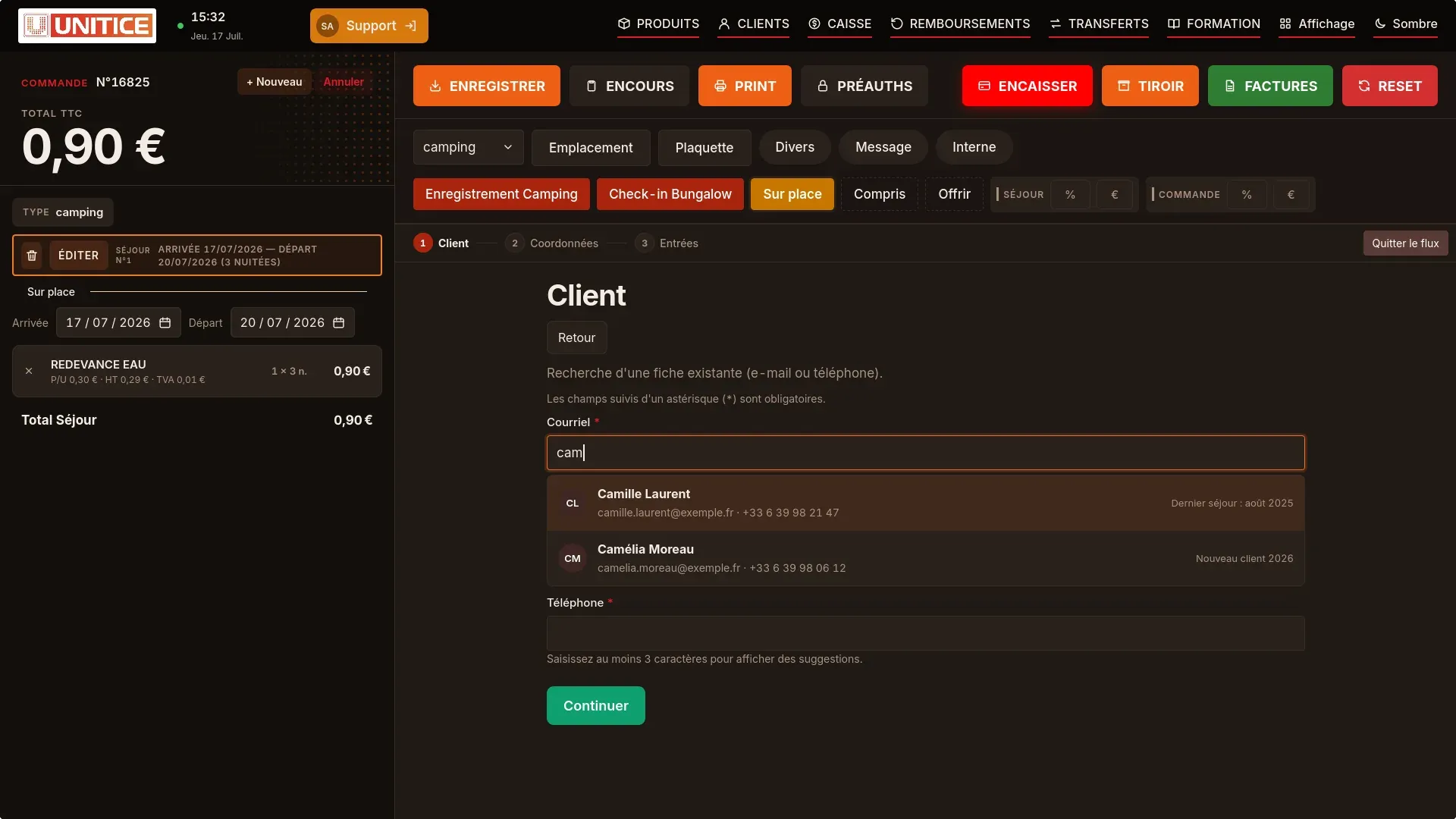
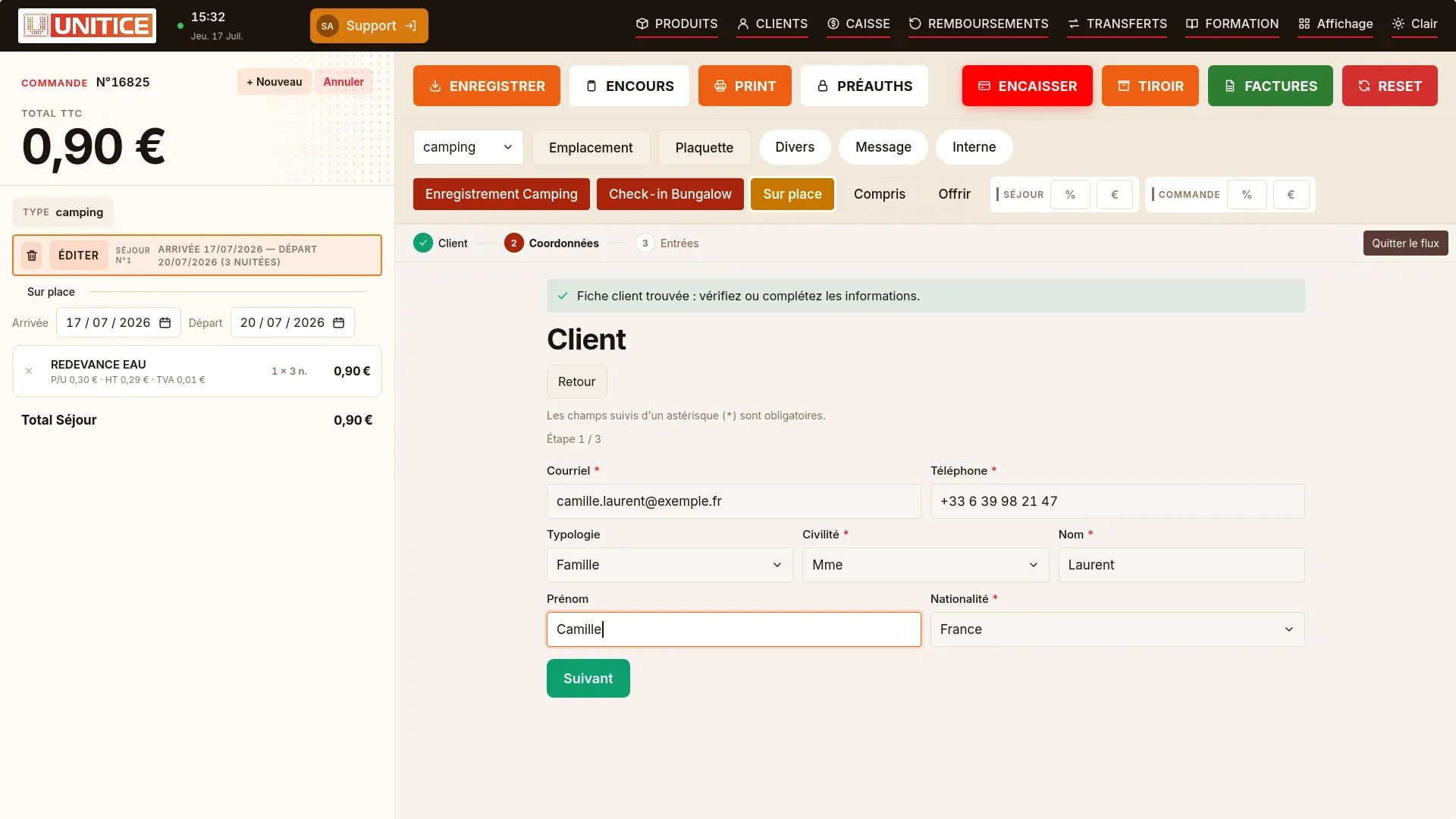
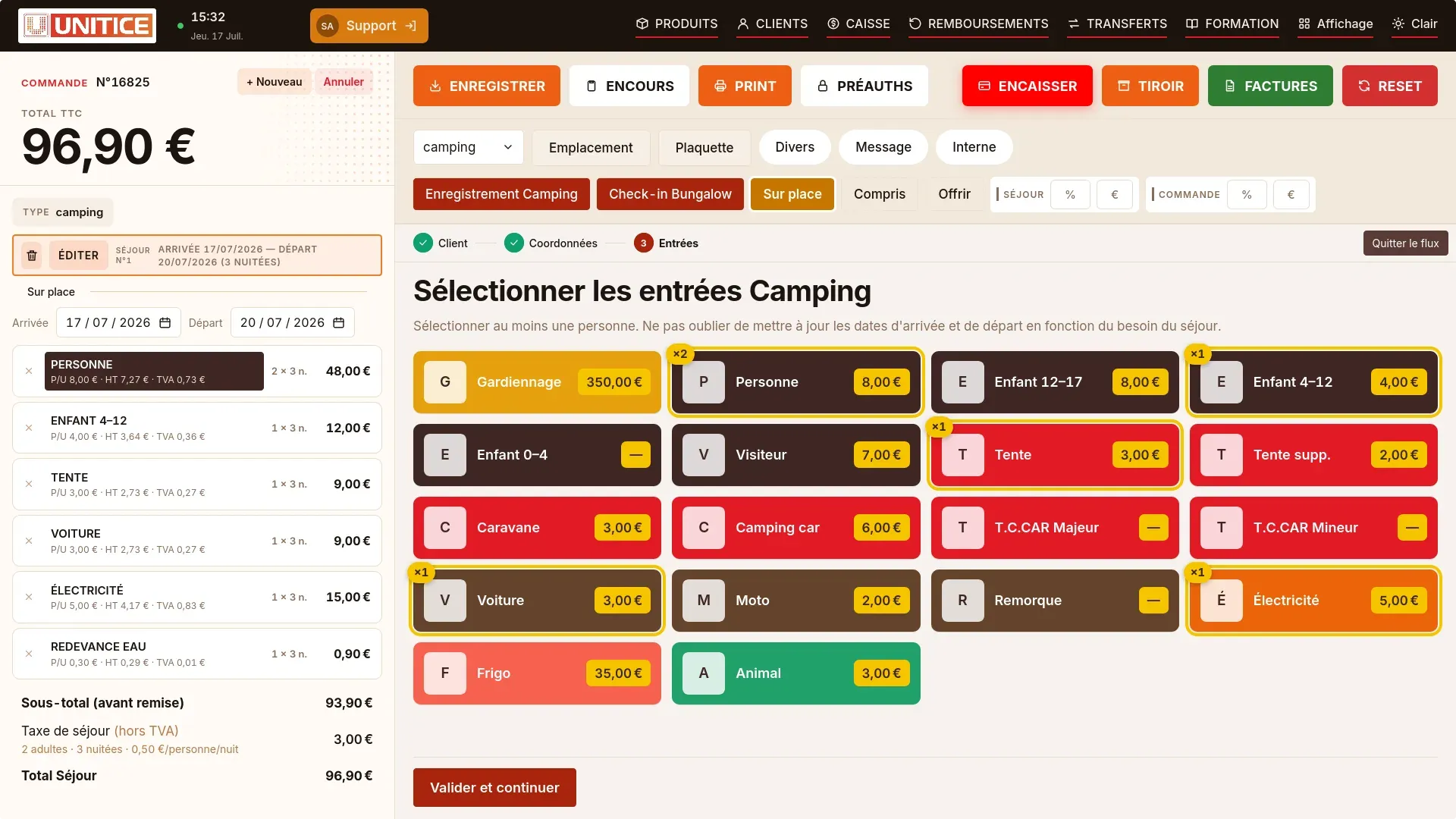
The sale, the actions, the receipt and checkout fit on the phone's screen.
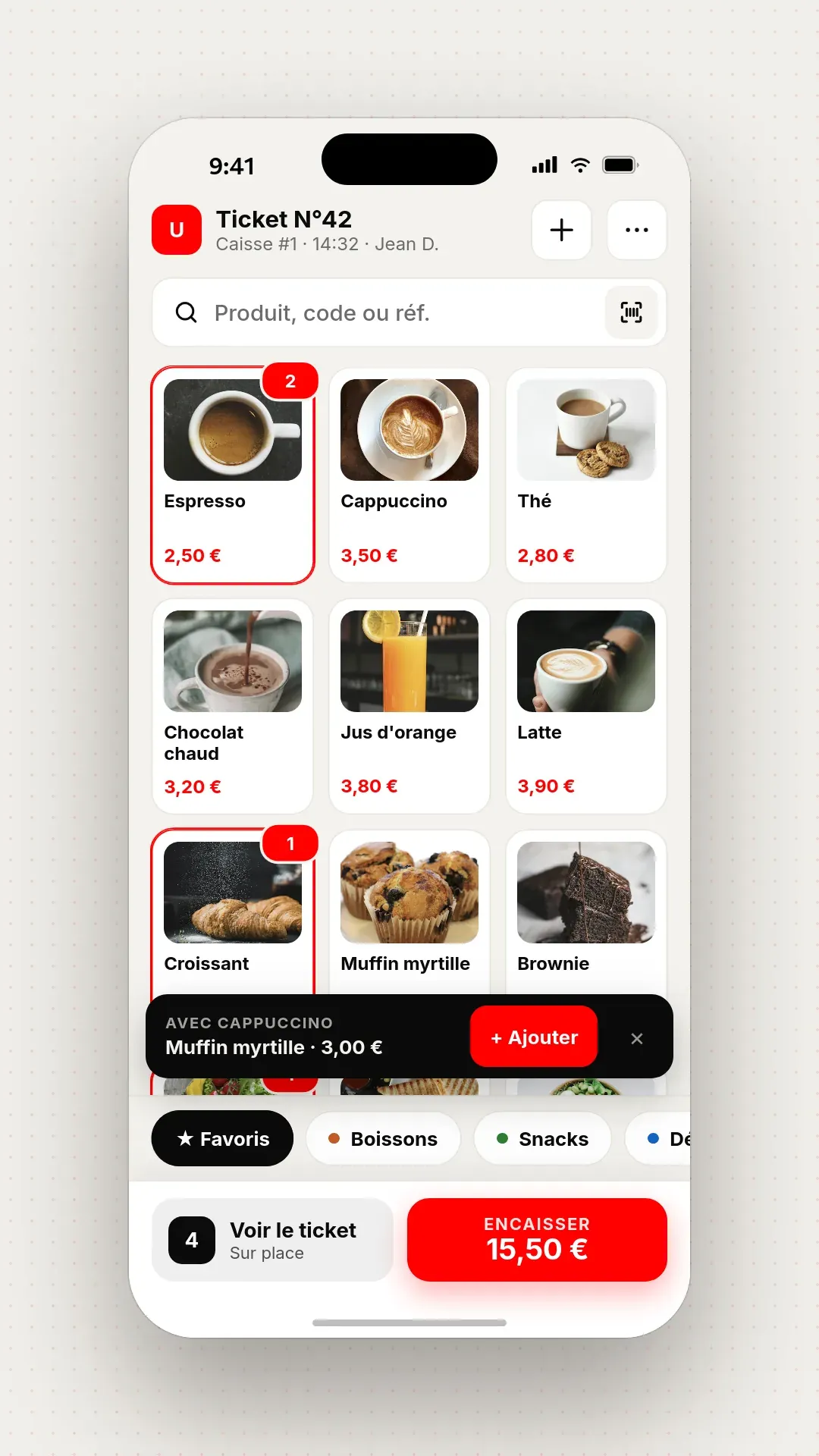
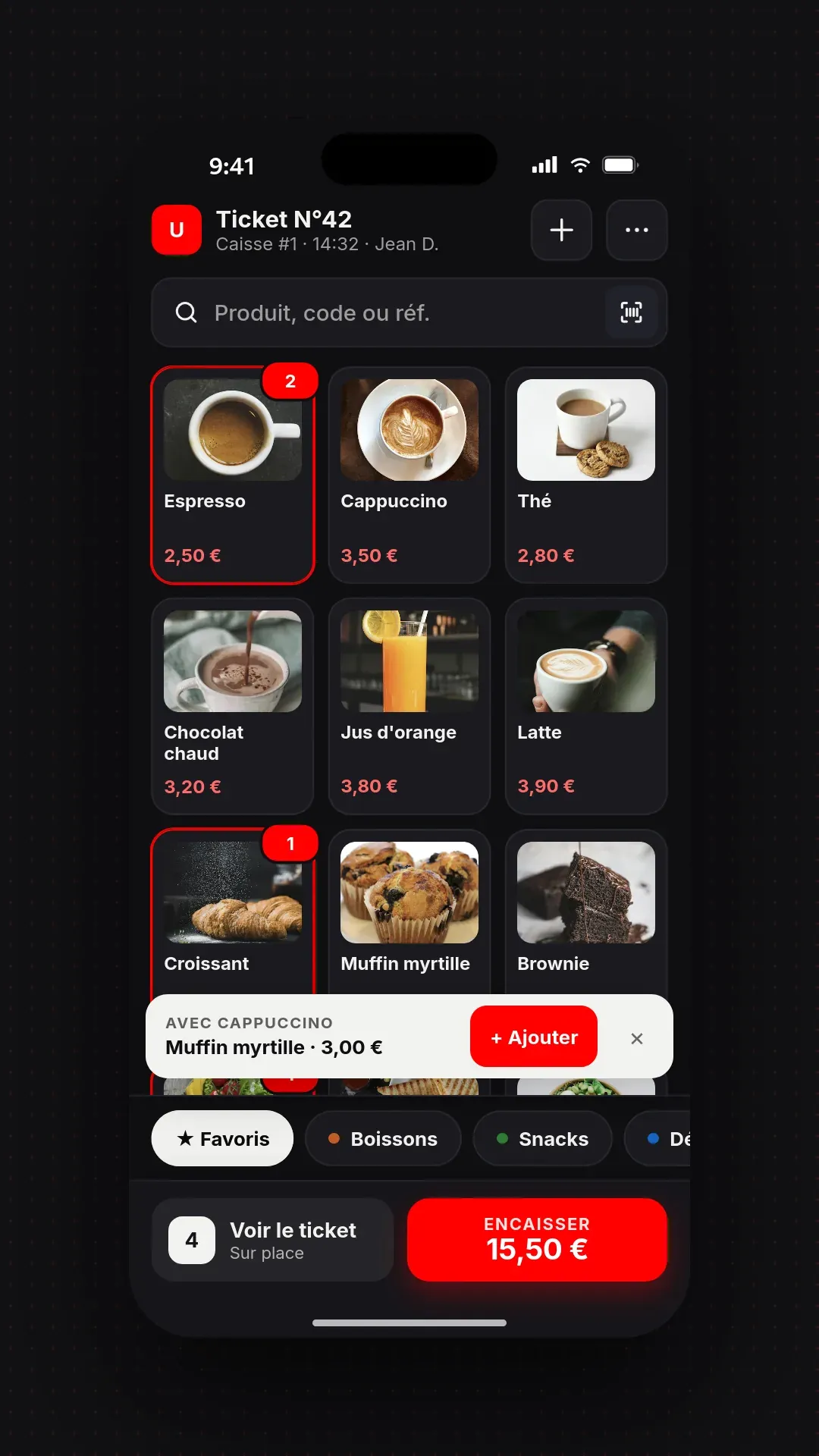
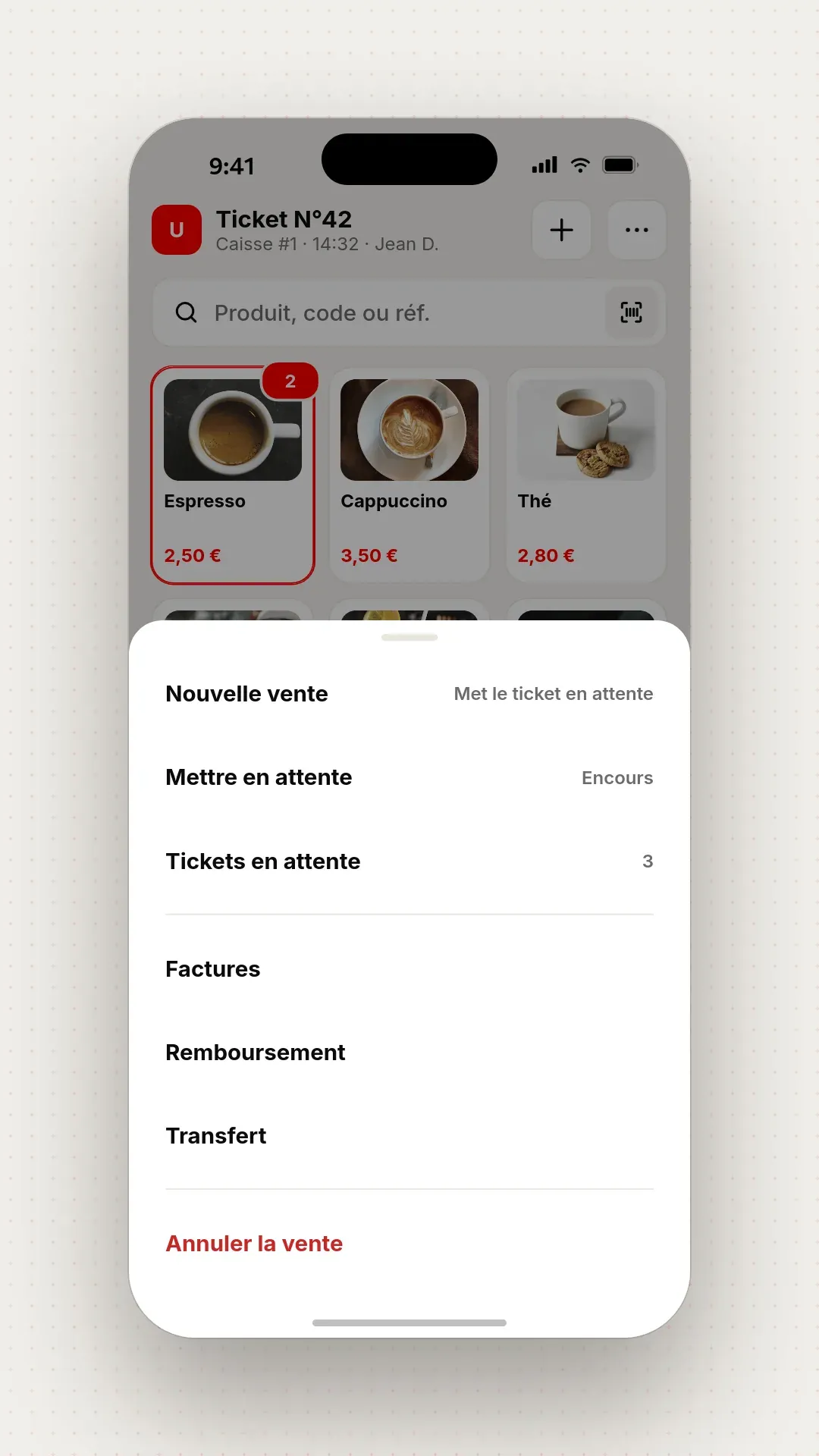
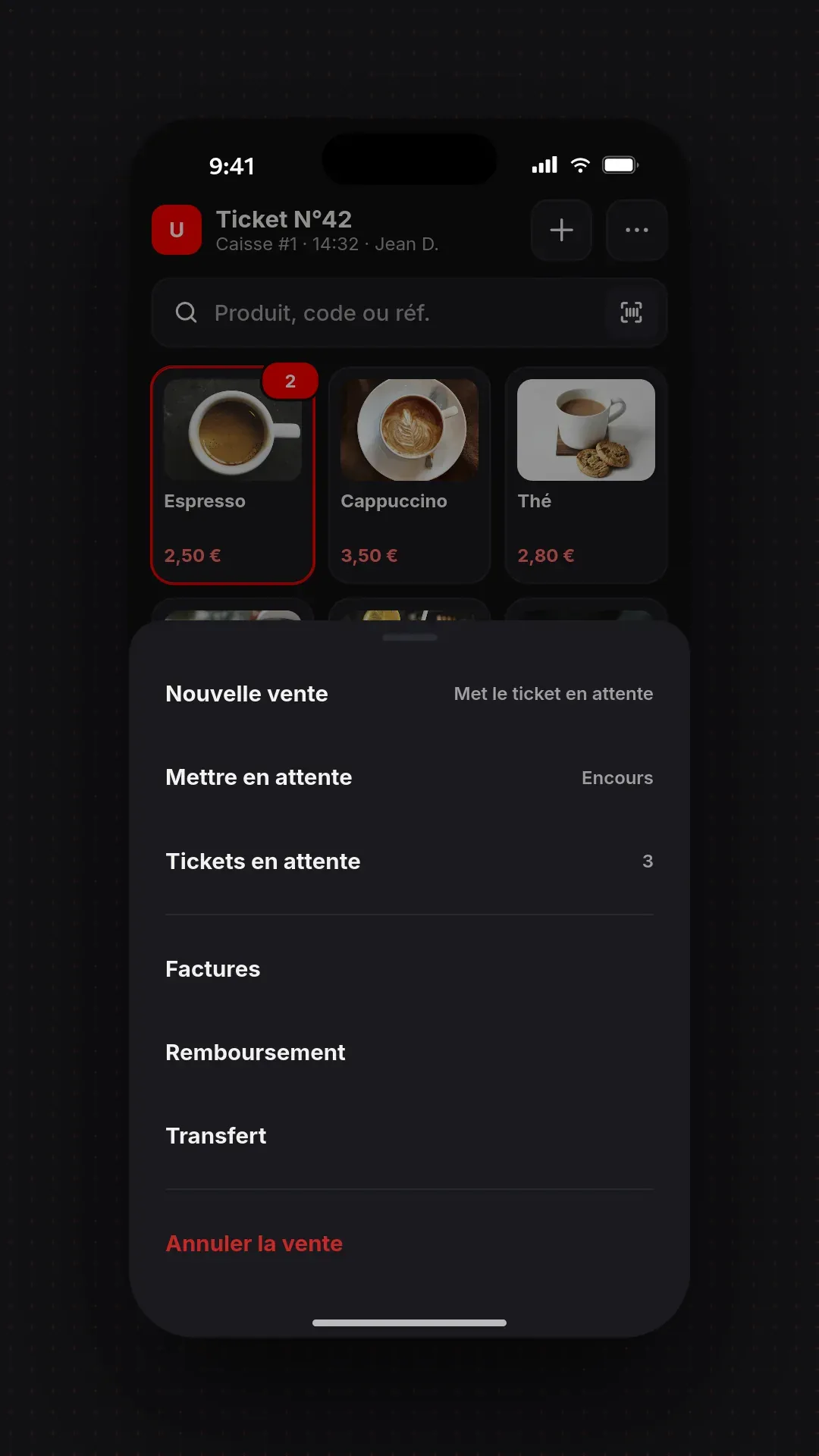
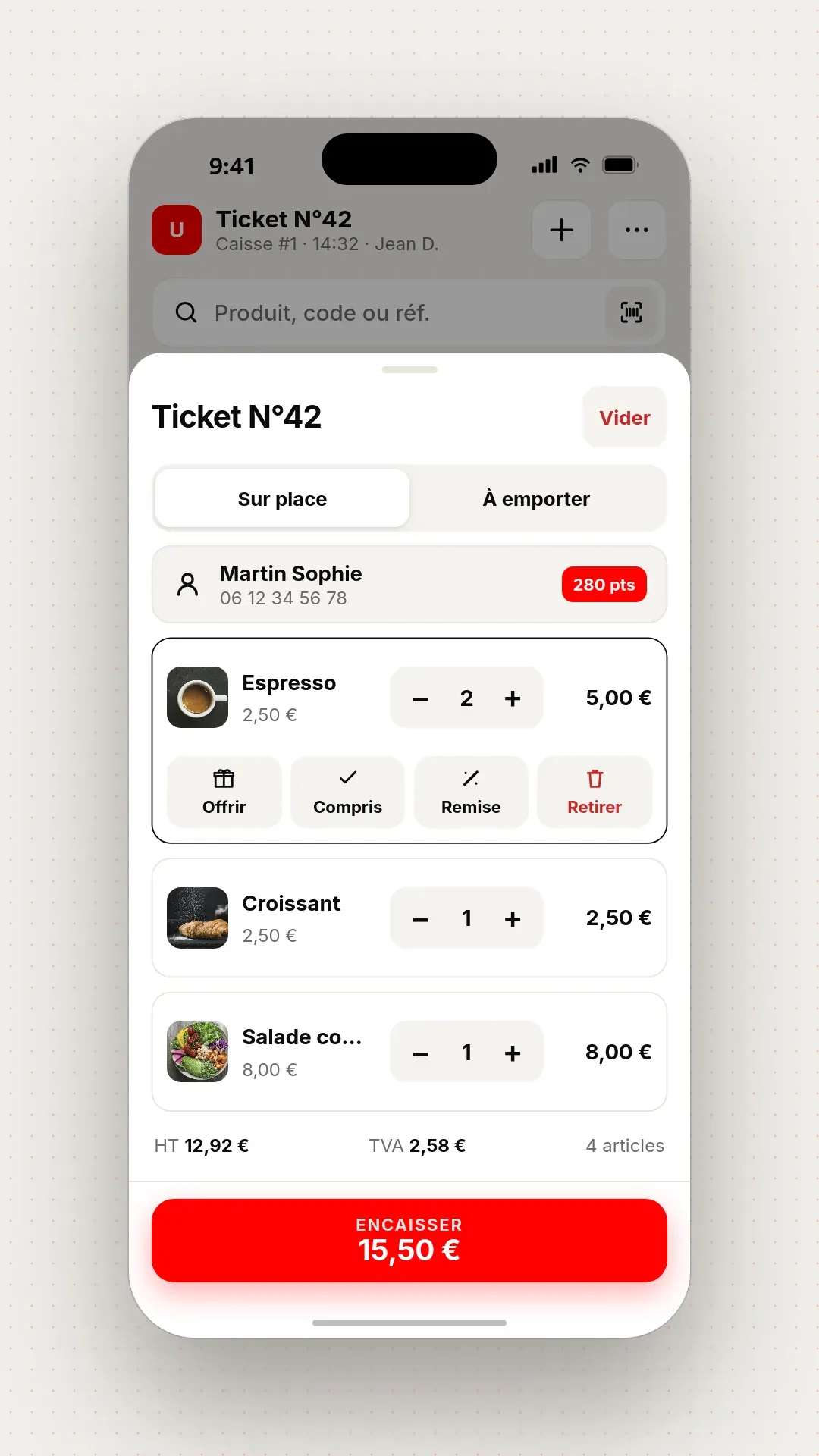
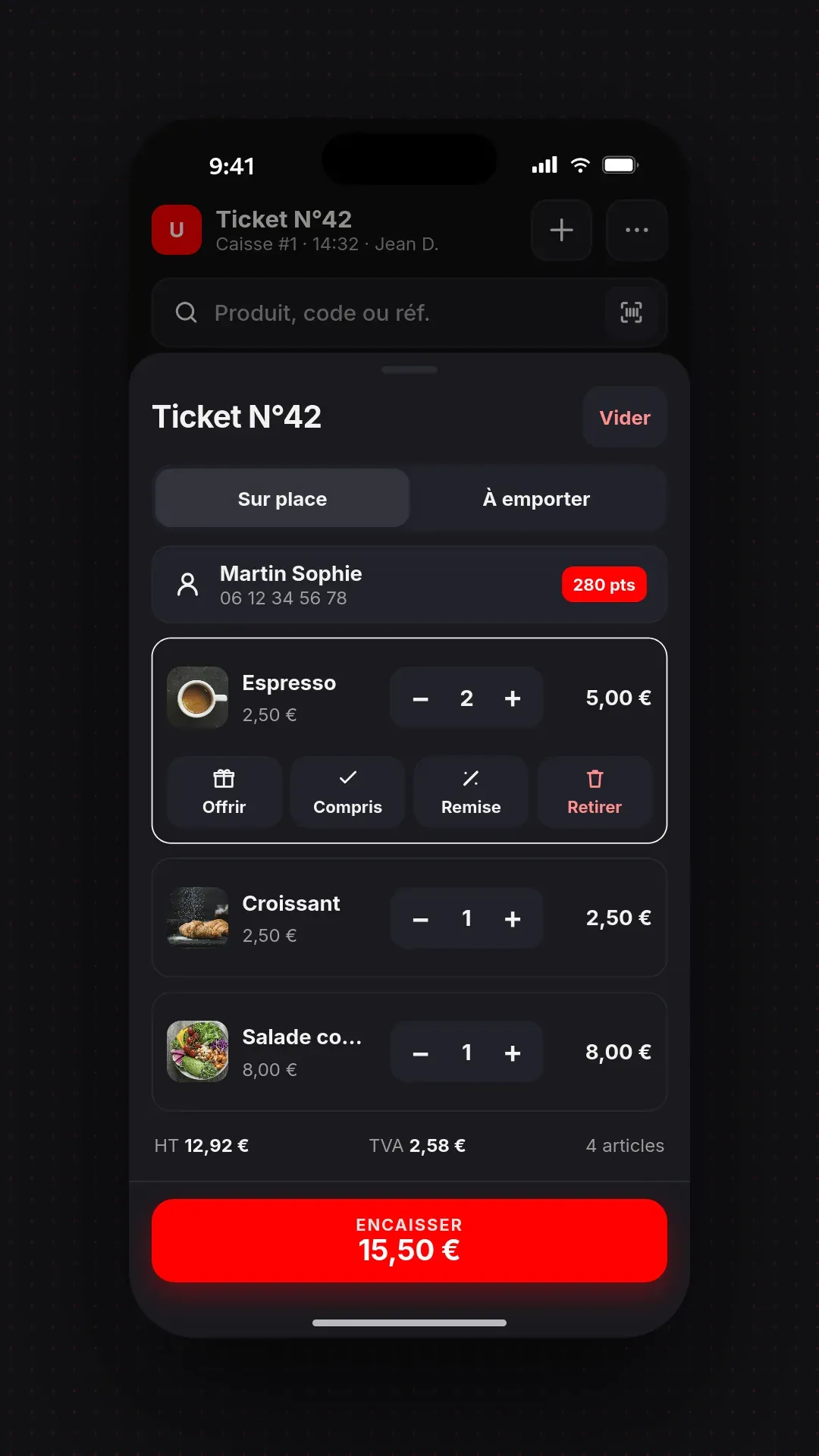
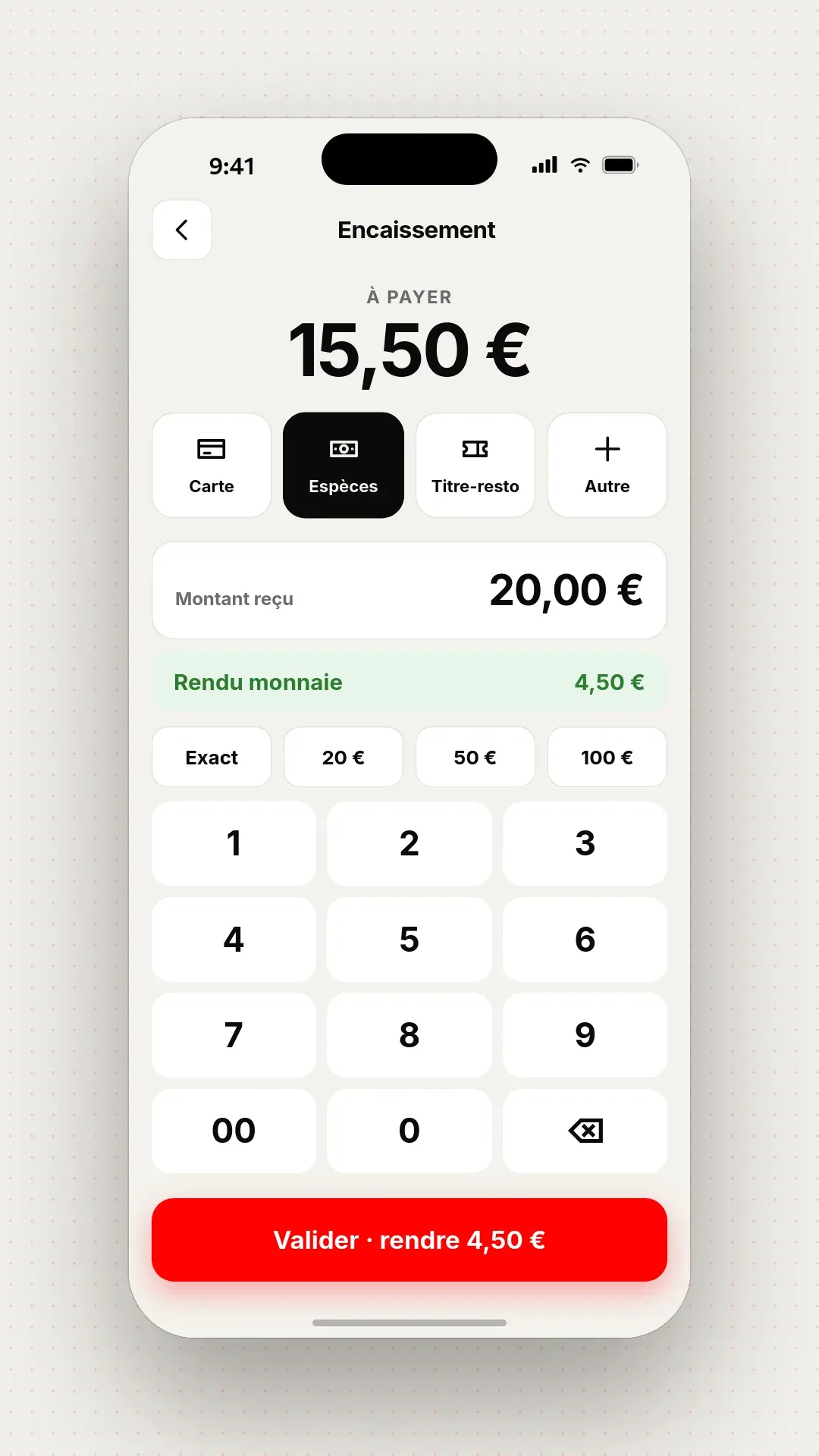
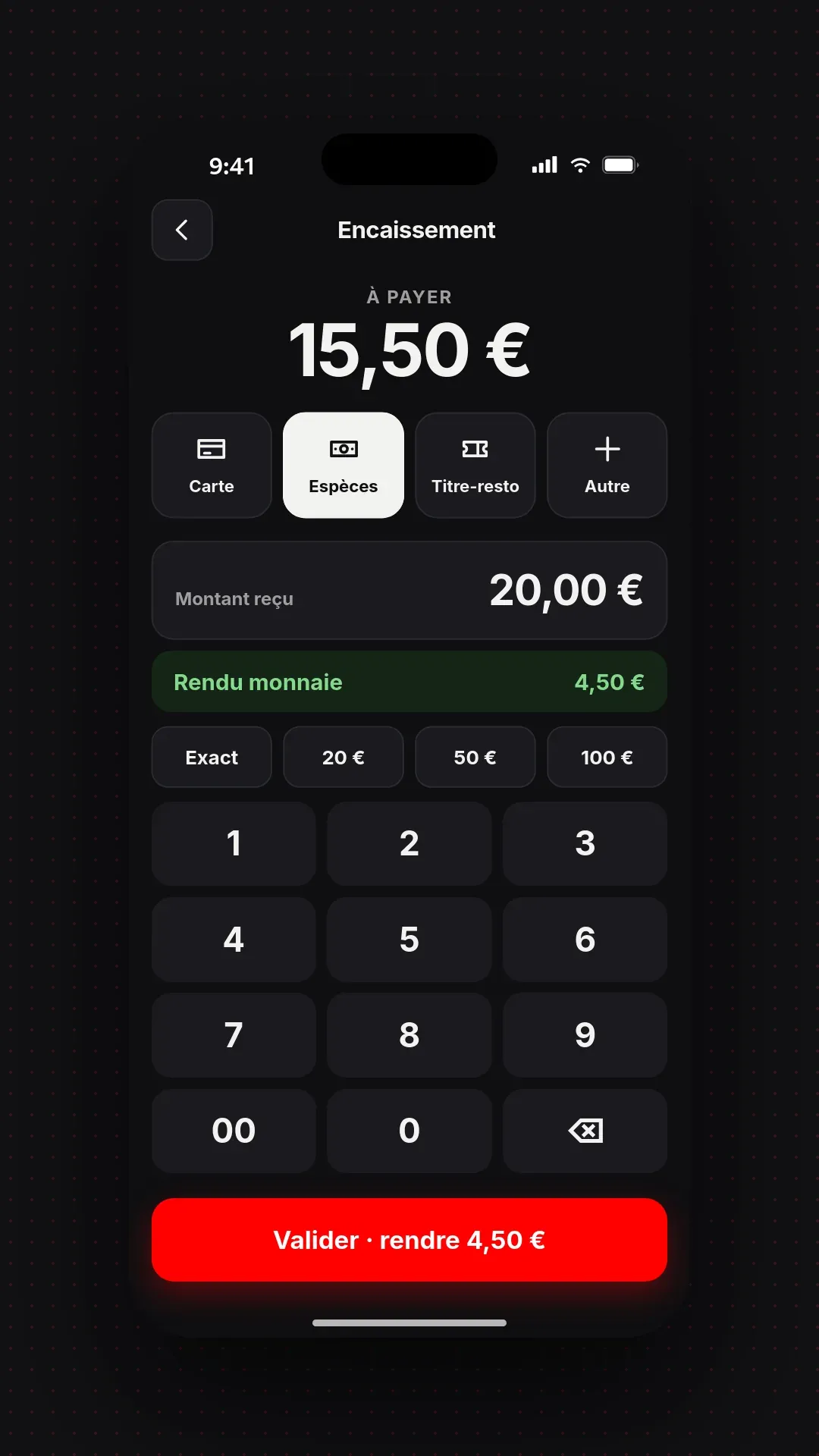
The video follows the till, from the receipt through to checkout.
In your back office, on a computer, tablet or phone: you change a price, a product or a setting, the till follows at once.
Button categories, order, colours and size.
Product record, price by period, promotions, VAT.
The cashier closes their day; as an option, the day, the month and the year close on their own.
The back office adapts to the screen: your figures everywhere.
Dashboard
Turnover, orders, arrivals and departures, up to date on your phone, wherever you are.
Till
Categories, order and button colours: you arrange the sales screen the way you arrange the counter.
Catalogue
Till, kiosk, web: you choose where each product is sold, with its price and preparation time for each mode.
| Mode | Prices | Preparation |
|---|---|---|
| Eat in | 12,90 € | 8 min |
| Takeaway | 12,90 € | 6 min |
| Delivery | 13,90 € | 10 min |
Compliance
The cashier closes the day in one move. If you choose, the day, the month and the year close on their own. A missed day is caught up without retyping.
No delay · a missed day can be caught up
Catalogue, set menus, discounts, cancellations, even at peak times.
Browser, Android, Windows, Linux — from the 6″ terminal to the 48″ screen.
Till, order kiosk, web and kitchen share the same catalogue and the same stocks. An out-of-stock product is hidden everywhere, or greyed out with or without the "Victim of its own success" badge.
Card terminal connected to the till — amount sent automatically, zero retyping.
Sales, stock, statistics — available from anywhere, in real time.
Inalterability, security, conservation, archiving — the 4 legal conditions.
| UNITICE | iPad tills | Proprietary tills | |
|---|---|---|---|
| Browser | Yes | No | No |
| Android | Yes | No | Sometimes |
| Windows / Linux | Yes | No | Sometimes |
| Open hardware | Yes — yours or direct | iPad imposed | Imposed hardware |
| Order kiosk + KDS + web integrated | Same platform | Third-party modules | Rarely |
| Updates | Automatic (cloud) | App Store | On-site intervention |
On your existing hardware: Android tablet, Windows or Linux PC, or simply a browser, from the 6″ terminal to the 48″ screen. No hardware is imposed.
The till needs a connection. If your internet box goes down, sharing a smartphone connection is enough to keep taking payment. A multi-operator 4G/5G backup router can take over automatically, on request.
Yes. UNITICE software meets the 4 legal conditions for POS software. They cover the inalterability, security, retention and archiving of the data.
Yes. The amount is sent automatically to the card terminal, with no retyping.
Automatically, from the cloud, with no on-site work.