Your products, channel by channel
Till, order kiosk, web: each product is enabled where you want, with its price per mode.

Quick service
Shorter queues, a higher average basket depending on your catalogue and your customers, paperless kitchen: UNITICE links the till, order kiosks, online ordering and the kitchen display on a single cloud platform. The order kiosks absorb the rush: customers order on their own while the till takes payment. Change a price once — it updates on the till, the order kiosk, the web and the menu board.

Along the way, the order kiosk offers suggestions based on your settings: a drink, a dessert, an extra.
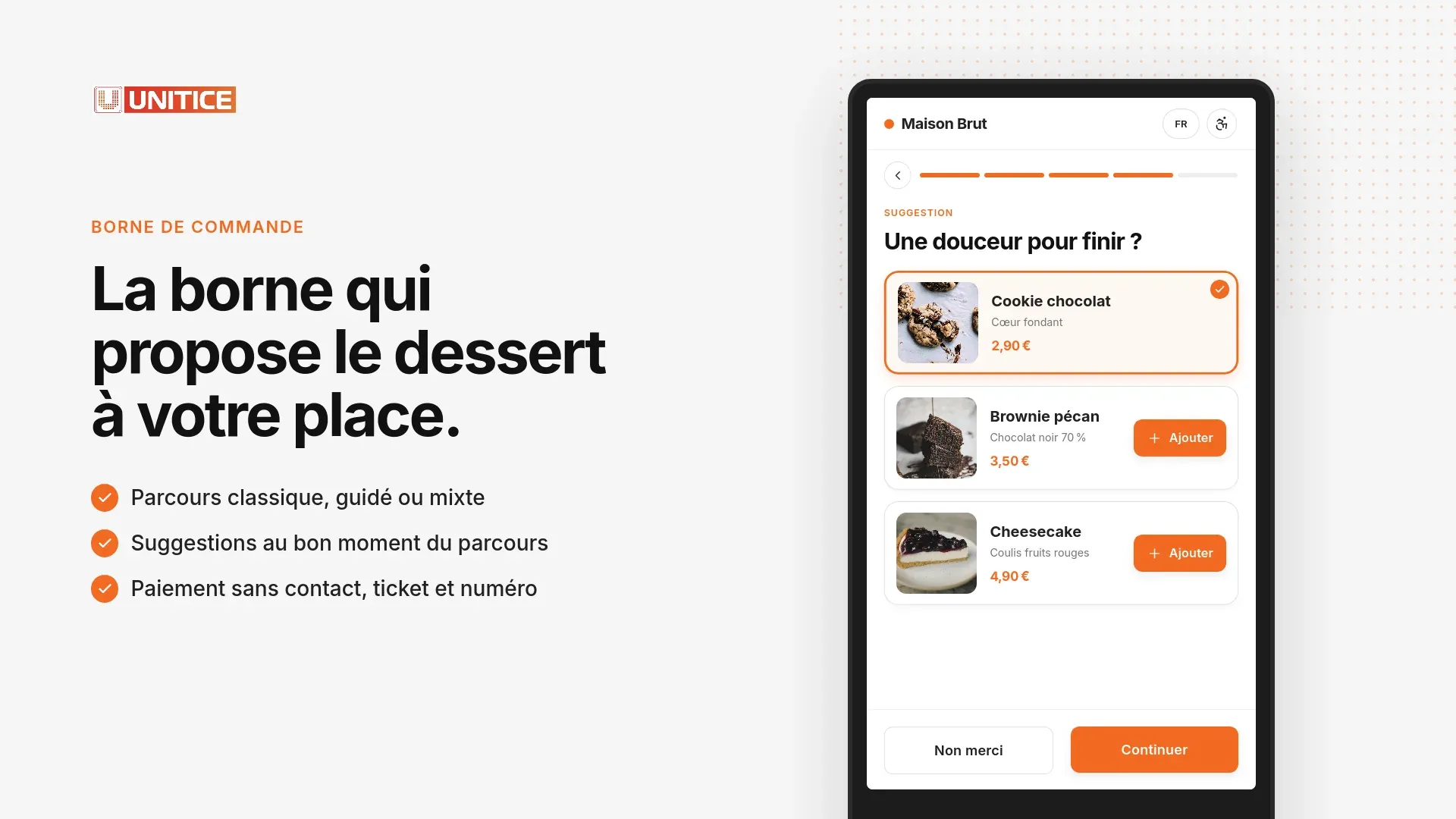
The order kiosk can take the order in three ways. You choose the right one for each order kiosk and each channel; the catalogue stays the same.
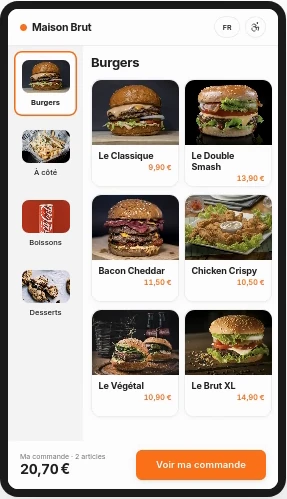 Classic
Like a restaurant menu: the customer sees everything and chooses freely.
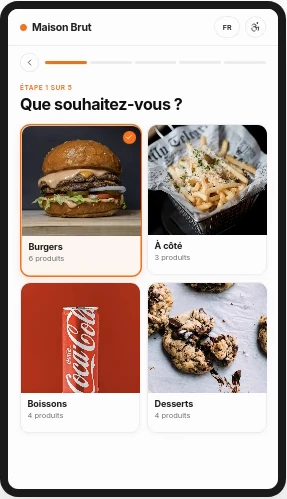 Guided
Like a waiter: one question at a time, no way to get lost.
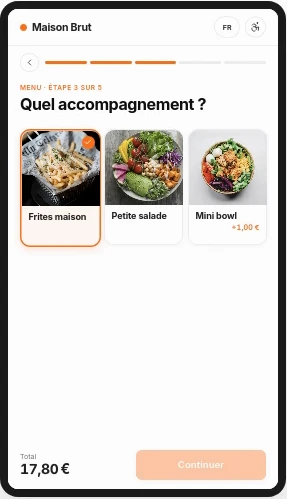 Mixed
The menu is open, then the kiosk helps them complete their meal.
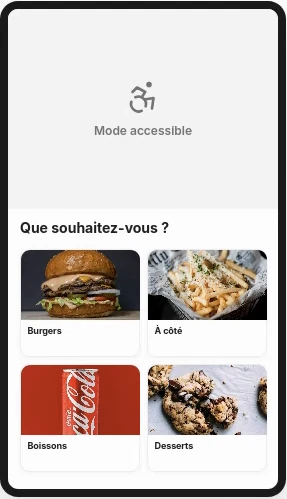 + Accessible
With each of them: the screen lowers to wheelchair height.
You mix themFor example: the entrance kiosk in guided, the counter one in classic, online ordering in mixed.
The video follows the guided path, from the welcome screen to the receipt.
In your back office, on a computer, tablet or phone: you change a price, a product or a setting, the till follows at once.
Till, order kiosk, web: each product is enabled where you want, with its price per mode.
A time per product and per mode: on the premises, takeaway, delivery.
Steps, required choices and suggested extras, configured for your order kiosk and your site.
Points, coupons and promo codes, limited to the channel or mode you choose.
Catalogue
Till, kiosk, web: you choose where each product is sold, with its price and preparation time for each mode.
| Mode | Prices | Preparation |
|---|---|---|
| Eat in | 12,90 € | 8 min |
| Takeaway | 12,90 € | 6 min |
| Delivery | 13,90 € | 10 min |
Kiosk and web
Products, details, table, confirmation: a guided path, the same on the kiosk and on the web.
Statistics
Counter, kiosk, web: turnover, share and average price of each channel, for the period you choose.
Loyalty
Points, stamps, tiers and coupons: loyalty applies when you take payment.
Coupon available: −5,00 €Applied to this receipt, +24 points earned
The order kiosks absorb the rush: customers order on their own while the till takes payment.
Suggestions and set menus highlighted automatically on the order kiosk and online ordering. The increase depends on your catalogue and your customers.
Orders from every channel arrive on the kitchen display, prioritised.
Change a price once — it updates on the till, the order kiosk, the web and the menu board.
One piece of software — switch on the channels you need, starting with the order kiosk for fast-food, which takes orders during the rush.
Fast touch checkout at the counter.
Self-service ordering in the dining room, integrated payment.
Click and collect and delivery, same catalogue.
Orders prioritised in the kitchen, without paper.
Classic if your customers know the menu, guided so they let themselves be led, mixed between the two. Each order kiosk has its own, on the same catalogue.
As many as needed. The order kiosks share the till's catalogue and send orders to the kitchen display in real time.
Yes. Along the flow, it suggests a drink, a dessert or an extra, according to your settings.
By card, contactless, in the flow. Once payment is confirmed, the order number is displayed and the receipt prints.
Yes. Accessible mode lowers the interface to chair height.