Layout by time slot
Breakfast, noon, evening.

Solution — menu board
The UNITICE menu board replaces the chalkboard and the lightboxes: a television and a box are enough. Prices, products and shortages follow the till's catalogue, with no reprinting.
Build your screen with the editor, then let AI lay it out. Prices, products and stockouts follow your catalogue, with nothing to redo.
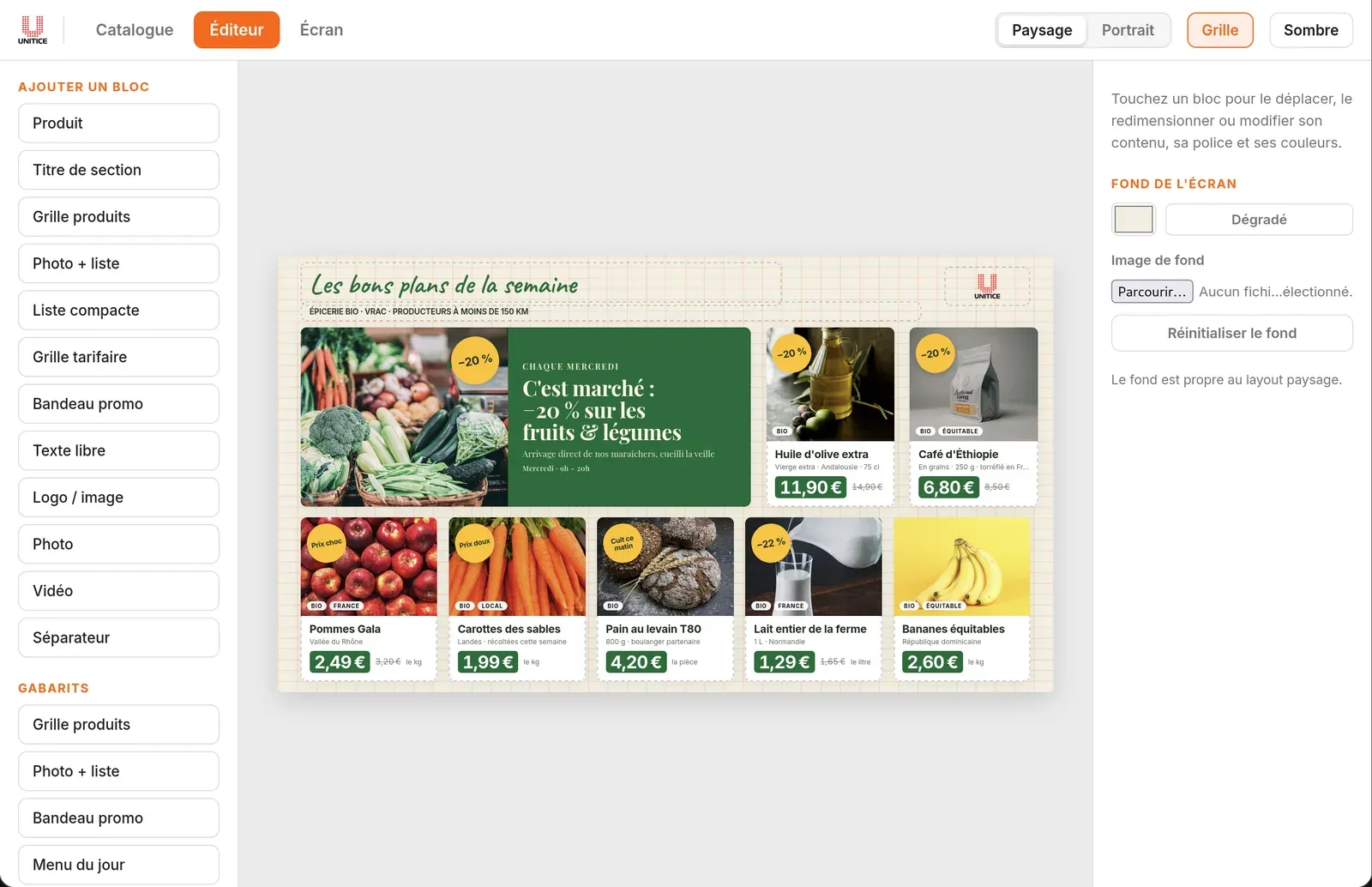
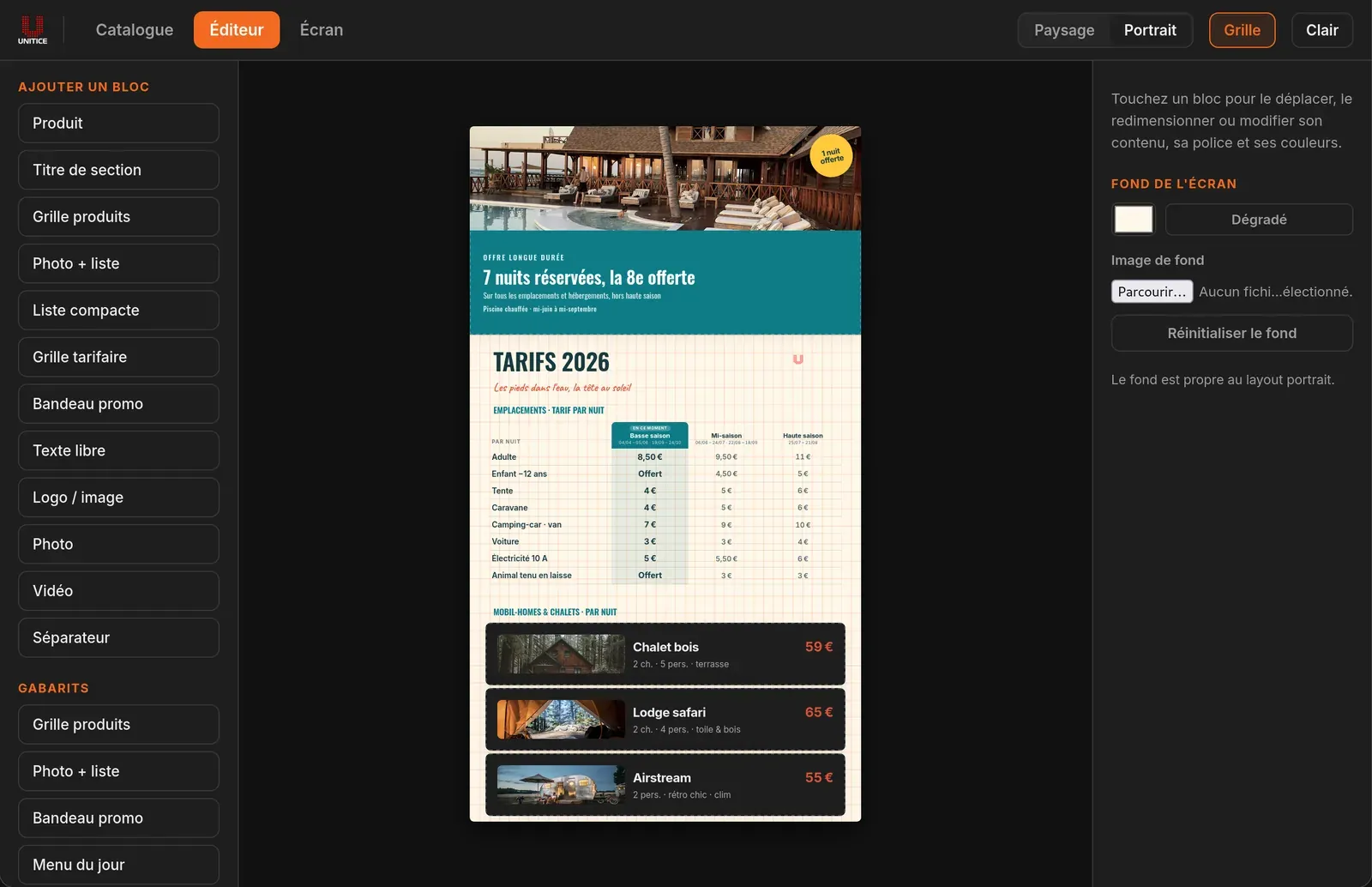
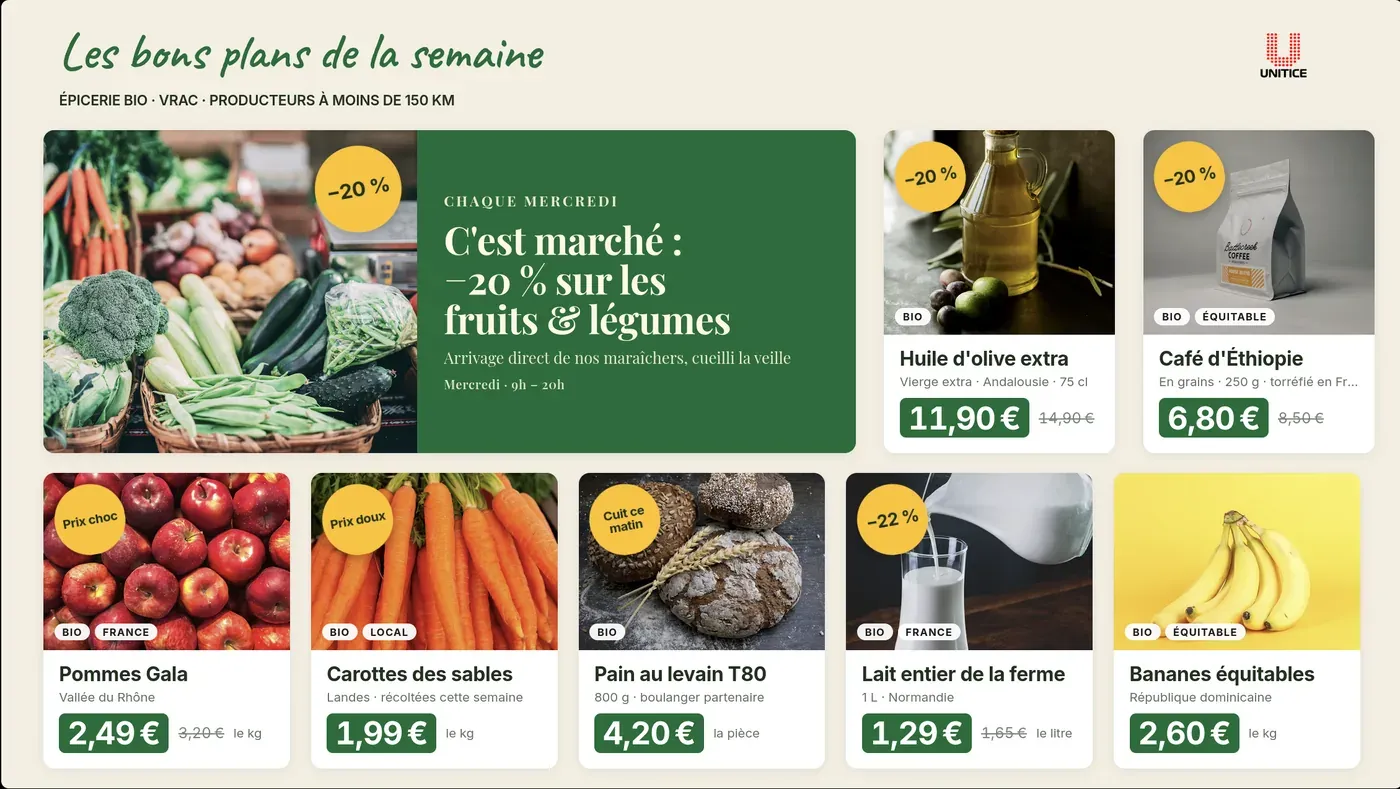
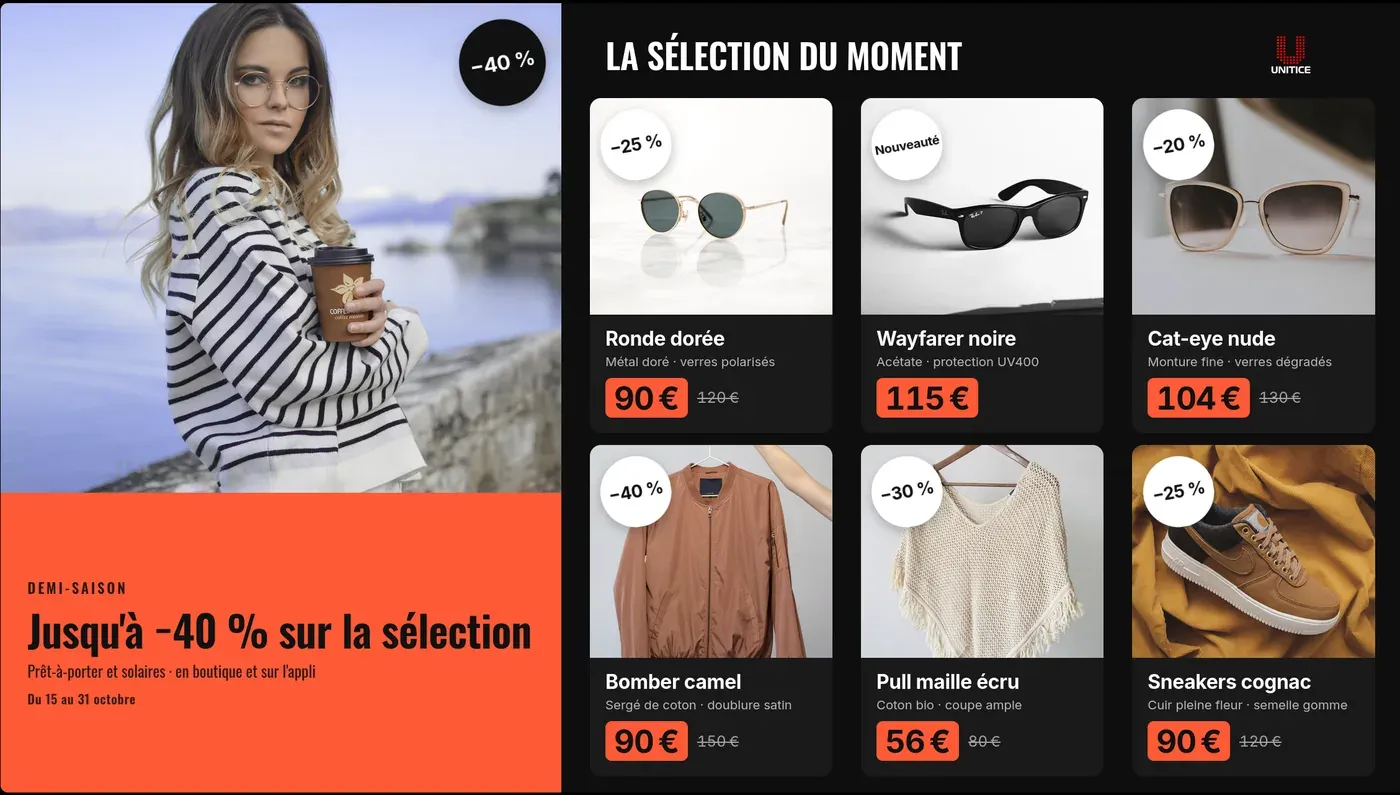
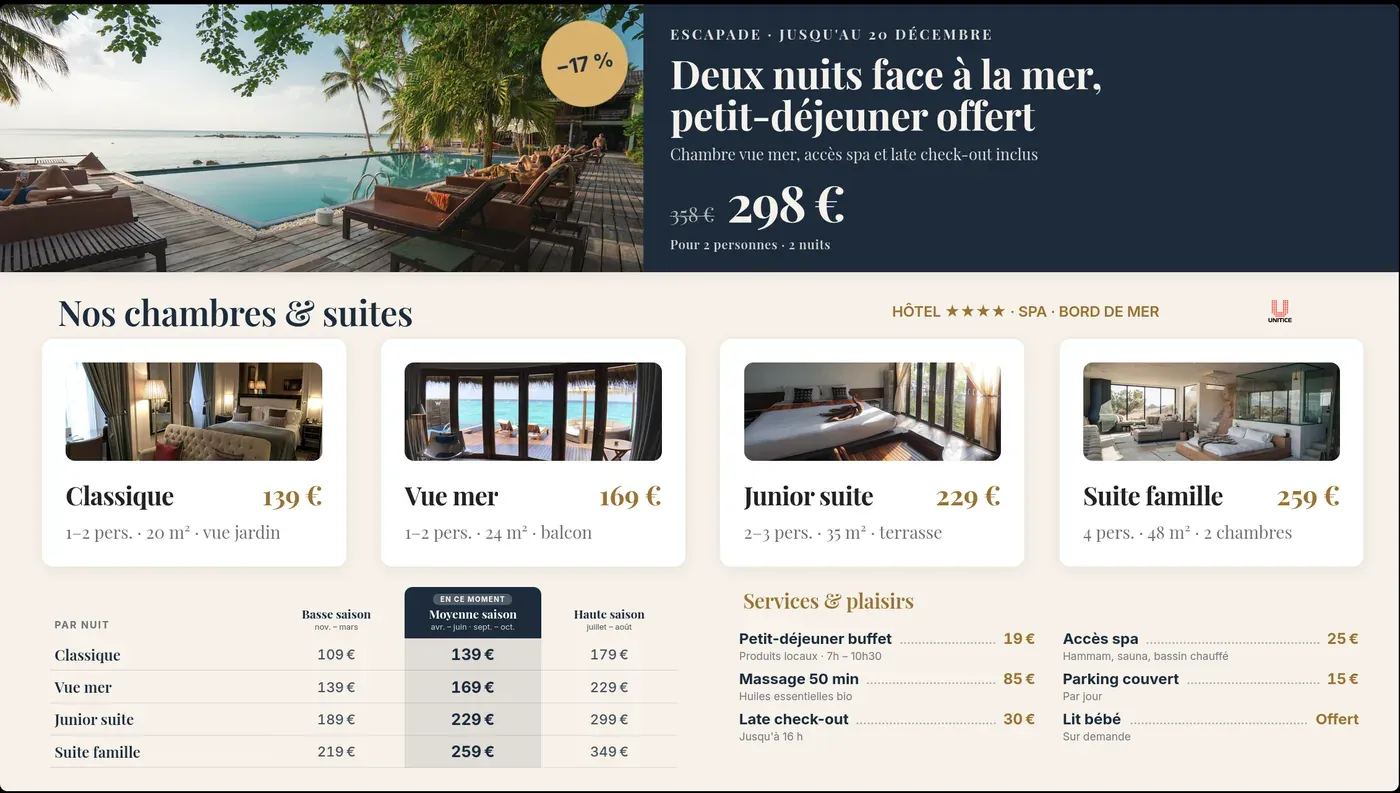
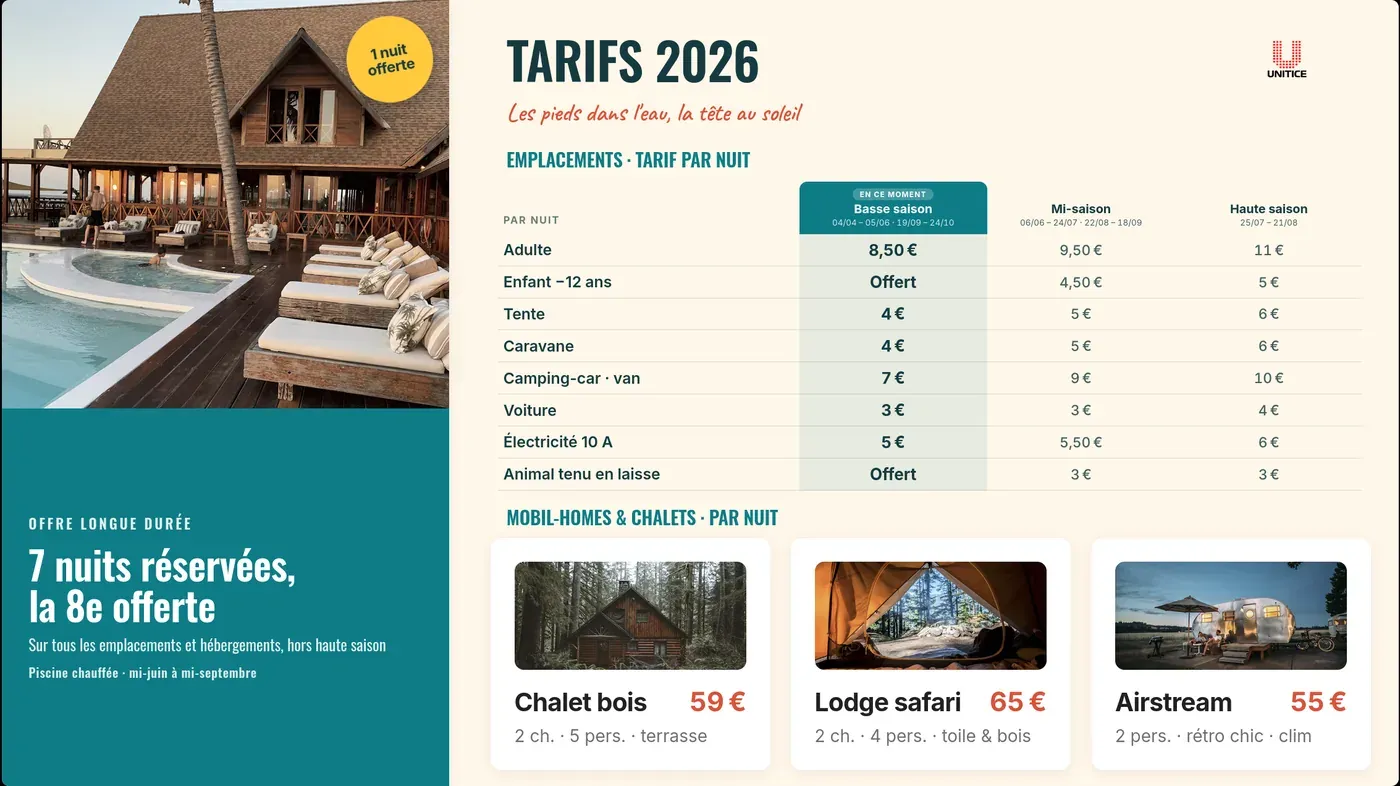
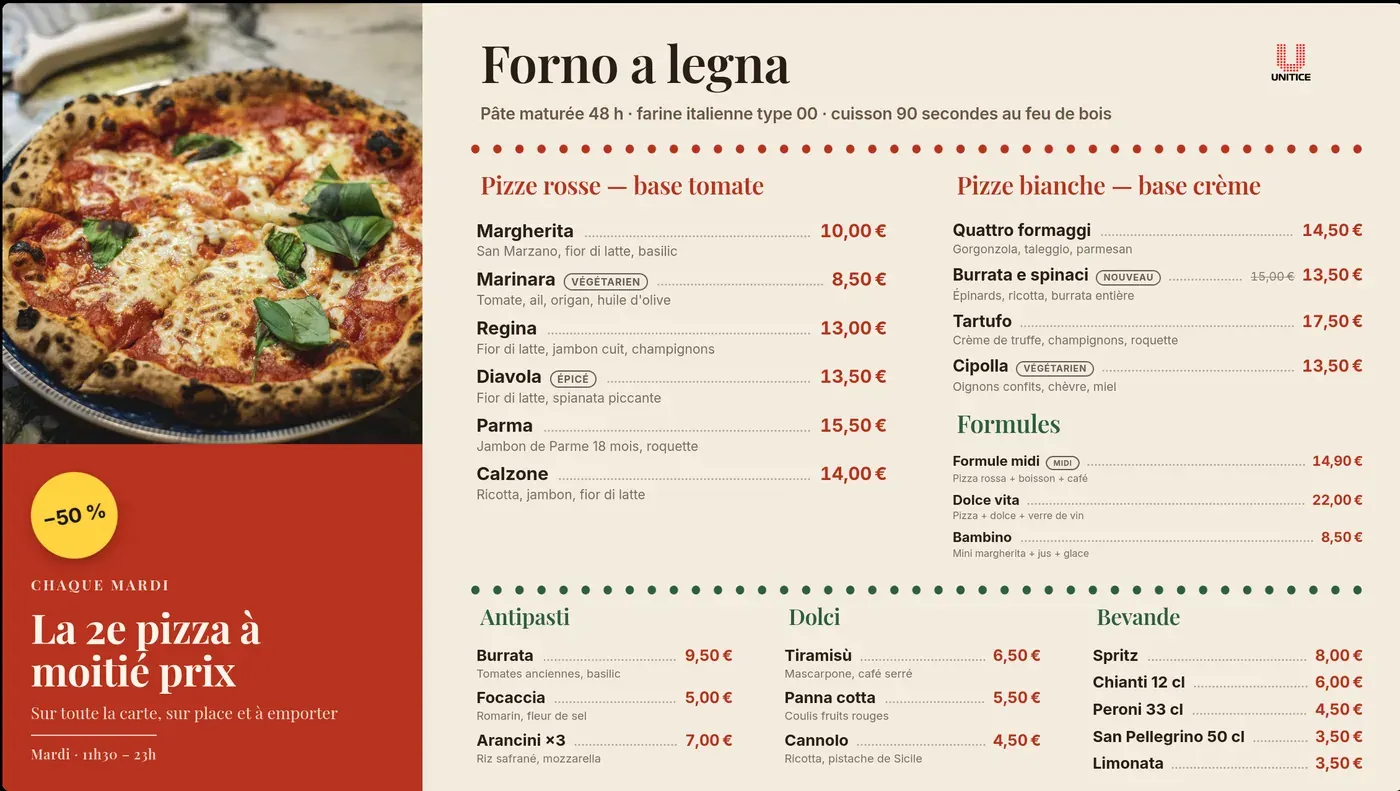
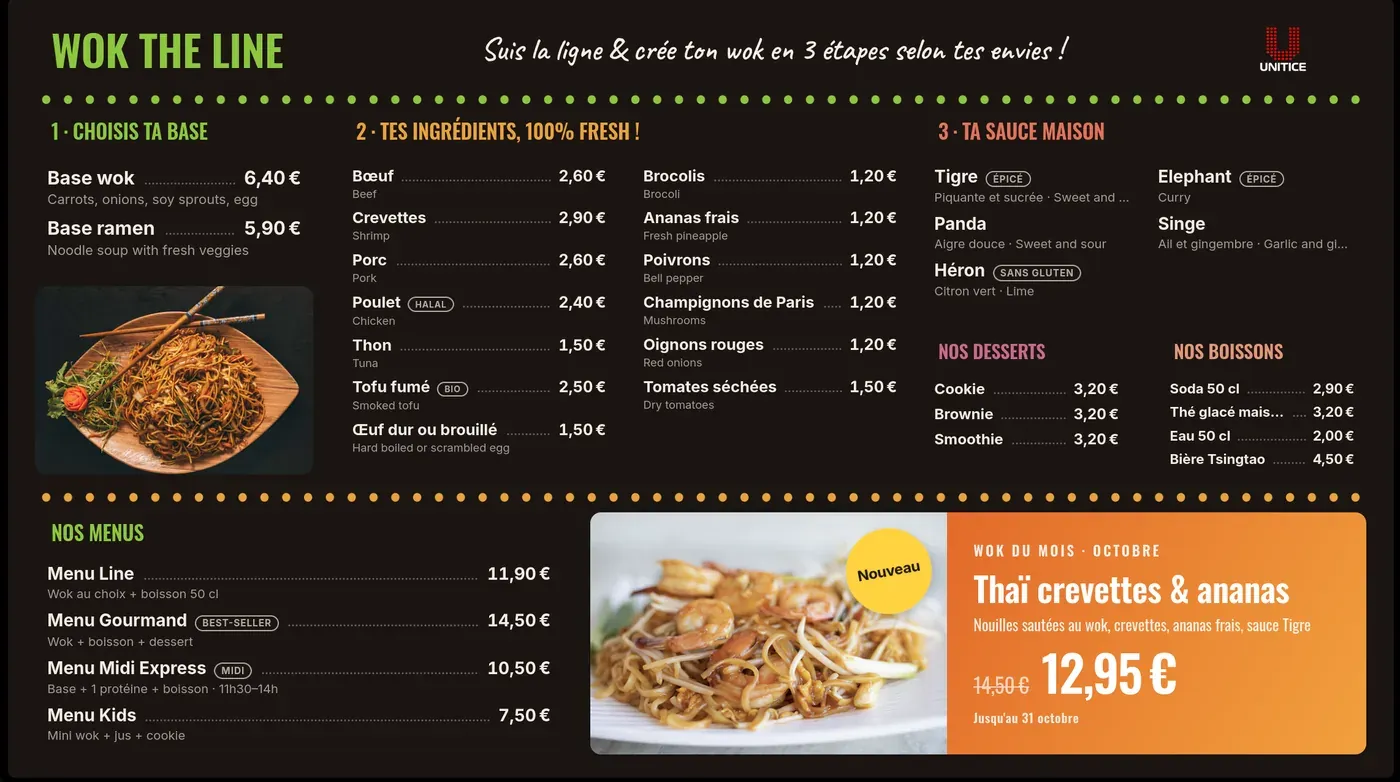
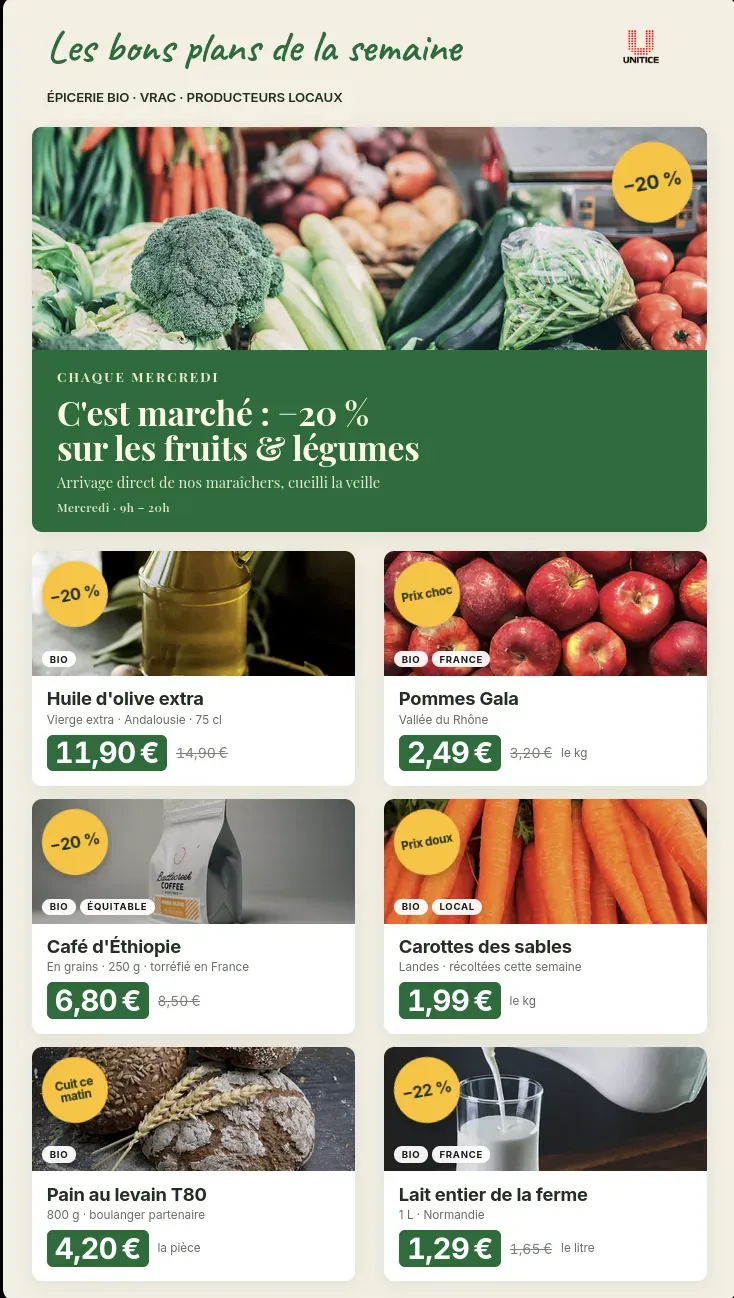
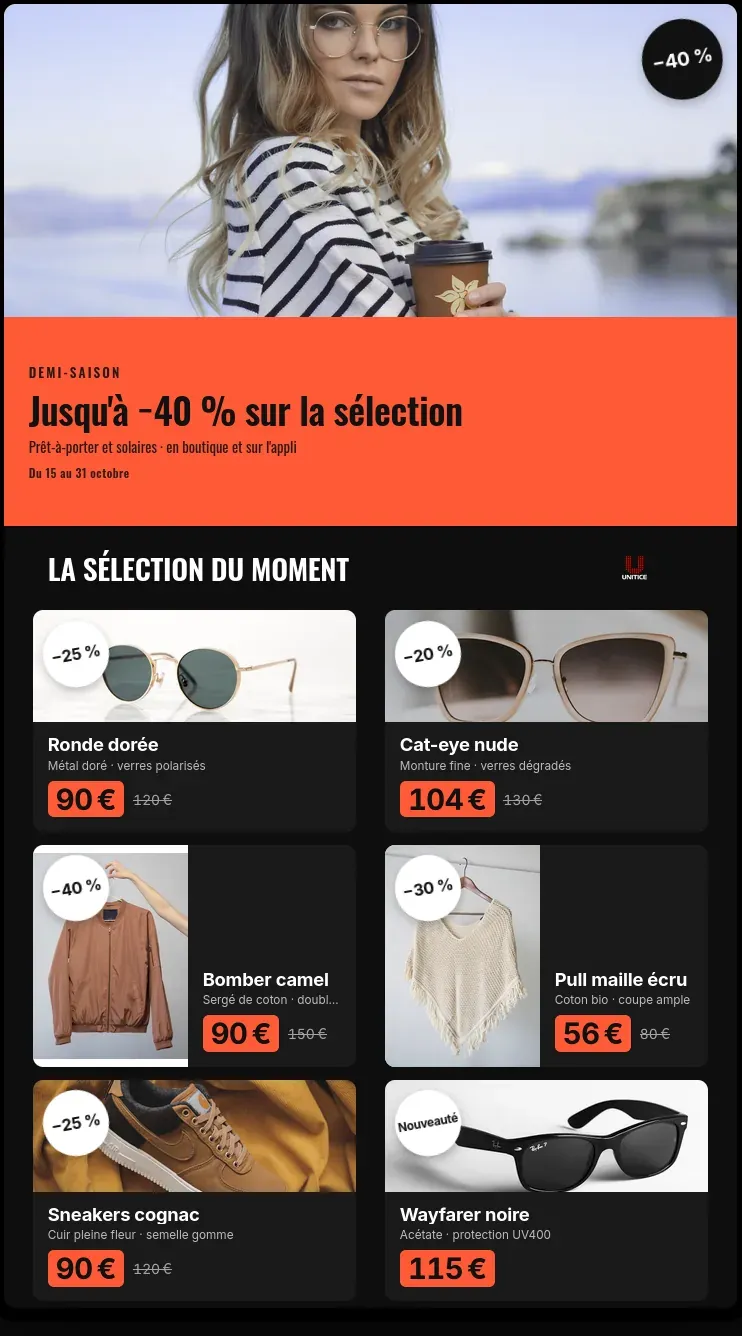
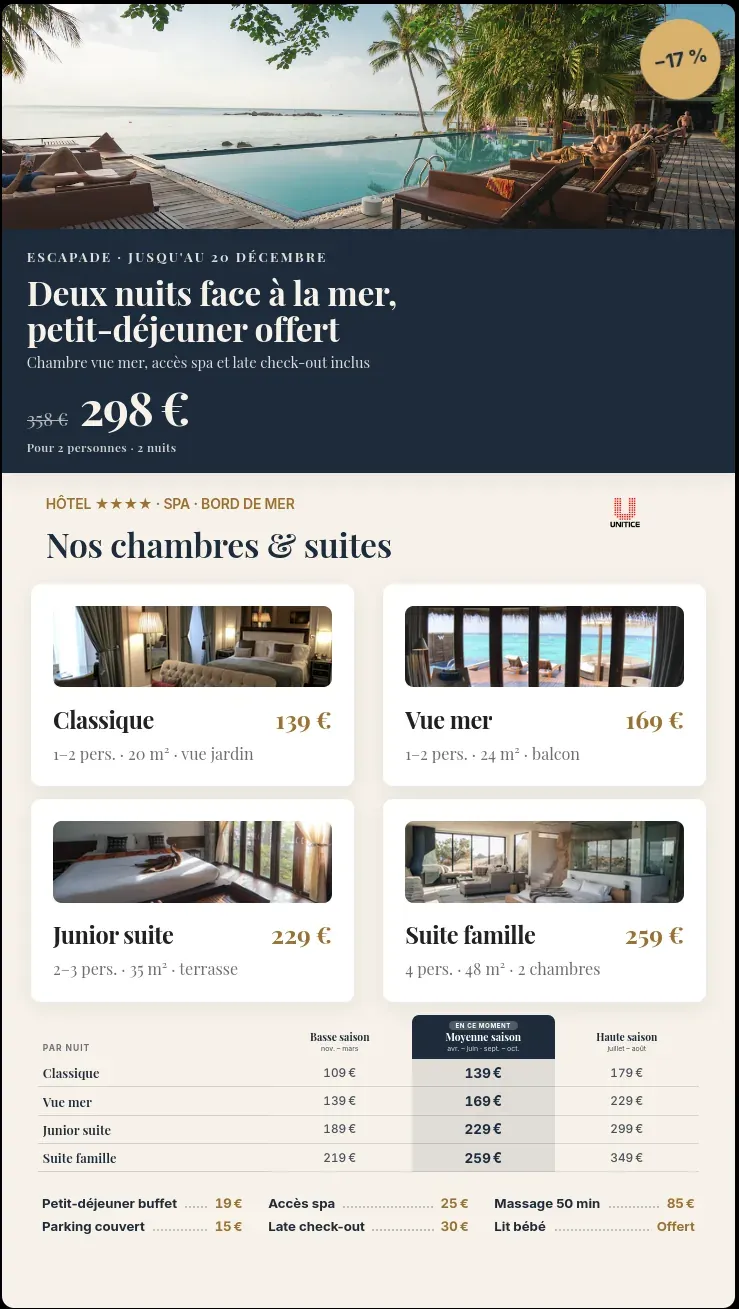
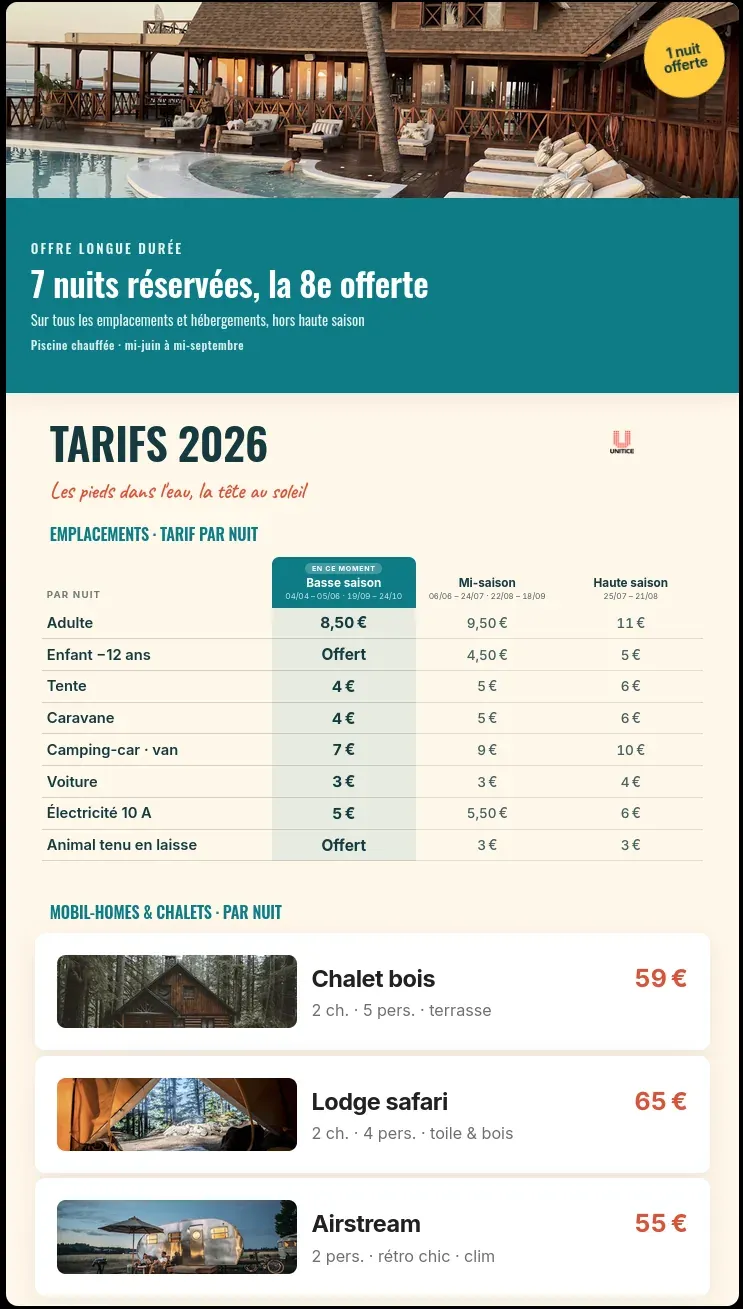
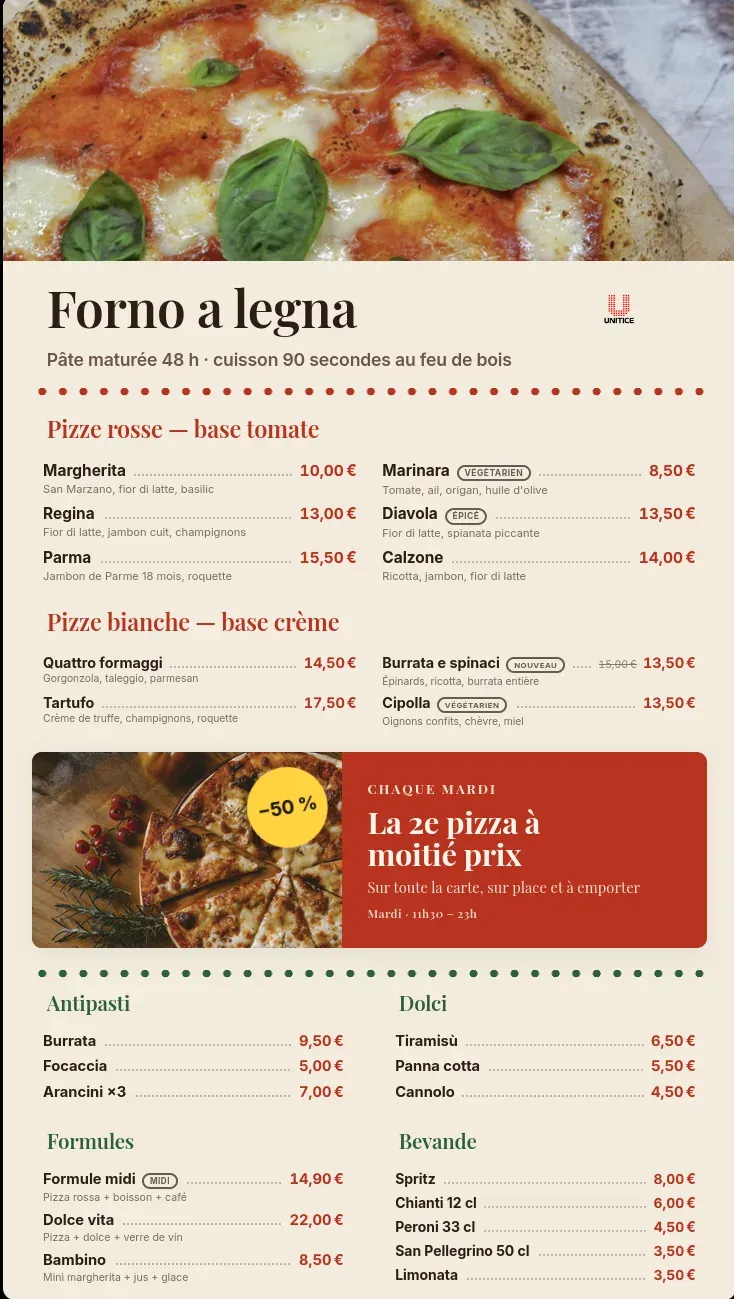
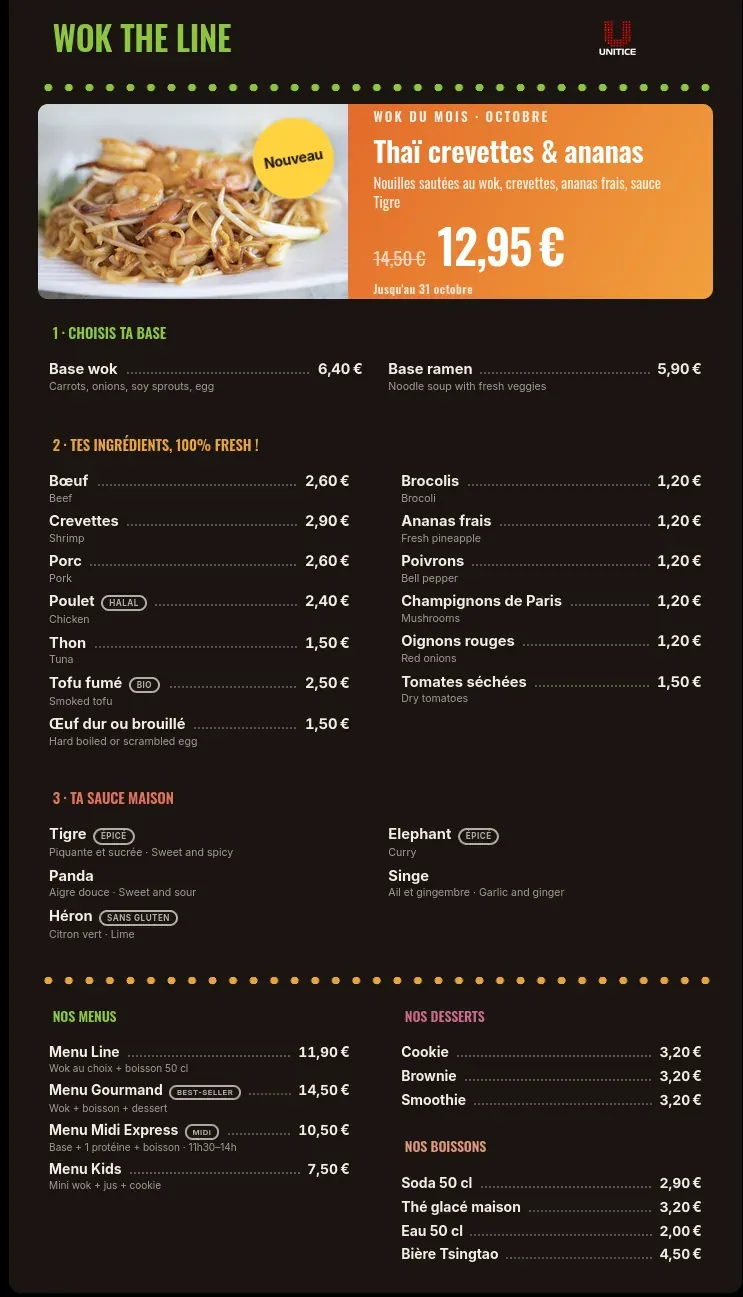
A television and a box are enough. The content comes from the till catalogue: change a price, it changes on the screen.
Breakfast, noon, evening.
Product hidden, or greyed out with or without the "Victim of its own success" badge, instantly.
Set menus and current offers highlighted, to raise the basket.
Window, counter, drive-through.
| Chalkboard and lightboxes | UNITICE | |
|---|---|---|
| Price change | Rewritten or reprinted | Taken from the till catalogue |
| Out-of-stock product | Stays displayed | Hidden, or greyed out with or without a badge |
| Morning, noon and evening | A single display | Layout by time slot |
| Promotions and set menus | Poster to redo | On-screen highlights |
| Several pitches | One stand per space | Window, counter, drive-through: one content per screen |
A television and a box are enough. The content comes from the till's catalogue: change a price, it changes on the screen.
Yes. The layout follows the time slot: breakfast, noon, evening.
As soon as it sells out at the till, it is hidden on the screen, or greyed out with or without the "Victim of its own success" badge.
Yes: window, counter, drive-through, each with its own content.
No. You compose your screen with the editor, then AI lays it out.