A single queue
Till, pad, kiosk and online orders, time-stamped.
Solution — kitchen display
The UNITICE KDS, for kitchen display system, receives on a single touch screen the orders from the till, the pad, the order kiosk and the web. The kitchen sees what to prepare, at which station and for how long.
Orders from every channel arrive on the same screen, in a light or dark theme. The summary shows what remains to be started, and each ticket tracks its time.
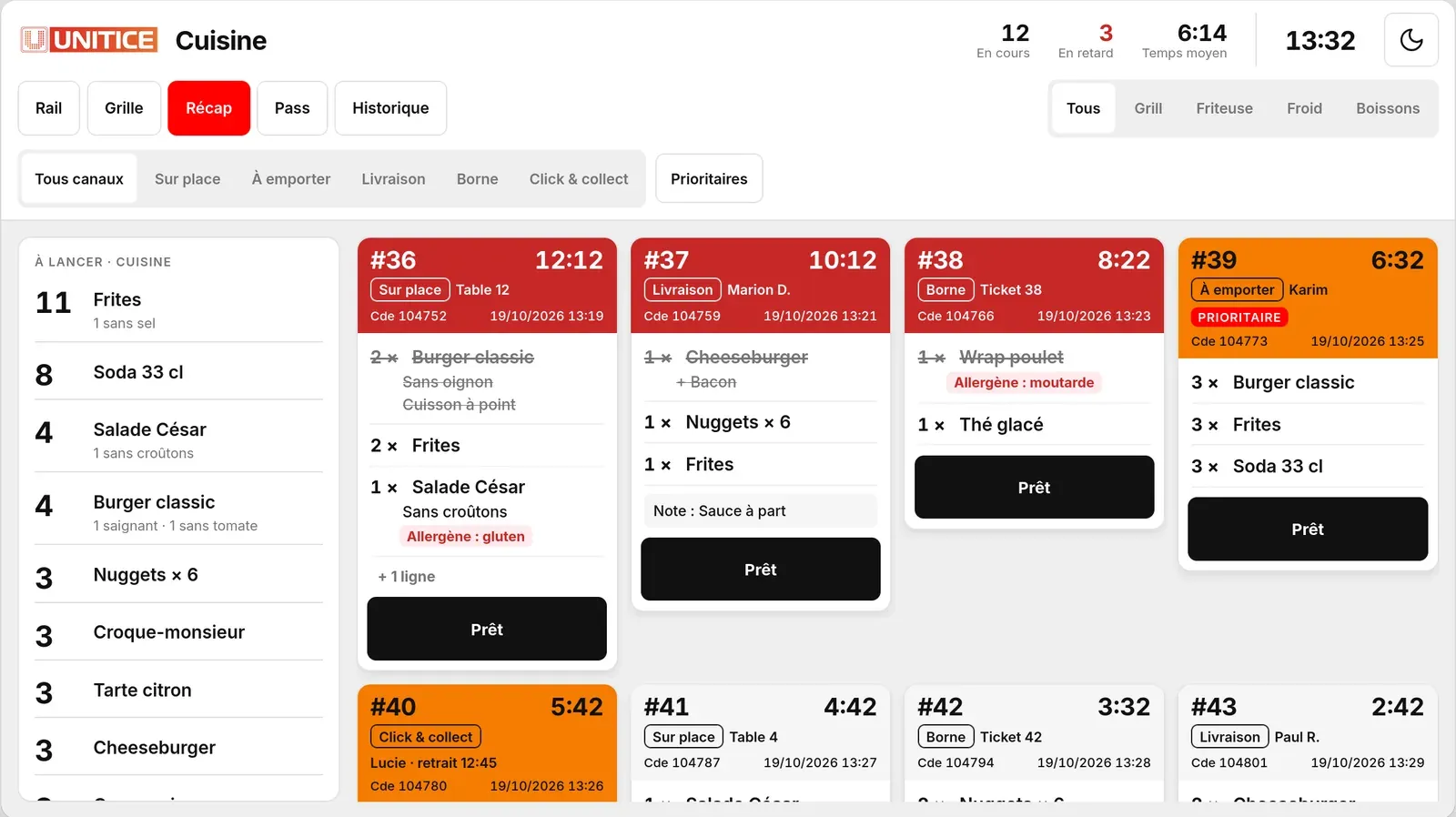
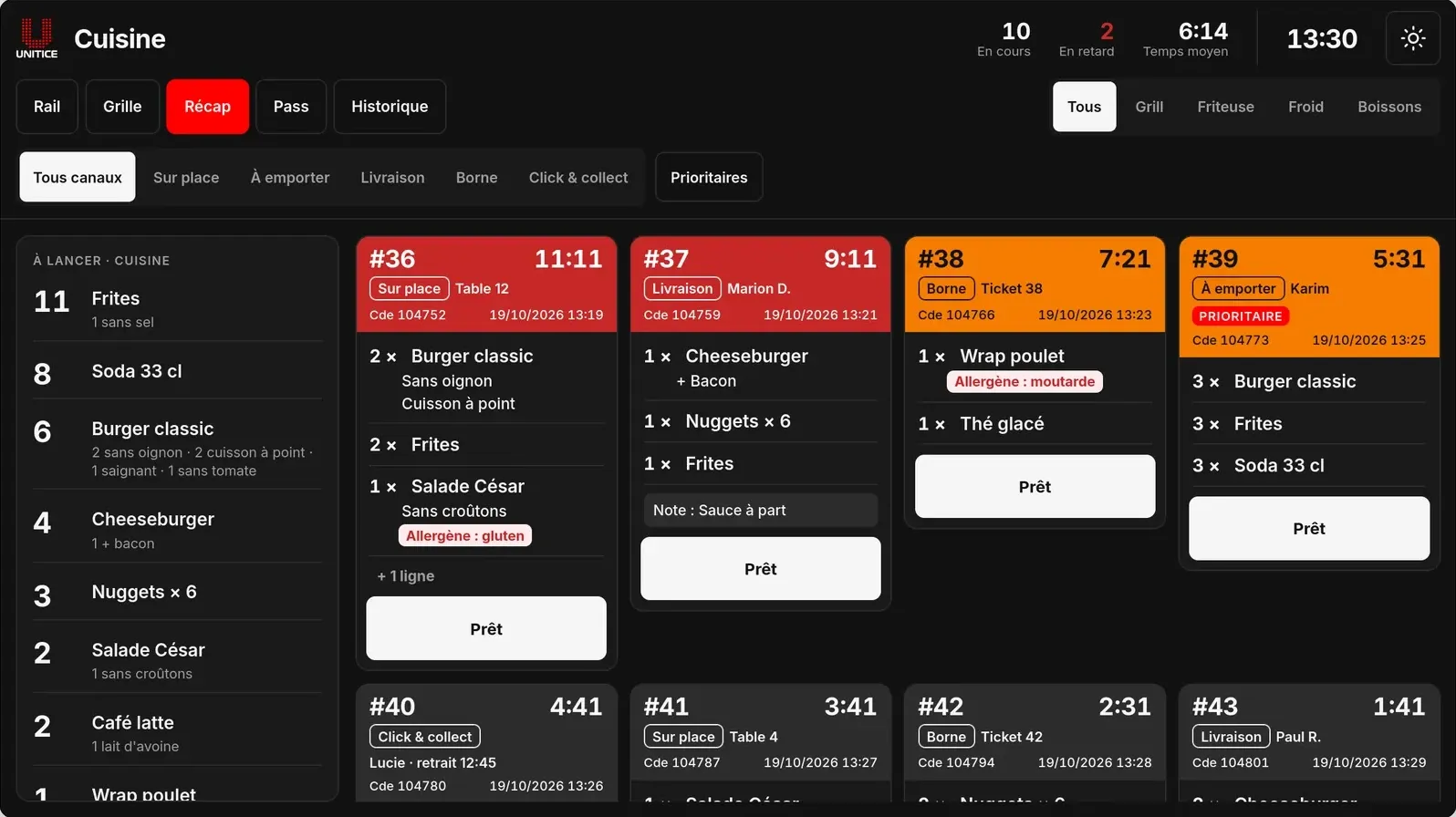
Till, pad, order kiosk and web send their orders to the same touchscreen. The kitchen sees what to prepare, at which station, and for how long.
Till, pad, kiosk and online orders, time-stamped.
Hot, cold, bar.
Overrun alert.
The customer sees their order is ready and comes to collect it, without waiting at the counter.
| Paper receipts | UNITICE | |
|---|---|---|
| Orders in the kitchen | One ticket per channel, to be sorted | Till, pad, order kiosk and web on a single queue |
| Breakdown by station | By hand | Hot, cold, bar |
| Preparation time | Not measured | Timer per order, overrun alert |
| Order ready | Call at the counter | Customer pickup screen |
A kitchen display system: the screen that replaces paper tickets in the kitchen. The UNITICE one receives orders from the till, the pad, the order kiosk and the web.
Yes: hot, cold, bar.
Each order has its timer, with an overrun alert.
Yes. The customer pickup screen shows them their order is ready: they collect it without waiting at the counter.